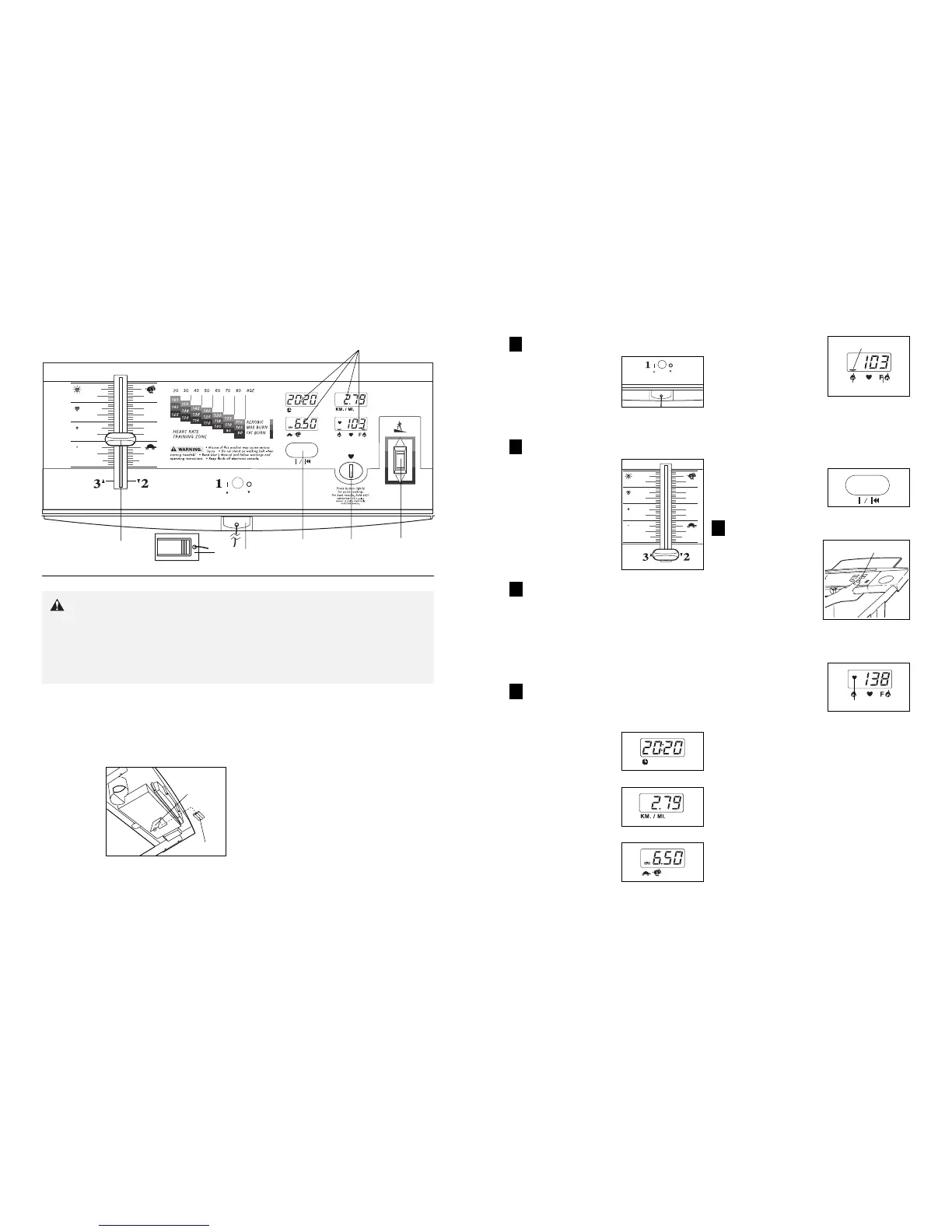
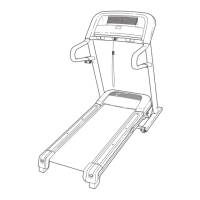
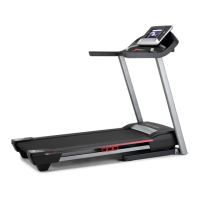
DIAGRAM OF THE CONSOLE
Pulse
Sensor
On/Reset
Button
Incline
Control
Clip
Key
Speed
Control
Displays
98
CAUTION: Before operating the
console, read the following precautions.
¥ Always wear the clip (see the drawing above)
whilst using the treadmill. When the key is re-
moved from the console, the walking belt will
stop.
¥ Do not stand on the walking belt when turning
on the power.
¥ Adjust the speed in small increments.
¥ To reduce the possibility of electric shock,
keep the console dry. Avoid spilling liquids on
the console. Use only a sealable water bottle.
BATTERY INSTALLATION
The console requires three ÒAAÓ batteries (not
included). Alkaline batteries are recommended.
To install batteries, open the battery cover under the
console as shown below. Press three batteries into the
battery com-
partment.
Make sure
that the neg-
ative ends of
the batteries
(marked ÒÐÓ)
are touching
the springs.
Close the
battery cover.
STEP BY STEP CONSOLE OPERATION
Before operating the console, make sure that the power
cord is properly plugged in. (See HOW TO PLUG IN
THE POWER CORD on page 7.) If there is a thin sheet
of clear plastic on the face of the console, remove it.
Next, step onto the foot rails of the treadmill. Find the
clip attached to the key (see the drawing above), and
slide the clip onto the waistband of your clothing.
Follow the steps on pages 9 and 10 to operate the
console.
Batteries
Battery
Cover
Insert the key fully into the power switch.
Note: The displays will
not turn on until the
ON/RESET button is
pressed or the walking
belt is started. (If you
just installed batteries,
the displays will
already be on.)
Reset the speed control.
Slide the speed control
down until it stops.
Note: Each time the
walking belt is
stopped, the speed
control must be moved
to the lowest position
before the walking belt
can be restarted.
Start the walking belt.
With the speed control in the lowest position, slowly
slide it upward until the walking belt begins to move
at slow speed. Carefully step onto the walking belt
and begin walking. Change the speed of the walk-
ing belt as desired by sliding the speed control.
To stop the walking belt, step onto the foot rails and
slide the speed control to the lowest position.
Follow your progress with the four displays.
Note: The console can display distance and speed
in either kilometers or miles (see page 10).
TIME displayÑThis
display shows the total
time that you have
walked or run on the
treadmill.
DISTANCE displayÑ
This display shows the
total distance that you
have walked or run.
SPEED displayÑThis
display shows the speed
of the walking belt.
CALORIES/PULSE
displayÑThis display
shows the approximate
numbers of calories and
fat calories you have
burned. (See FAT CALO-
RIES on page 14 for an
explanation of fat calo-
ries.) Every seven seconds, the display will change
from one number to the other. Arrows in the display
will indicate which number is currently shown. Note:
This display will also show your pulse when the
pulse sensor is used.
The displays can be
reset, if desired, by
pressing the ON/RESET
button.
Measure your pulse, if desired.
To use the pulse
sensor, stand on the
foot rails and place
your thumb on the
pulse sensor as
shown. The pulse
sensor is pressure-
activated; fully press
down the pulse sen-
sor. Do not press too
hard, or the circulation in your thumb will be
restricted, and your pulse will not be detected.
Next, raise your thumb
slightly until the heart-
shaped indicator in the
CALORIES/PULSE
display flashes
steadily. Hold your
thumb at this level. After
5 to 10 seconds, your
pulse will be shown. Hold your thumb on the pulse
sensor for another 15 seconds for the most accu-
rate reading. If the displayed pulse appears to be
too high or too low, or if your pulse is not displayed,
lift your thumb off the pulse sensor and allow the
display to reset. Press down again on the sensor as
described above.
Make sure that your thumb is positioned as shown,
and that you are applying the proper amount of
pressure to the pulse sensor. Try the pulse sensor
several times until you become familiar with it.
Remember to stand still whilst measuring your
pulse.
1
3
4
5
2
Arrow
Fat Cal.
Cal.
Pulse Sensor
Indicator


 To Next Page