Manual Profound VIBRA-series, version 2.00
21
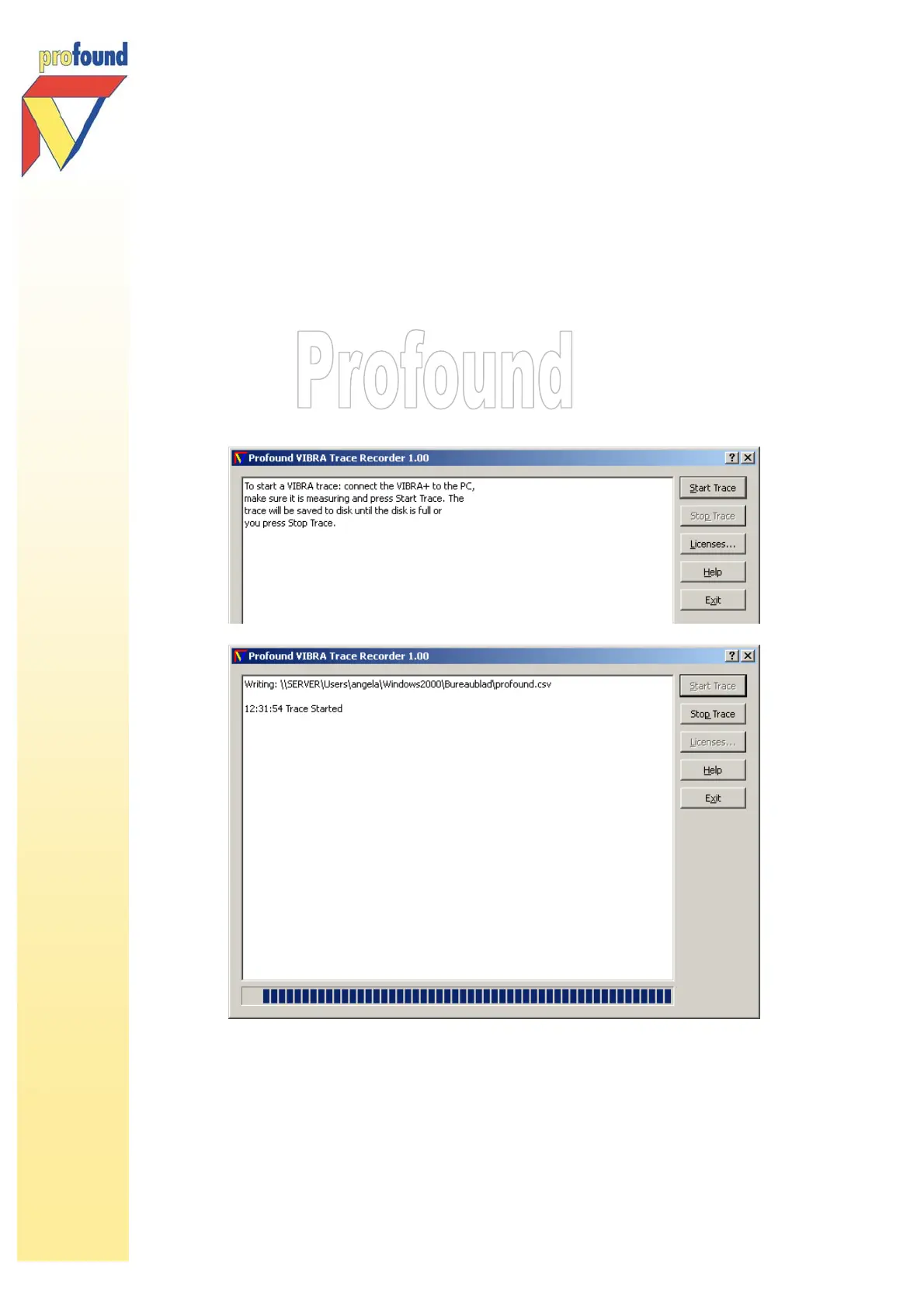
Please follow the steps below to record a VIBRA trace:
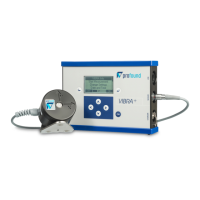
1. Start a vibration measurement with the VIBRA
+
2. Open the VIBRA Trace Recorder program
3. Connect the VIBRA
+
to the PC
4. Verify that the VIBRA
+
is measuring
5. Press Start Trace, give in file name and file location. The trace will be saved as *. csv to
the hard disk of your PC/laptop until the disk is full or until you press Stop Trace.
6. The *. csv-data file can be further processed in Excel or any other program that can
import *.csv-files. With the Excel graph wizard you can quickly create the accompanying
graph



 To Next Page