Manual Profound VIBRA-series, version 2.00
36
5.3.11 Project
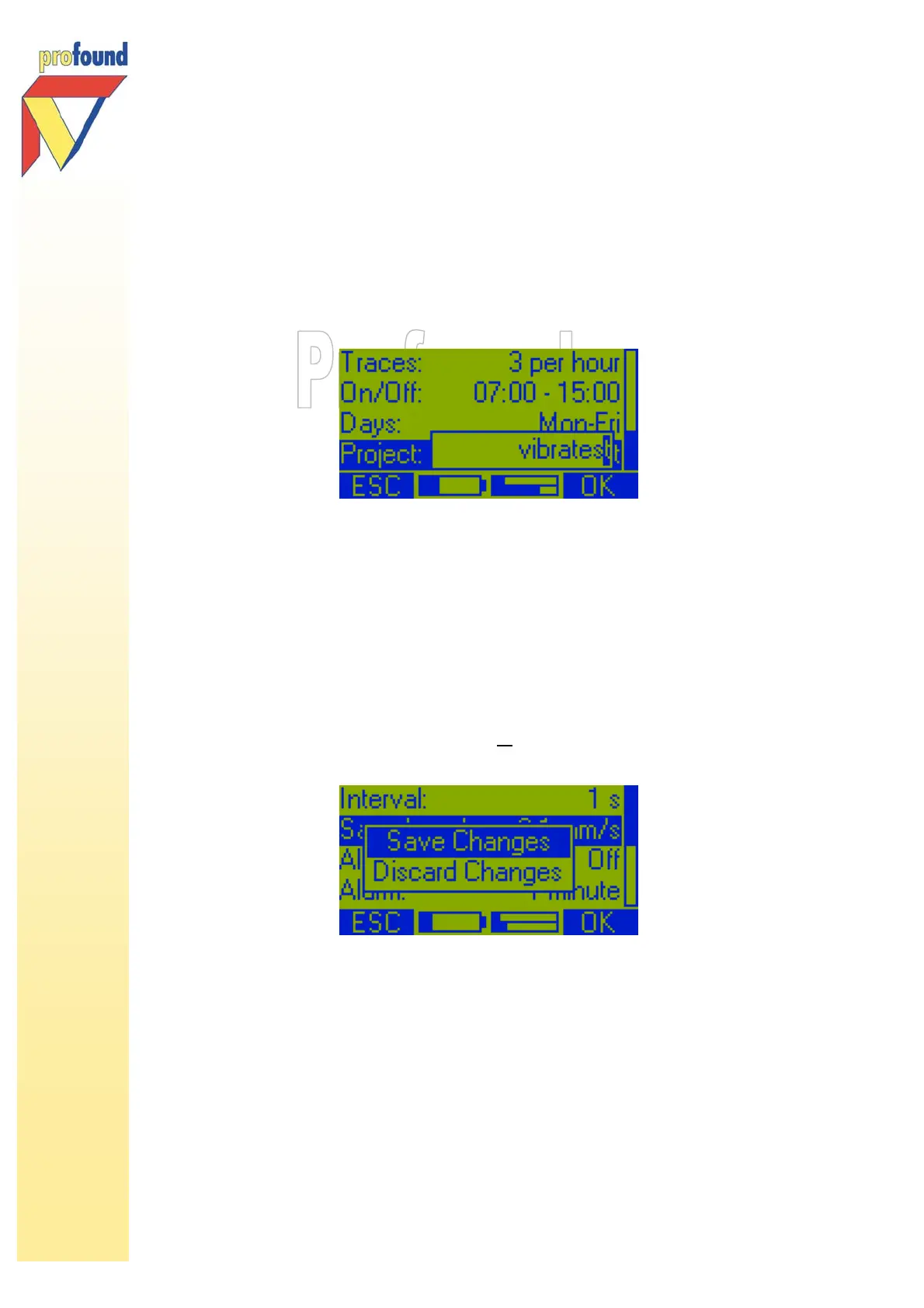
Often the project name will have been set using the PC software. It is also possible to enter a project
name manually. Select with the/-keys Project and press the 2-key OK. The following option appears:
With the arrow keys you are able to change the project name; letters and digits can be selected. Use the
KL-keys to set the desired value or to clear the name. With the I/J-keys the value to be changed, is
selected.
5.3.12 Exiting the Change Settings menu
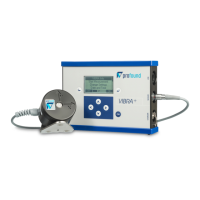
If you have changed the settings of the VIBRA, you will be asked upon exiting this submenu whether
changes need to be saved (Save Changes) or need to be discarded (Discard Changes). Select the
desired option with the -key and confirm with the 2-key OK.
PLEASE NOTE: if you choose to discard changes, all
settings changed will be discarded and the old
settings will stay active.



 To Next Page