Manual Profound VIBRA-series, version 2.00
34
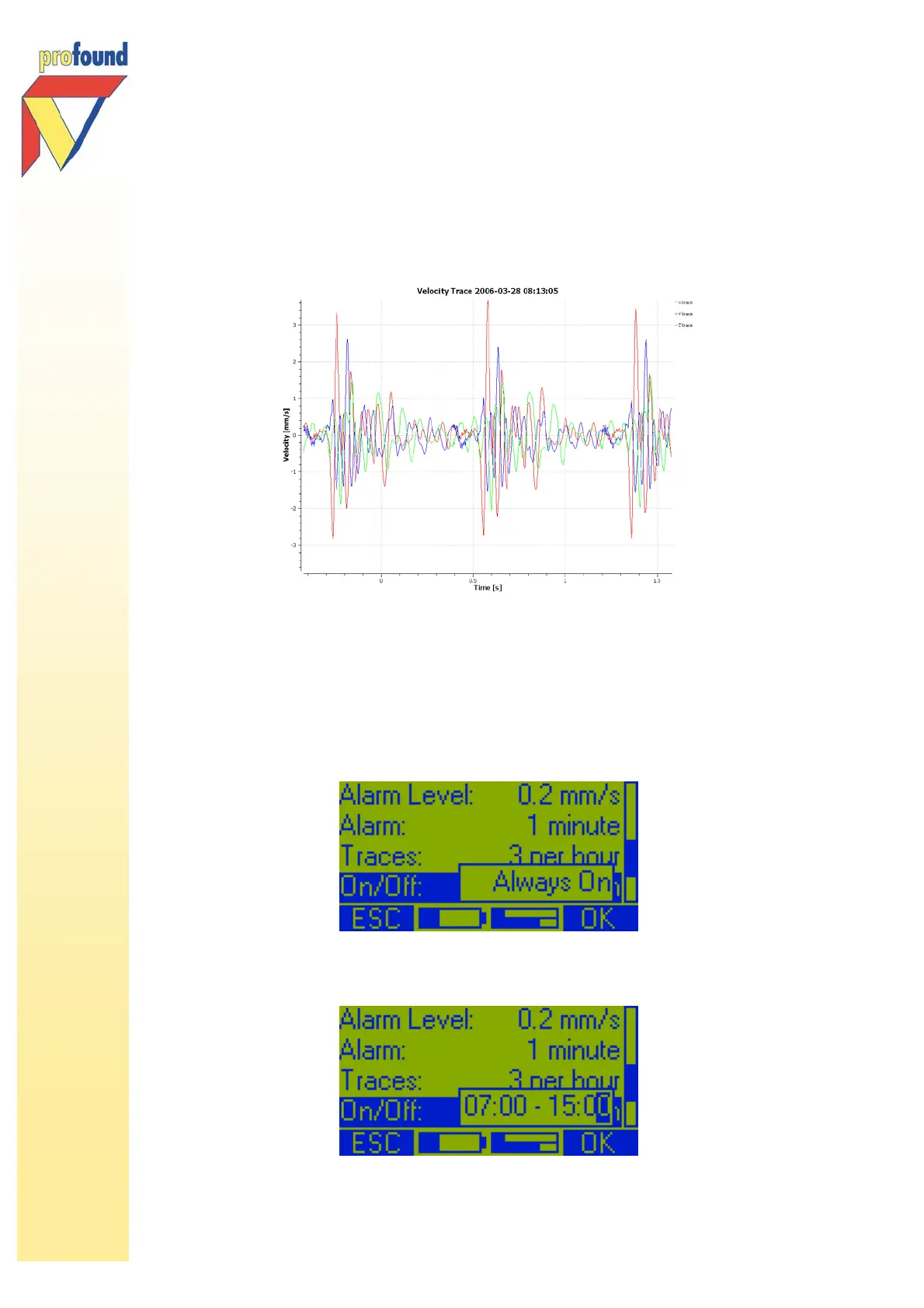
saved, depending on the value set (1 – 9 intervals). Saving traces can facilitate interpretation later on. In
the PC software saved traces are displayed under tab Saved Traces.
graphical display of a trace in the VIBRA PC software
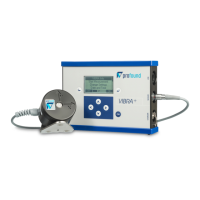
5.3.9 On/Off
To set an On/Off time you select with the /-keys On/Off and press 2-key OK to. The following option
will appear on the display:
Default the system is on while measuring. Use the -key to select the time option: 00:00 – 00:00 and with
the arrow-keys the desired on/off-time between 00:00 and 23:59.



 To Next Page