Manual Profound VIBRA-series, version 2.00
45
4. Save the data with the option Save in the File menu. You can also export data files as Text- or
SGPlot file with the option Export in the File menu. Choose the text-format (ASCII) to process
measuring data in Windows
® Excel.
6.3.2 Viewing data
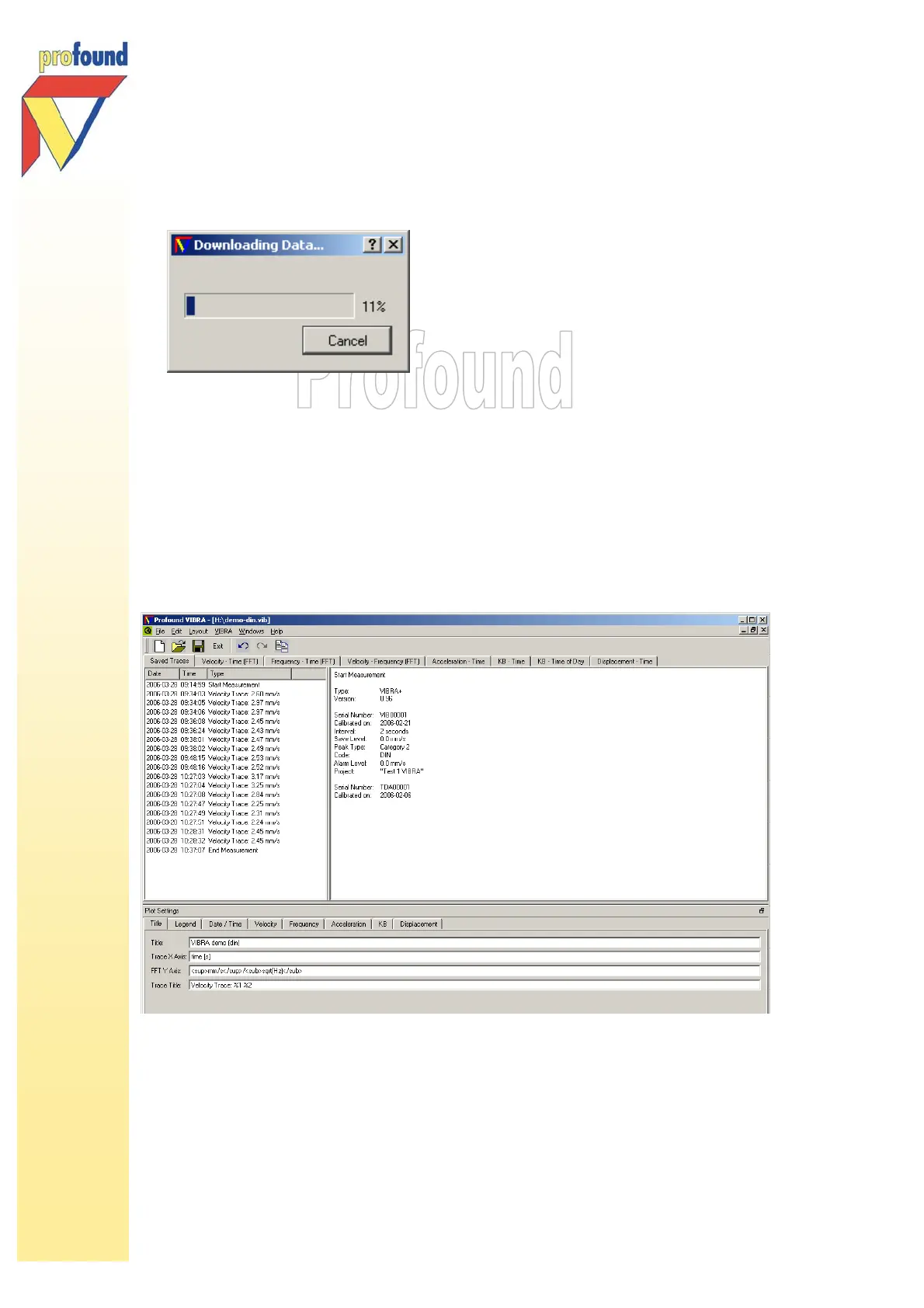
After downloading the data are directly presented on screen, numerically as well as graphically. The
PC software shows the data according to DIN or SBR depending on the measurements settings and
VIBRA model. The first tab Saved Traces gives an overview of the measurement including the
measurement settings.
Click the different tabs to view the measuring data. Display settings can be adjusted with the Plot
Settings below on the screen. Please find further explanations and help in the electronic help of the
PC software.



 To Next Page