Manual Profound VIBRA-series, version 2.00
49
6.3.3 Exporting data (graphically and numerically)
6.3.3.1 Graphical data export
1.
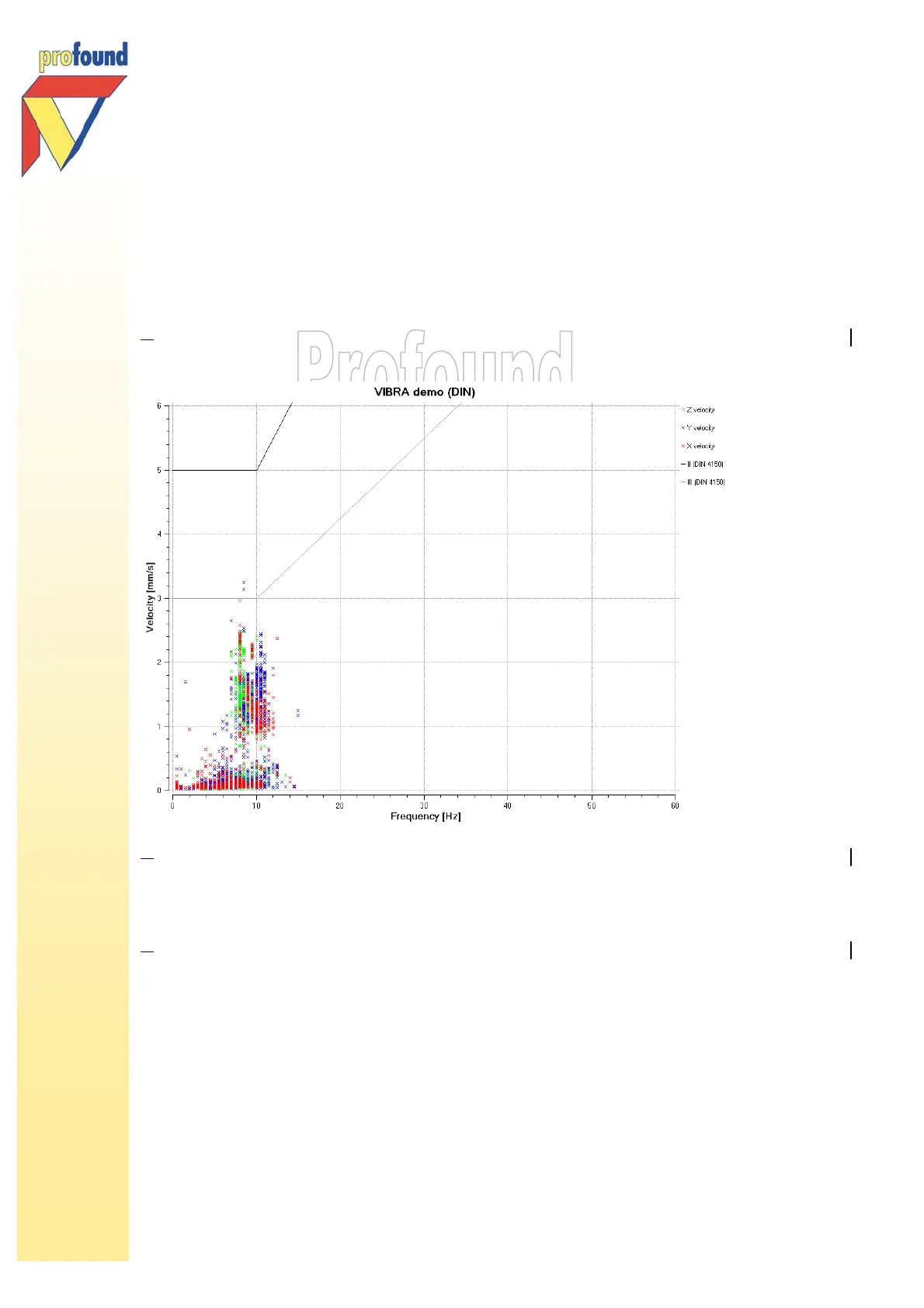
Graphs can be directly copied from the VIBRA PC software program into a word-processing program.
Choose Copy in the Edit menu. Then paste the result in the desired program, as shown:
2.
Graphs can also be directly printed via the option Print in the File menu.
6.3.3.2 Numerical data export
3.
The measurement data can be exported as text-file. Choose the ASCII-format (*.csv) to process data in
Windows® Excel. If you still use SGPlot, you can also export the data as *sgp-file.
Select in the File menu the desired option Export as. In the menu as shown below, you can select
your preferred output.



 To Next Page