Manual Profound VIBRA-series, version 2.00
53
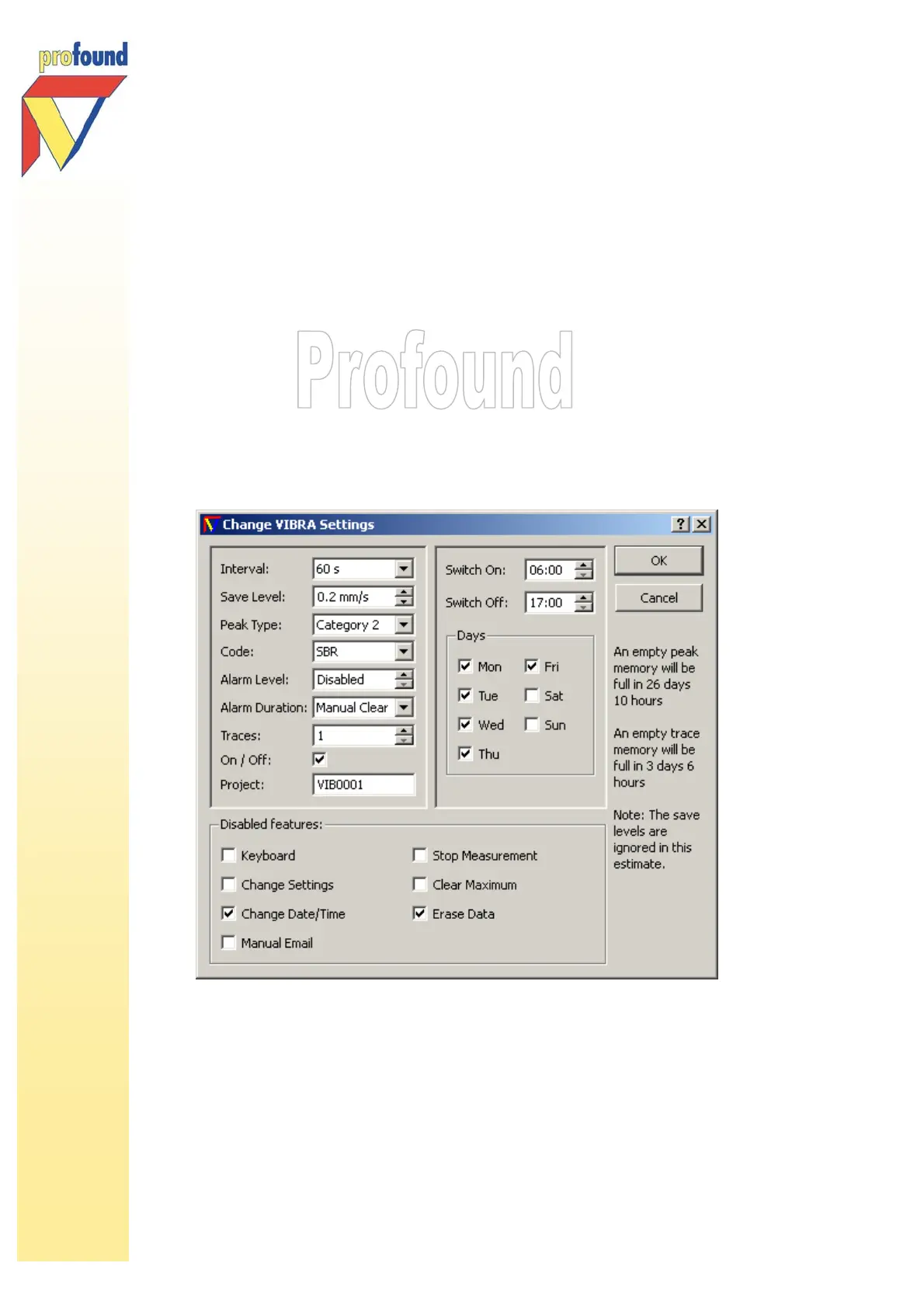
With unlocked systems you can click on Change Settings to change the following settings as desired:
• Interval
• Save Level
• Peak Type (VIBRA-sbr and VIBRA
+
option only)
• Alarm Level
• Alarm Duration
• Traces
• On/Off (Timer function)
o Switch On/Off
o Measure On (VIBRA
+
option only)
• Project (name)
• Disable the following features: Keyboard, Change Settings, Change Date/Time, Manual Email,
Stop Measurement, Clear Maximum, Erase Data
Changed settings and the PC date and time are sent to the VIBRA the moment you click OK.



 To Next Page