Manual Profound VIBRA-series, version 2.00
59
Step 1:
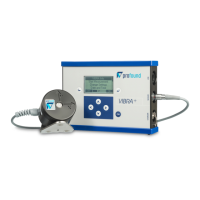
Connect the VIBRA
+
to the PC via
the USB cable. Open the VIBRA PC
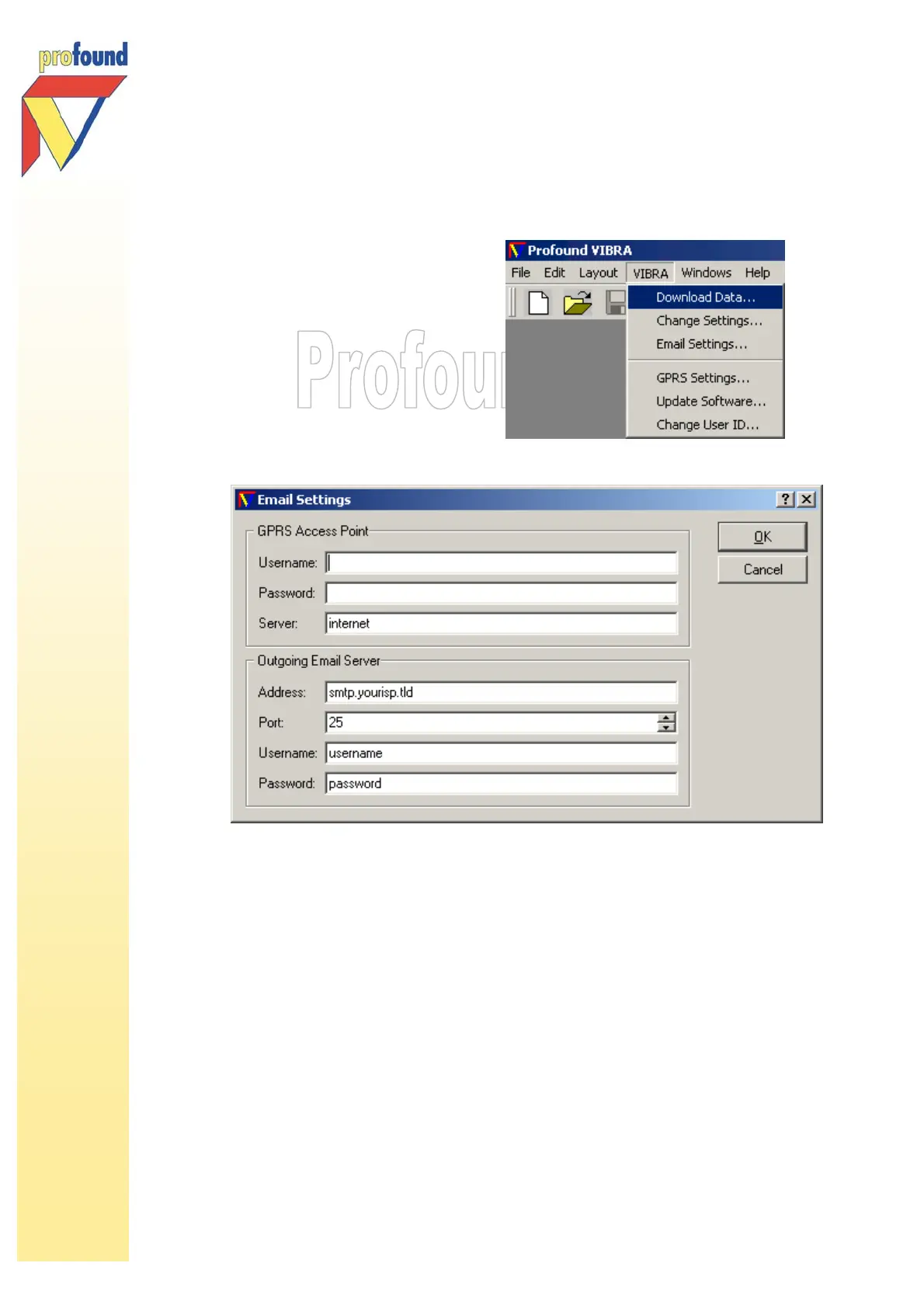
software. Select the option GPRS
Settings in the VIBRA menu. Then,
select GPRS Settings in the dialog
window that pops up.
The PC software will always show
any settings that has already been
entered.
Step 2:
The following input dialog will appear:
The input for both the GPRS Access Point and the Outgoing Email Server has to be
given by your GPRS and/or internet provider.
I – GPRS Access Point
Check with your GPRS provider whether you need to set a username/password. It is not
always necessary to use one. The Server input differs per provider. For example,
Vodafone uses live.vodafone.com ; KPN/Telfort use internet.
II – Outgoing Email Server
Mail Server Address is the address of the outgoing smtp-mail server. Preferably use the
settings of your internet/e-mail provider, as they are specialised in reliable, 24/7 smtp-
hosting. Otherwise, you can ask the GPRS provider for mail server information.
The port to be used is 25. Changing this default setting might cause problems with the
mail system.
Click OK to save the settings to the VIBRA
+
and close the dialog window.



 To Next Page