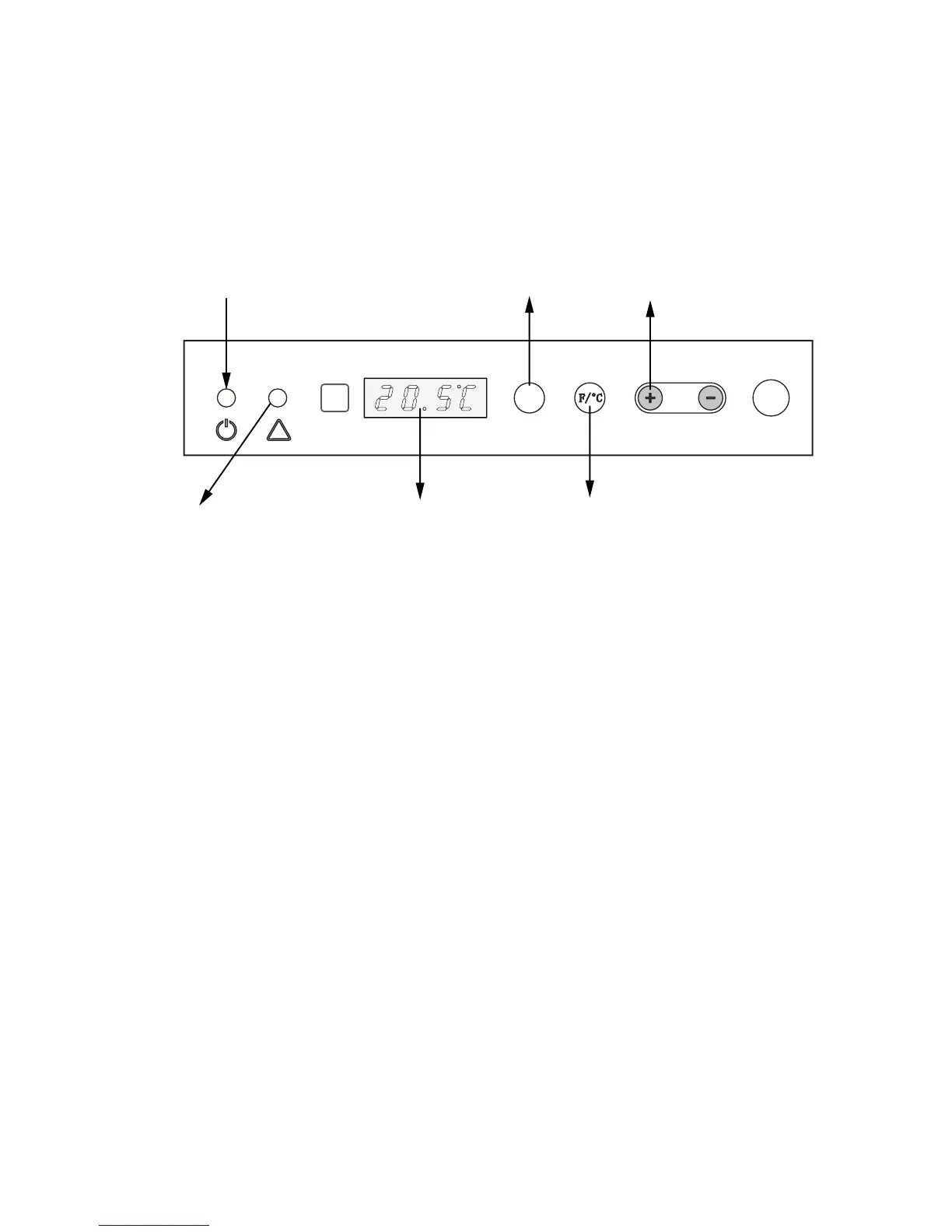
Power indicator (amber)
Cauon indicator (RED)
Fahrenheit Temp/ Celsius Temp
Press these buons to set the room
temperature desired or automacally
off me
Timer buon
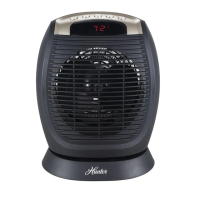
LED display
There are two working modes: Normal mode & Central-control mode;
Once the room temperature reaches the set point,the heater will stop running;
In normal mode, the LED will show the current room temperature;
The LED will display the current room temperature 5 seconds aer each operaon.
InstrucƟons for Normal mode
* Power buƩon
You can use the power buon as the On/Off switch
The power buon is also used to change the heang output between “L” stage and “H” stage
2. “H”—high
power
*temperature selection
Using the “F/℃”buon to change the modes between Fahrenheit temperature and
Celsius temperature
Press the “+” or “-“ buon to set the desired temperature between 5 ℃ and 35 ℃.
Hold down“+ ” or “-” buon to speed up the selecon process.
*Timer selecƟon
1. “L”—low power
Use the “Timer” button to set the working hours for heater from 1hour to 24 hours
Each press of the “Timer” button, the time will be changed by 1 hour on the LED screen



 To Next Page