13
TO PROTECT THE HEATING ELEMENT
When start the heater, turning the temperature control in clockwise slowly to
terminal, the unit starts the fan first then star the heating element.
When close the heater, turning the temperature control in anticlockwise
slowly to off, the unit close the heating element first then close the fan.
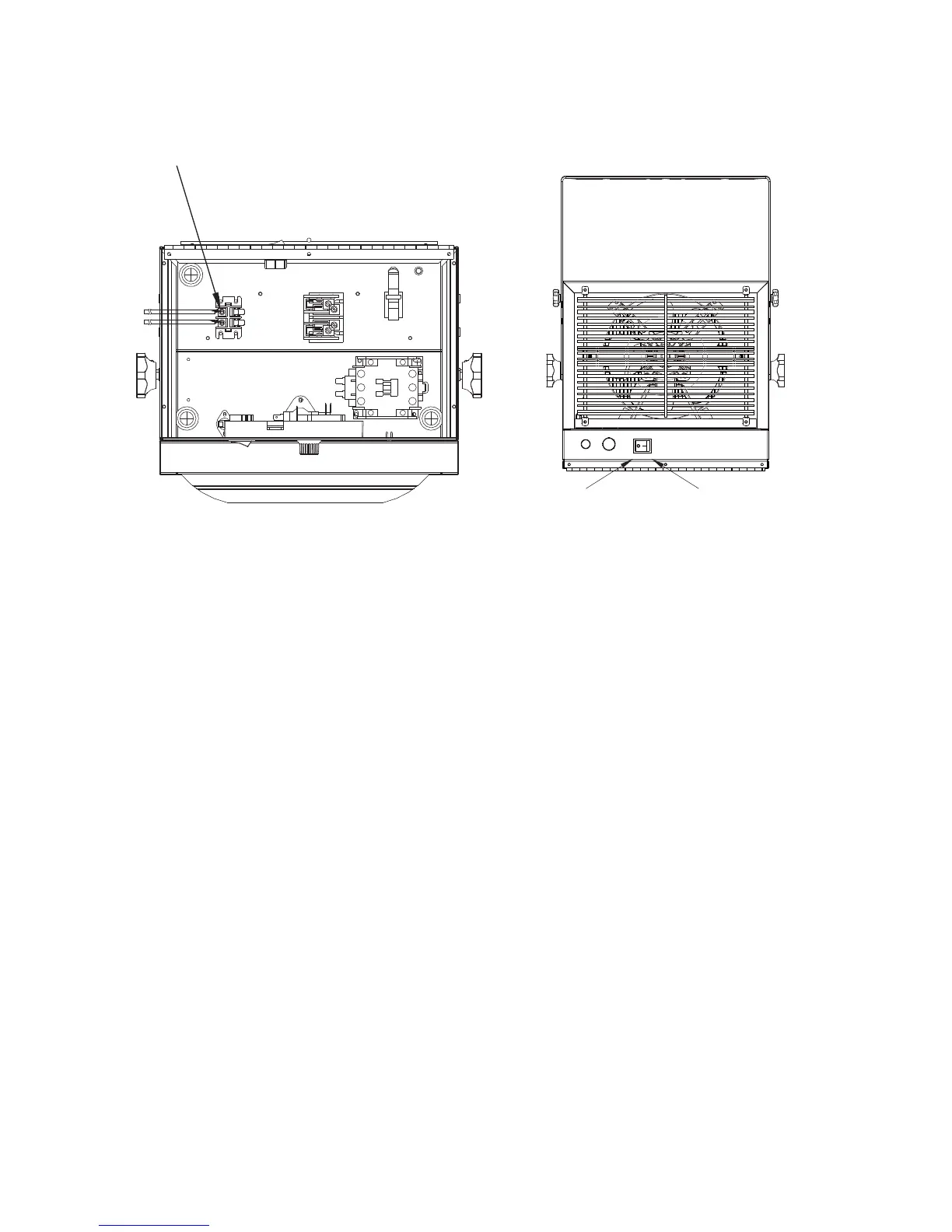
8.Lock screw
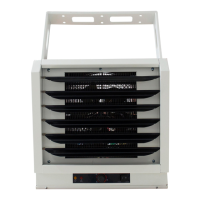
Switch on the heater is
in Normal control
Switch off the hether is in
external thermostat
control
Normal control
external thermostat
control
9.Normal control and
external thermostat
control(use the button switch on/off)
BACK VIEW



 To Next Page