Document # MAN0001 Issue 4.29 Page 12 of 34
Programming
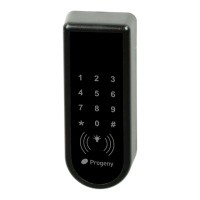
The C4 controller is capable of being programmed “Stand-Alone” from the onboard or externally
connected Keypad. If planning to use the external keypad then you may need to enable the Star
Key from the integral keypad (See engineers function 19).
Programming is achieved by entering a password at the Keypad followed by a menu selection code.
There are two Programming Menus, one for the USER and one for the ENGINEER. Each menu has
a separate six-digit password. Depending on the menu option selected, configuration data can then
be entered at the Keypad.
Programming Flow Diagrams


 To Next Page