EasyManua.ls Logo

Progeny C4 - Program an Administrator Credential; Engineer Menu; Engineer Menu Password

Progeny C4
34 pages
Print Icon
To Next Page IconTo Next Page
To Previous Page IconTo Previous Page
Loading...
Document # MAN0001 Issue 4.29 Page 17 of 34
Program an Administrator Credential
User function 10
A single Crystal Credential (Card or
Fob) can be enabled to act as the
User Menu Administrator Credential.
Using a Credential like this will simplify
and speed up the management of other
credentials and the access code.
Related User Menus:
01 Access Code
04 “Add Credential
05 “Remove Credential
Related Engineer Menus:
Engineer Menu
Engineer
Menu #
Description
Range
Default Value
* 00
Engineer Menu Password
000000 to 999999
1 2 3 4 5 6
* 02
Lock Release Duration
0 to 99 Sec
3
* 03
Door Alarm Delay
0 to 99 Sec
0 = Off
* 09
Penalty Time
0 to 99 Sec
0
* 10
Administrator Credential
00000000 to 99999999
0
* 12
Touch to Release Enable
0 or 1
0 = Disabled
* 14
Lock Drive Mode
1 to 2
1 = Power to Release
* 15
Auto Relock on Door Close
1= On, 0 =Off
0 (Off)
* 17
Clear Credential Data
749162
-
* 19
External Keypad * mode
0 to 1
0 = Disabled
* 20
Two Factor Authentication
0 to 1
0 = Disabled
* 31
Controller Alarm Volume
0 to 15
15
* 32
Controller Feedback Volume
0 to 15
8
* 33
Ext Reader Alarm Volume
0 to 15
15
* 34
Ext Reader Feedback Volume
0 to 15
8
* 58
Controller Status Light Brightness
0 to 9
5
* 78
Ext Reader Status Light Brightness
0 to 9
5
* 98
Clear Access Code
-
-
* 99
Reset User Password
-
654321
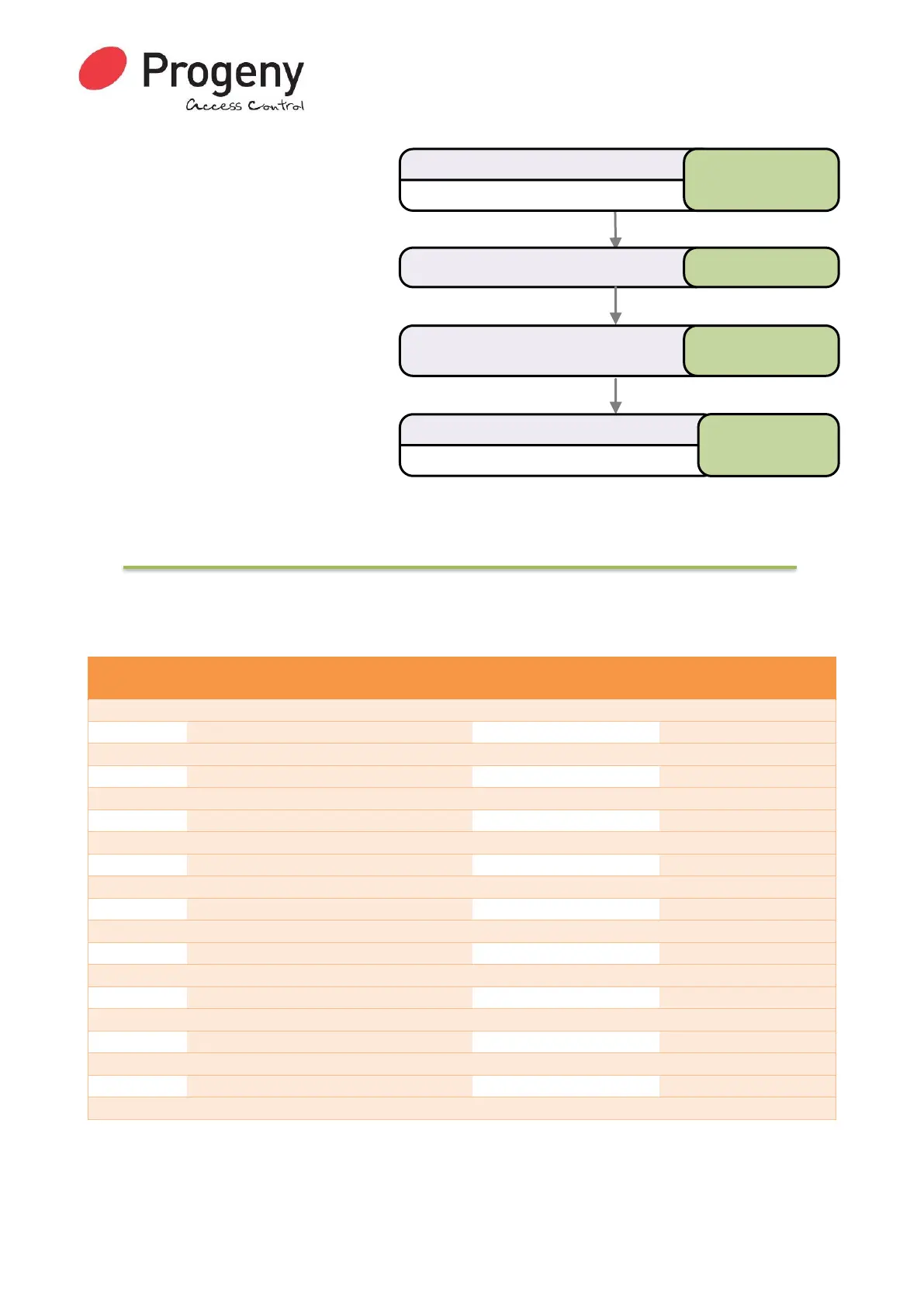
Status LED will Flash
Enter User Password
* 6 5 4 3 2 1
Select User Admin Credential * 1 0
Status LED will stop Flashing
Complete & Exit Programming Mode
#
Enter the ID of the Credential or
Present it to the Controller/Reader
00230001