Document # MAN0001 Issue 4.29 Page 18 of 34
Lock Release Time
Lock time is the amount of time that the locking device is released following a valid Credential or the
triggering of the RQE input. This may be from 0 to 99 seconds. If a door sensor is fitted then the
auto relock feature means that the lock time will be cut short once the door closes again.
Programming the Lock Release Time
Default Value:
• 3 Seconds
Related Engineer Menus:
• 15 “Auto Relock on Door Close”
Toggle Mode
If the lock time is set to zero, the output for
the lock will be in “Toggle Mode”. In this
mode: each time a valid Credential is
presented or correct code is entered, the
output relay will “Toggle” to the opposite
state and stay that way.
Door Alarm
There are connections on the control unit to allow the monitoring of the door open status. This value
is the amount of time the door may be open before triggering an audible alarm from the control unit.
This may be from 0 to 99 seconds. If this is set to zero, the PDO alarm is disabled.
Programming Door Alarm Time
To disable the PDO sound and output
permanently, program the PDO time to
zero.
The range of Values:
0 = Off
1 to 99 Seconds
Default Value:
0 = Off
Related Engineers Menus:
• 31 Ext Reader Alarm Volume
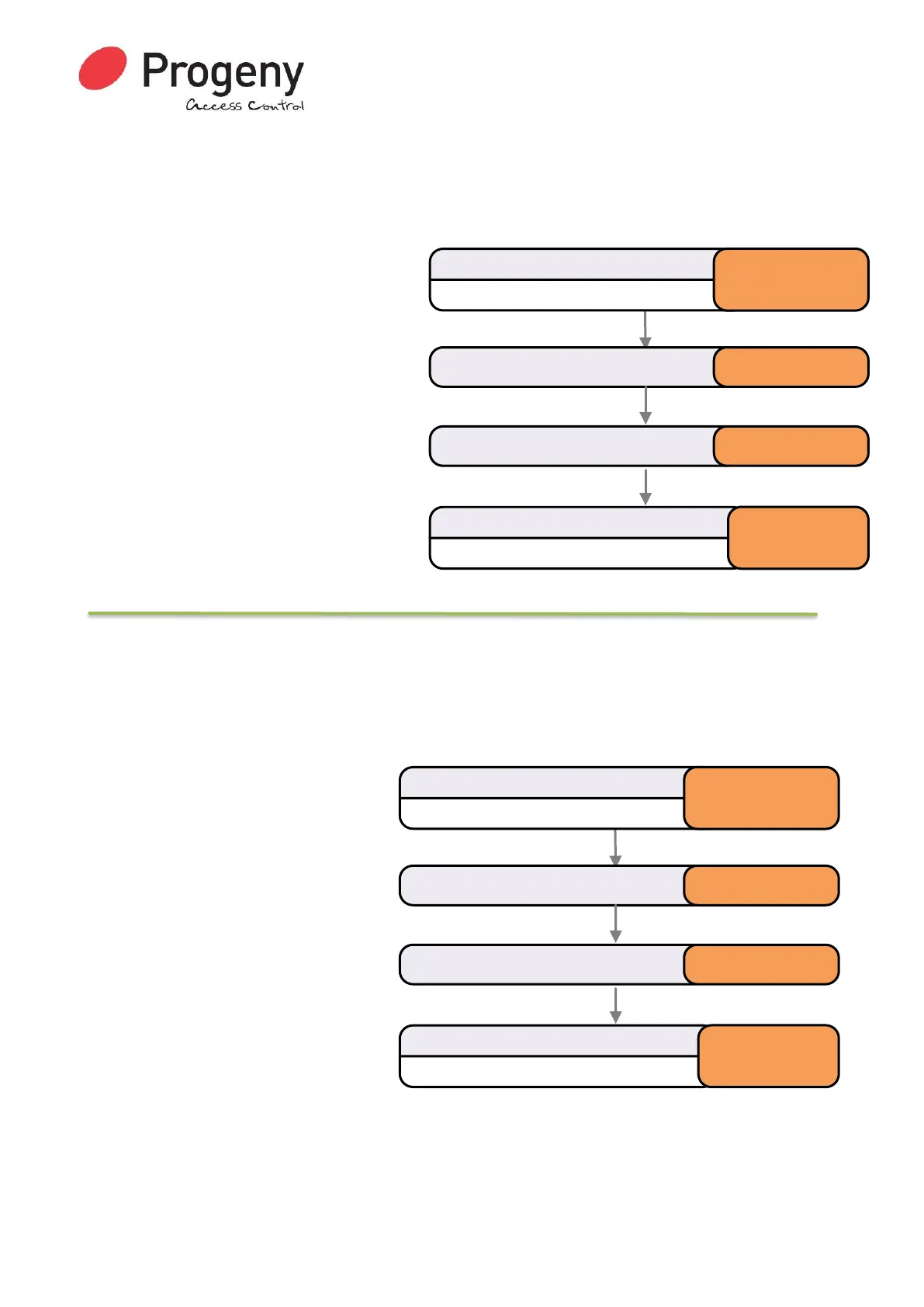
Status LED will Flash
Enter Engineer Password
* 1 2 3 4 5 6
Select Lock Release Timemenu * 0 2
Status LED will stop Flashing
Complete & Exit Programming Mode
#
Enter number of seconds (0 to 99) 5
Status LED will Flash
Enter Engineer Password
* 1 2 3 4 5 6
Select Failed to Close Timermenu * 0 3
Status LED will stop Flashing
Complete & Exit Programming Mode
#
Enter number of seconds ( 1 to 99 ) 15


 To Next Page