Document # MAN0001 Issue 4.29 Page 13 of 34
User Menu
The User Menu is accessed by entering * followed by the User Password. The default for this is
654321.
User Menu Password
Passwords are the means by which the
systems operator gains access to the
programming functions. This is a 6-digit
number and can be changed by using
the following procedure.
Changing the user menu password
This example shows the password
changed to 234567.
Default Value:
• 654321
The factory default can be restored by
a “Full Reset”
Related Engineer Menus:
• 00 “Engineer Password”
Note:
To avoid having to remember the user password, an “Administrator Credential” can be nominated.
See User function 10.
To use this Administrator Credential, follow the sequences as detailed in this manual but where you
are asked to enter the User Password, present the Administrator Credential Instead.
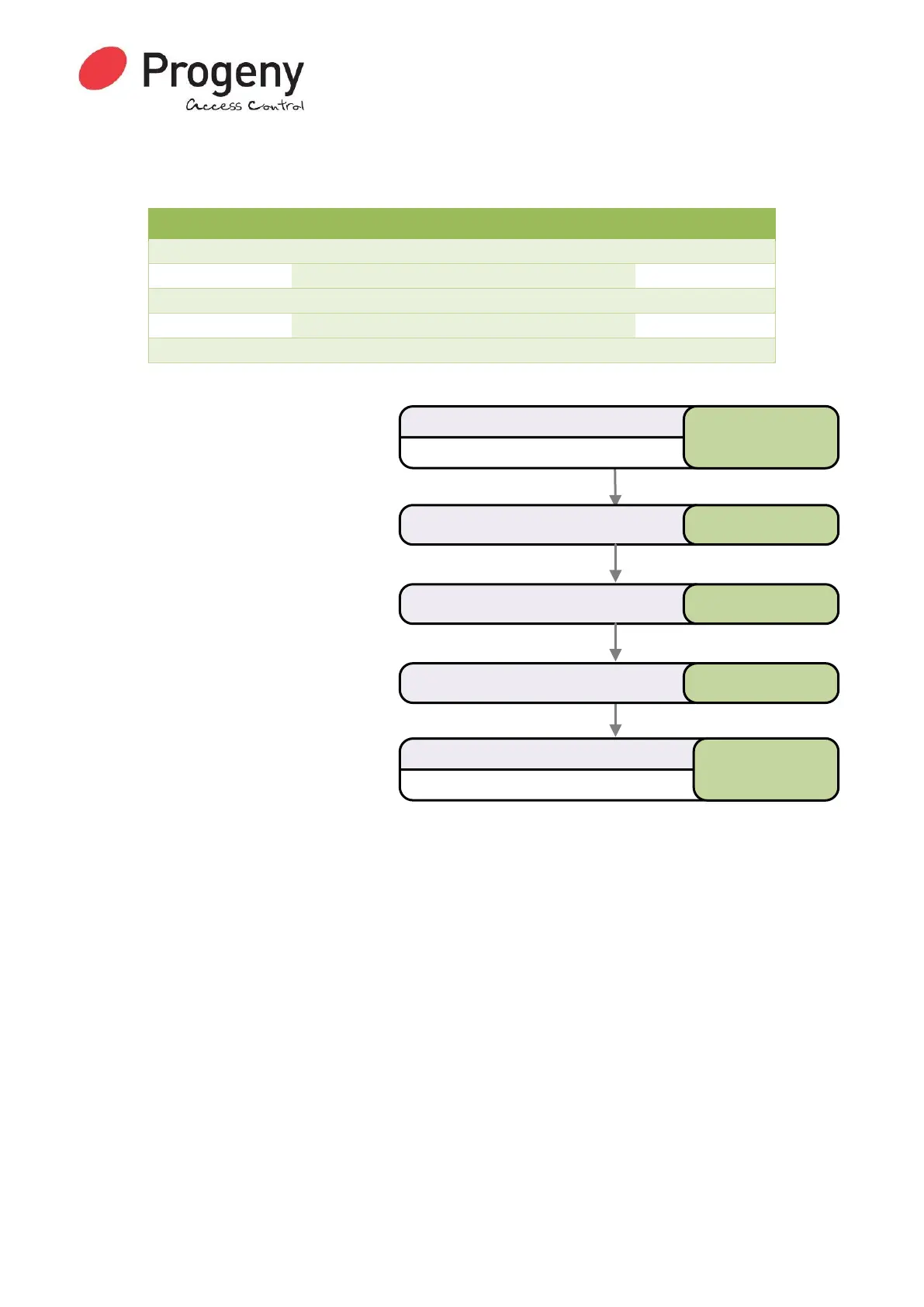
Status LED will Flash
Enter User Password
* 6 5 4 3 2 1
Select User Passwordmenu * 0 0
Status LED will stop Flashing
Complete & Exit Programming Mode
#
Enter the new Password 2 3 4 5 6 7
Enter the new Password again 2 3 4 5 6 7


 To Next Page