Document # MAN0001 Issue 4.29 Page 28 of 34
Engineer Password
The passwords are the means by
which the commissioning engineer
gains access to the programming
functions. This is a 6-digit number and
can be changed by using the following
procedure.
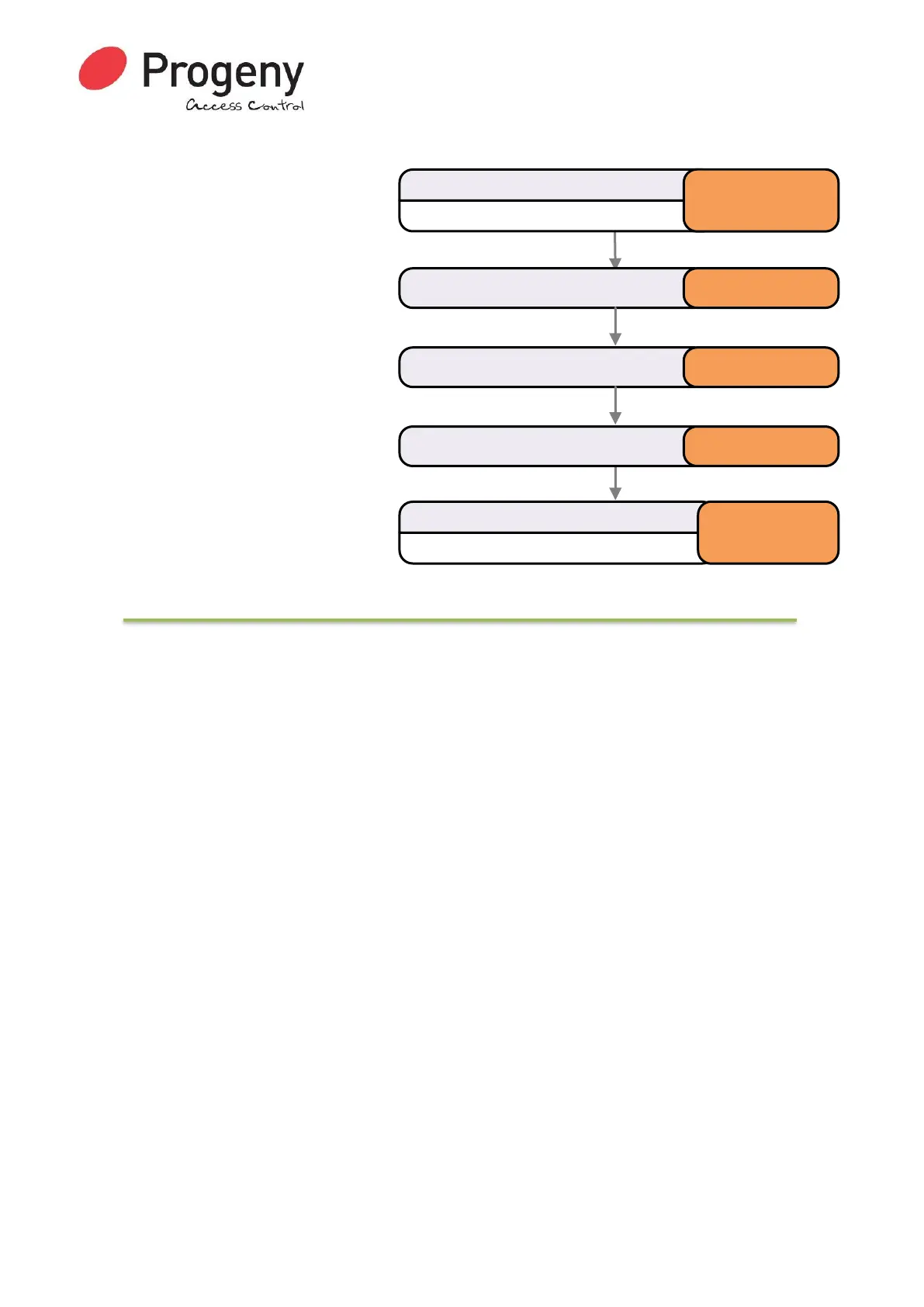
Changing the Engineer
Password
Default *123456
Restoring Factory Settings
Reset Sequence
The reset button allows the engineer to perform a factory reset. This resets all parameters to the
factory default values and removes all Credentials and the Access Code.
1. Remove Power to the Keypad/Controller
2. Press and Hold the “9” Key
3. Apply Power and keep hold the “9” Key until the status light turns blue.
The Controller will now use the factory settings for all codes and timings. See defaults listed in the
User and Engineer menu.
In particular:
• User Password will be 654321
• Engineers Password will be 123456
• All Credential Data erased
• The Access Code is erased
Status LED will Flash
Enter Engineer Password
* 1 2 3 4 5 6
Select Engineer Passwordmenu * 0 0
Status LED will stop Flashing
Complete & Exit Programming Mode
#
Enter the new Password 7 8 9 7 8 9
Enter the new Password again 7 8 9 7 8 9


 To Next Page