Document # MAN0001 Issue 4.29 Page 27 of 34
Removing the Access Code
Engineer’ function 98 will erase the
access code.
N.B.
• The Access Code will not work
• Any Credential data will be
unaffected
• The User and Engineers
Passwords are unaffected
Reset User Password
It can be useful for the engineer to
reset the user password. By entering
the engineering menu and select
function 99 the Users Password will be
set to the new value.
Resetting the User Password
N.B.
• Only the User Password will be
reset to the value chosen.
• The Access Code will be
unaffected
• Any Credential data will be
unaffected
• The Engineers Password is
unaffected
In this example, the user Password is
set to “234567”
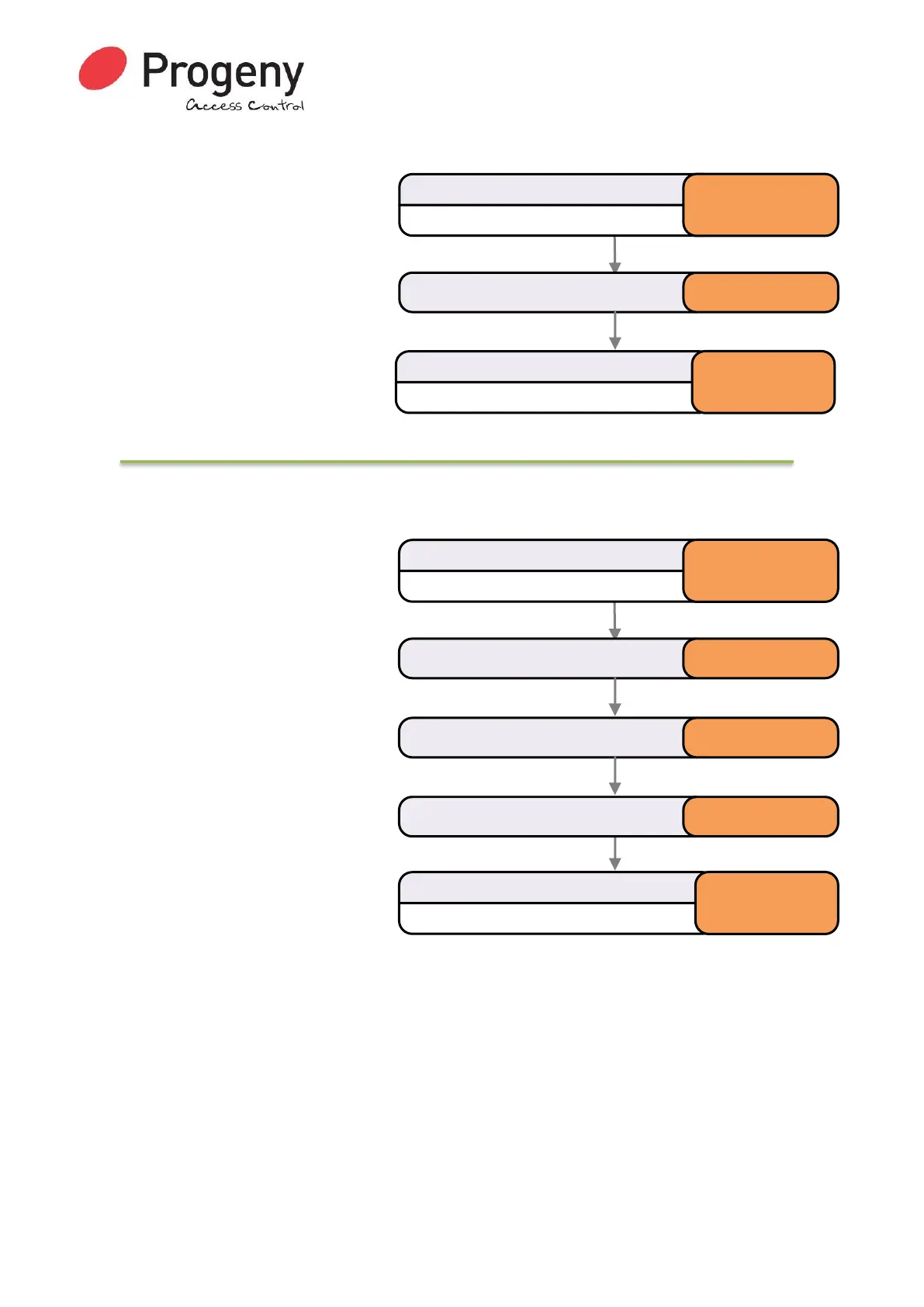
Status LED will Flash
Enter Engineer Password
* 1 2 3 4 5 6
Select Clear Access Codemenu * 9 8
Status LED will stop Flashing
Complete & Exit Programming Mode
#
Status LED will Flash
Enter Engineer Password
* 1 2 3 4 5 6
Select Reset User Passwordmenu * 9 9
Status LED will stop Flashing
Complete & Exit Programming Mode
#
Enter the new User Password 2 3 4 5 6 7
Enter the new User Password again 2 3 4 5 6 7


 To Next Page