Document # MAN0001 Issue 4.29 Page 26 of 34
Controller / Reader Brightness Control
The C4 Controller has a status light that can be made brighter or darker as the application
demands. Mostly the default value is fine. However, in some unsupervised locations, it may attract
the attention of vandals and it may be preferable to turn the brightness down to 0.
Values
• 0 = 0ff to 9 = 100%
Default Value
• 5 = Medium Brightness
Related Engineer Menus:
• 33 Controller Volume
External Reader Brightness Control
The Dark Crystal range has a status light that can be made brighter or darker as the application
demands. Mostly the default value is fine. However, in some unsupervised locations, it may attract
the attention of vandals and it may be preferable to turn the brightness down to 0.
Values
• 0 = 0ff to 9 = 100%
Default Value
• 5 = Medium Brightness
Related Engineer Menus:
• 34 Ext Reader Volume
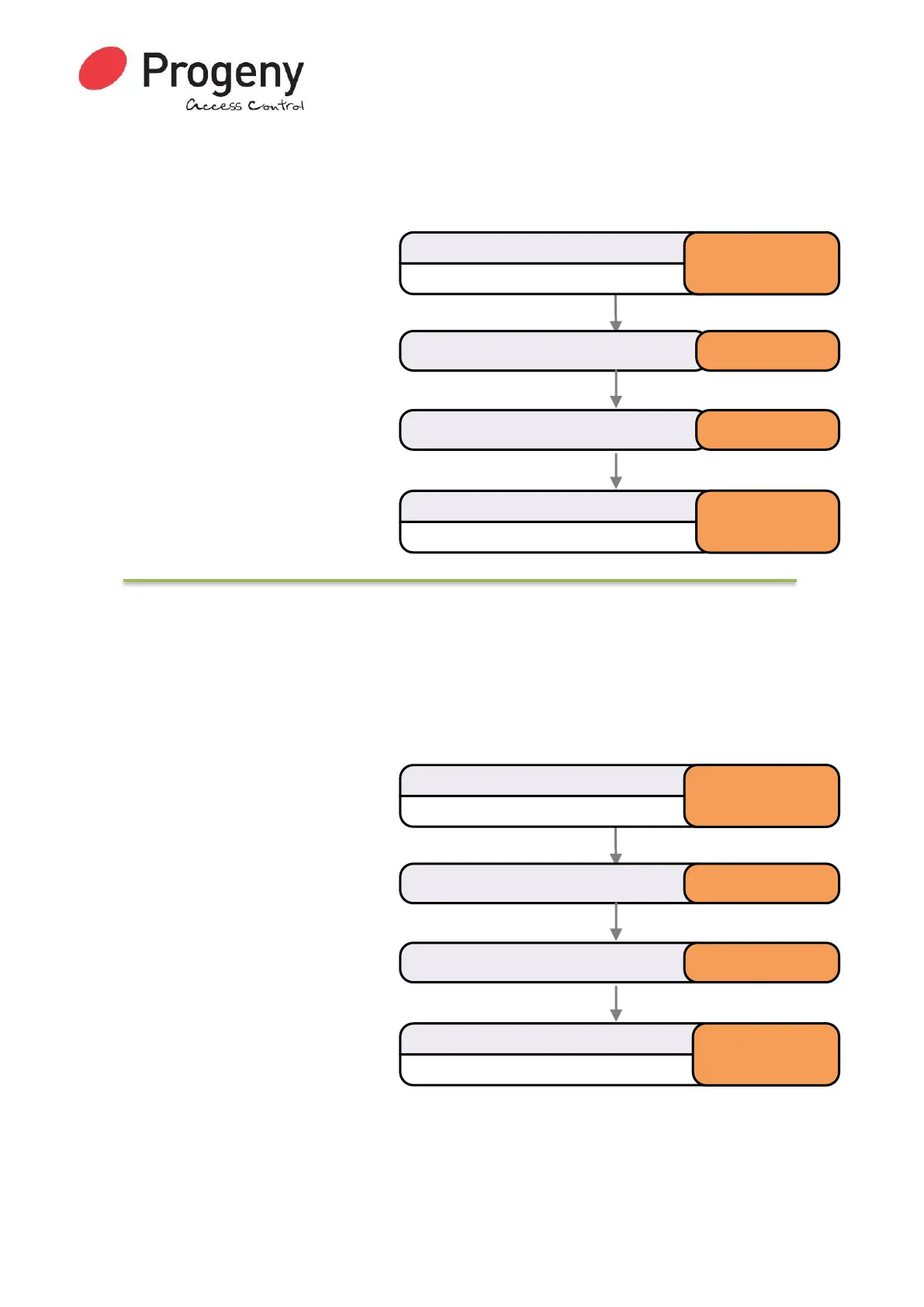
Status LED will Flash
Enter Engineer Password
* 1 2 3 4 5 6
Select Ext Reader Status Brightness * 7 8
Status LED will stop Flashing
Complete & Exit Programming Mode
#
Enter required value (0 to 9) 5
Status LED will Flash
Enter Engineer Password
* 1 2 3 4 5 6
Select Controller Status Brightness * 5 8
Status LED will stop Flashing
Complete & Exit Programming Mode
#
Enter required value (0 to 9) 5


 To Next Page