Document # MAN0001 Issue 4.29 Page 19 of 34
Penalty Time
This feature can slow down persons
who are trying to gain access by using
successive codes. As soon as an
incorrect code is detected at the
Keypad this penalty time is invoked,
preventing any further access attempts
until the timer elapses.
Programming the Penalty Time
The factory set default penalty time is 0
seconds (Disabled).
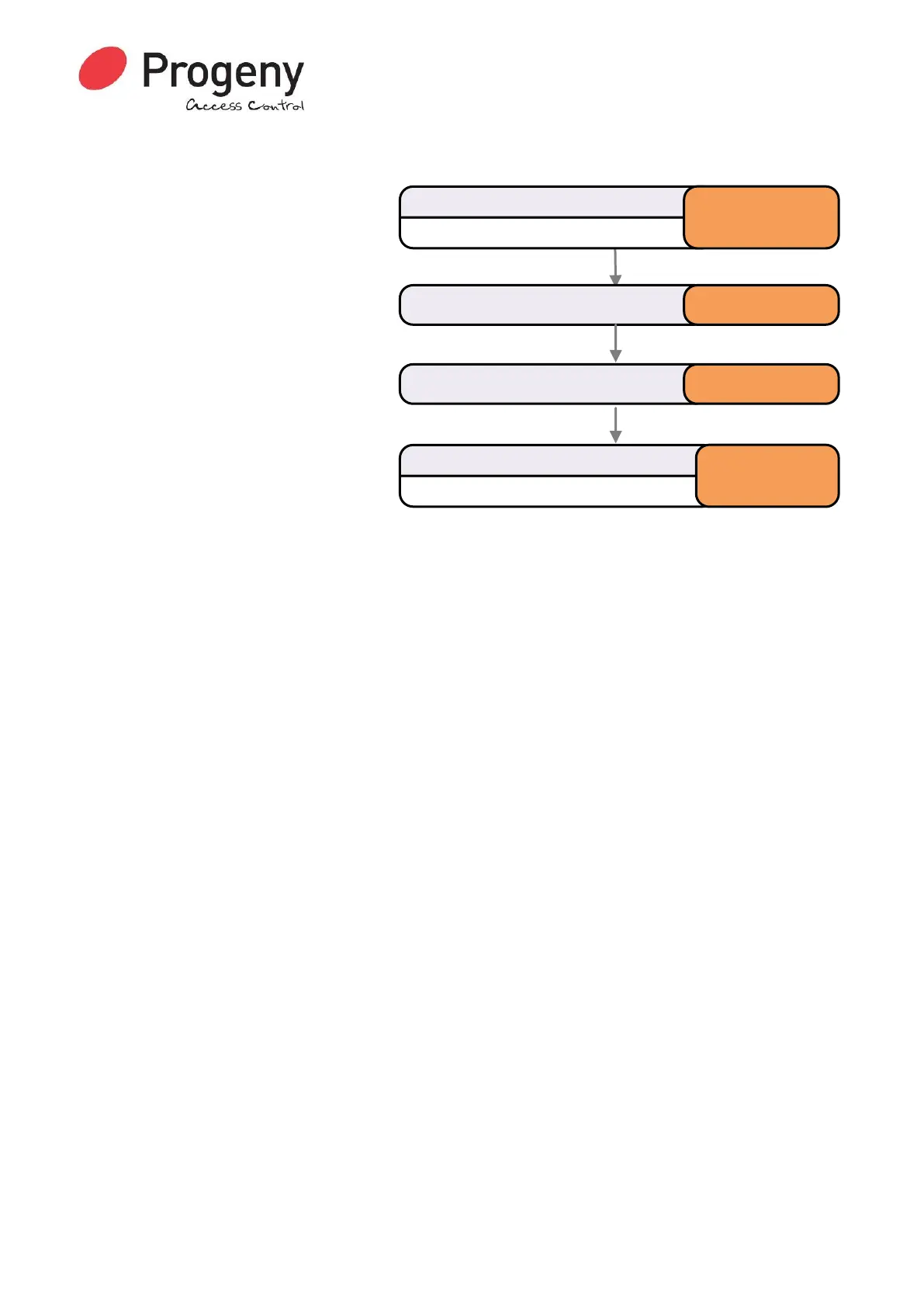
Status LED will Flash
Enter Engineer Password
* 1 2 3 4 5 6
Select Penalty Timemenu * 0 9
Status LED will stop Flashing
Complete & Exit Programming Mode
#
Enter the time required 10


 To Next Page