Document # MAN0001 Issue 4.29 Page 20 of 34
Touch to Exit Function
The C4 Controller has a Capacitive sensor over the entire flat front surface. When the controller
keypad is used in conjunction with an external keypad or reader or both, it can double up as a
“Request to exit button” with a large easy to use surface.
Range of Values:
0 = Disabled
1 = Enabled
Default Value:
0 = Disabled
Related Engineer Menus:
• 02 Lock Release time
Note: Enabling this feature disables the internal RFID credential reader.
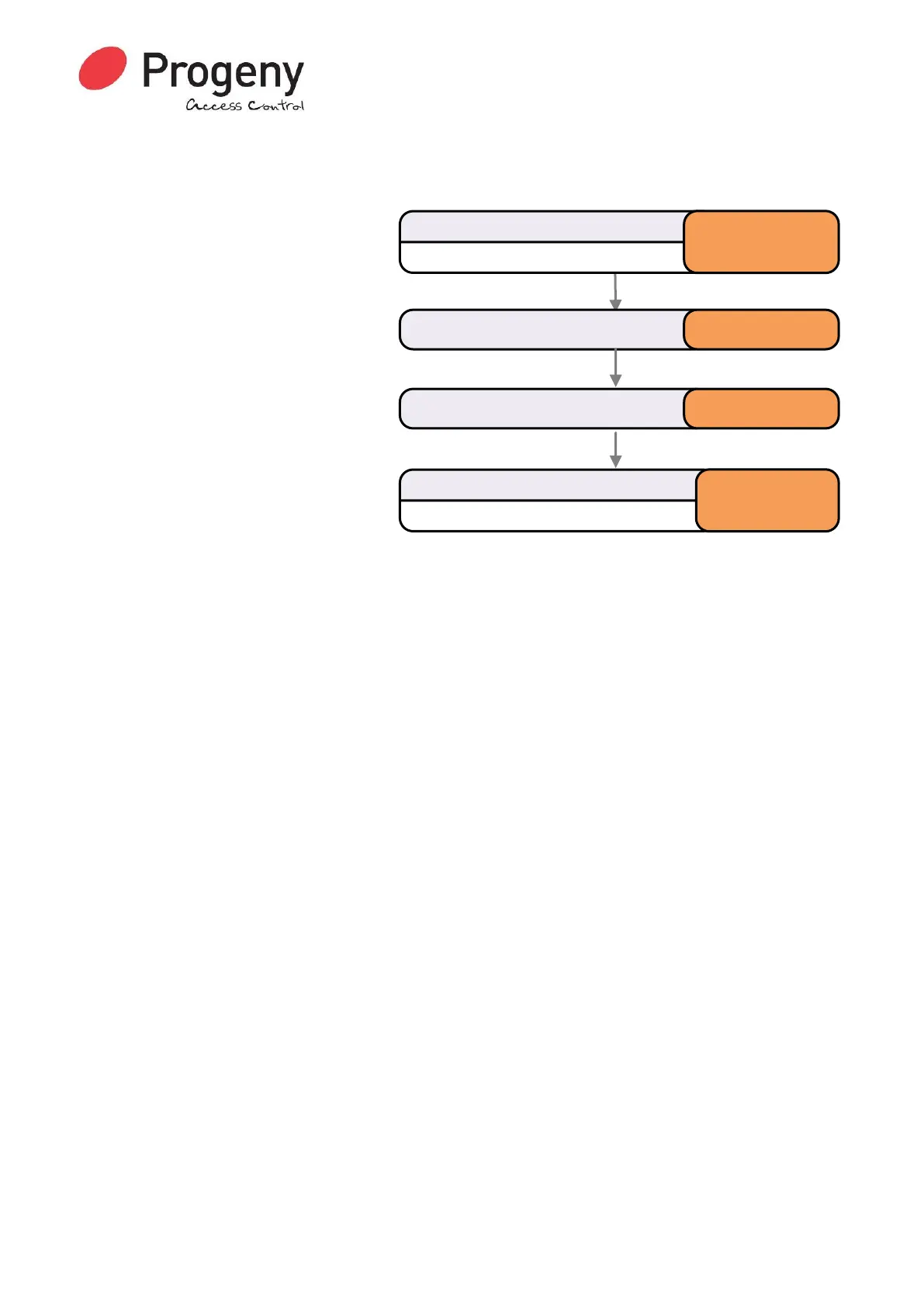
Status LED will Flash
Enter Engineer Password
* 1 2 3 4 5 6
Select Touch to Release Enable * 1 2
Status LED will stop Flashing
Complete & Exit Programming Mode
#
Enter Value (0=Off or 1= Enable) 1


 To Next Page