Document # MAN0001 Issue 4.29 Page 16 of 34
Disabling Credentials
Single Credential
If a Credential is reported lost or stolen,
the Credential can be disabled to
remove the security risk without
affecting any other Credential users.
Block of Credentials
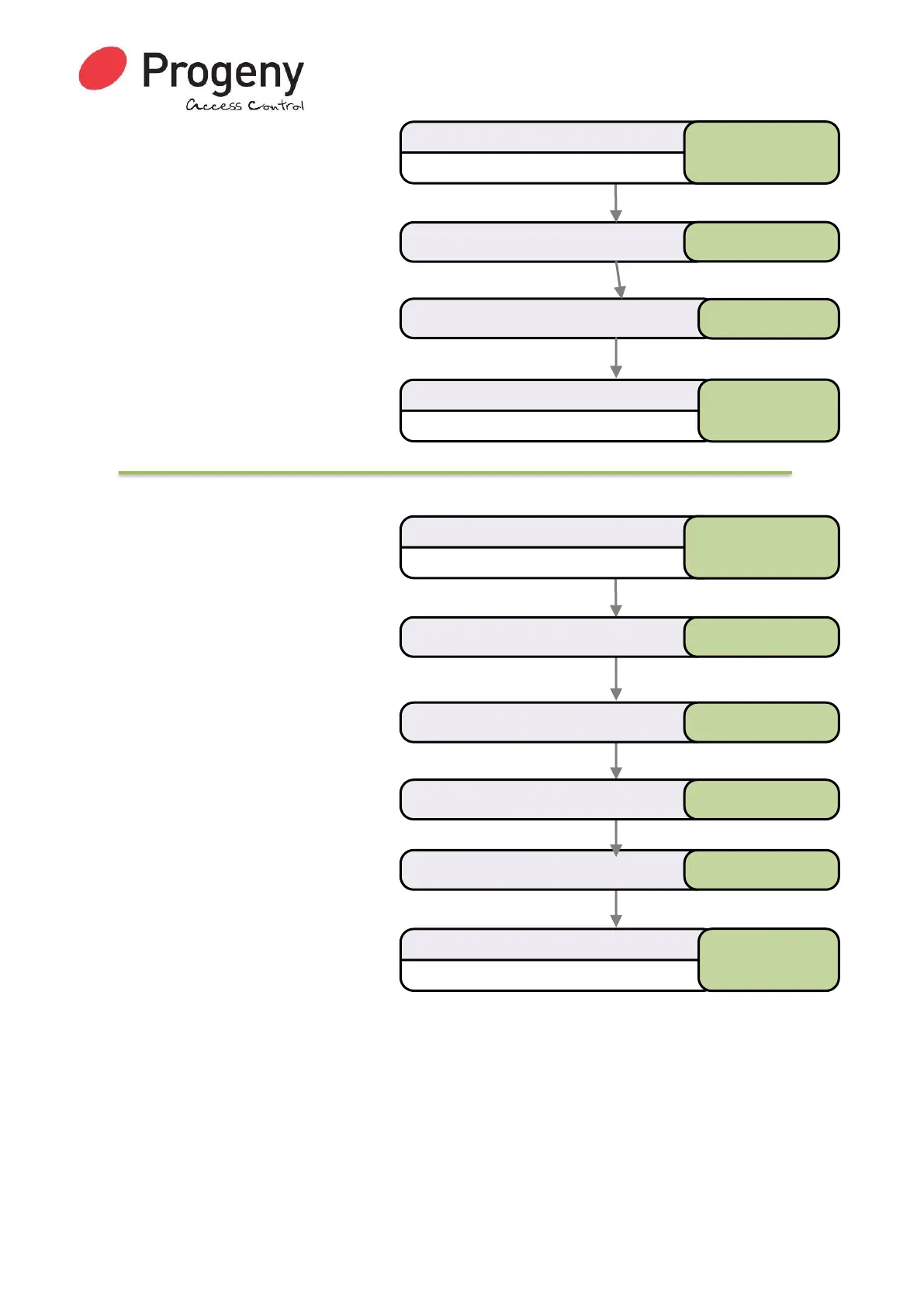
The quickest way to disable a whole
group of Credentials is to use the
“Block Disable” method shown in this
flow diagram.
The principle is to enter the ID of the
first credential in the sequence and
then specify the quantity to be disabled.
This example will disable 50 IDs from
Credential 00026300 to 000263049.
Related User Menus:
• 04 “Add Credential”
Related Engineer Menus:
• 20 “Keypad Mode”
Enter Credential ID or Present Credential
Select Disable CredentialMenu
Status LED will Flash
Enter User Password
* 6 5 4 3 2 1
* 0 5
Status LED will stop Flashing
Complete & Exit Programming Mode
#
0 0 0 2 6 3 1 7
Status LED will Flash
Enter User Password
* 6 5 4 3 2 1
Select Disable CredentialMenu * 0 5
Enter Quantity ( 1 to 200 ) 5 0
Status LED will stop Flashing
Complete & Exit Programming Mode
#
Enter Credential ID 0 0 0 2 6 3 0 0
Enter * as a separator *



 To Next Page