8
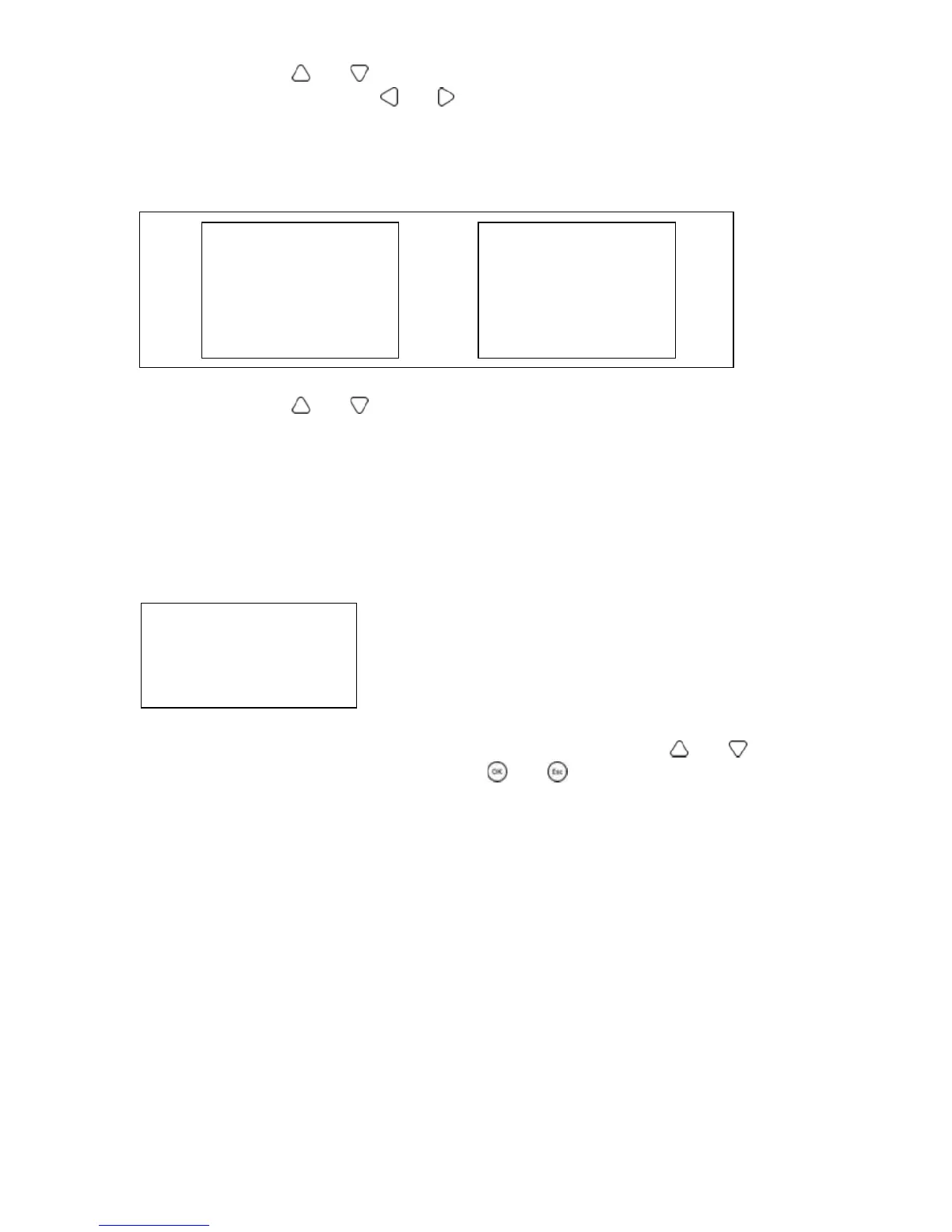
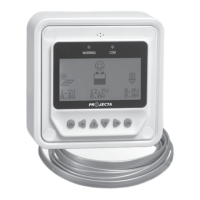
Operational tips: and buttons are respectively used to turn the browse page
upward and downward, while and buttons are respectively used to turn the
interfaces left and right.
Device information
The product model, parameters and SN code of the controllers are displayed below:
Operational tips:
and buttons are respectively used to turn the browse page
upward and downward.
Test operation
Load switch test operation is conducted on the connection solar controller to see if
the load output is normal. The test operation does not affect the working settings
under actual load, which means that the solar controller will exit from the test
mode when exiting the operational interface of the test.
Operational tips: Enter the page and input correct password; use
and buttons to
modify the ON/OFF status values, while use and buttons respectively to confirm
and cancel the test operation.
1. Product type
Rate. Vol: XX V
Char. Cur: XX A
Disc. Cur: XX A
2. Product type
SN: 16 Digit code
Test Operation
Product Type: ON/OFF


 To Next Page