7
WiFiBoX
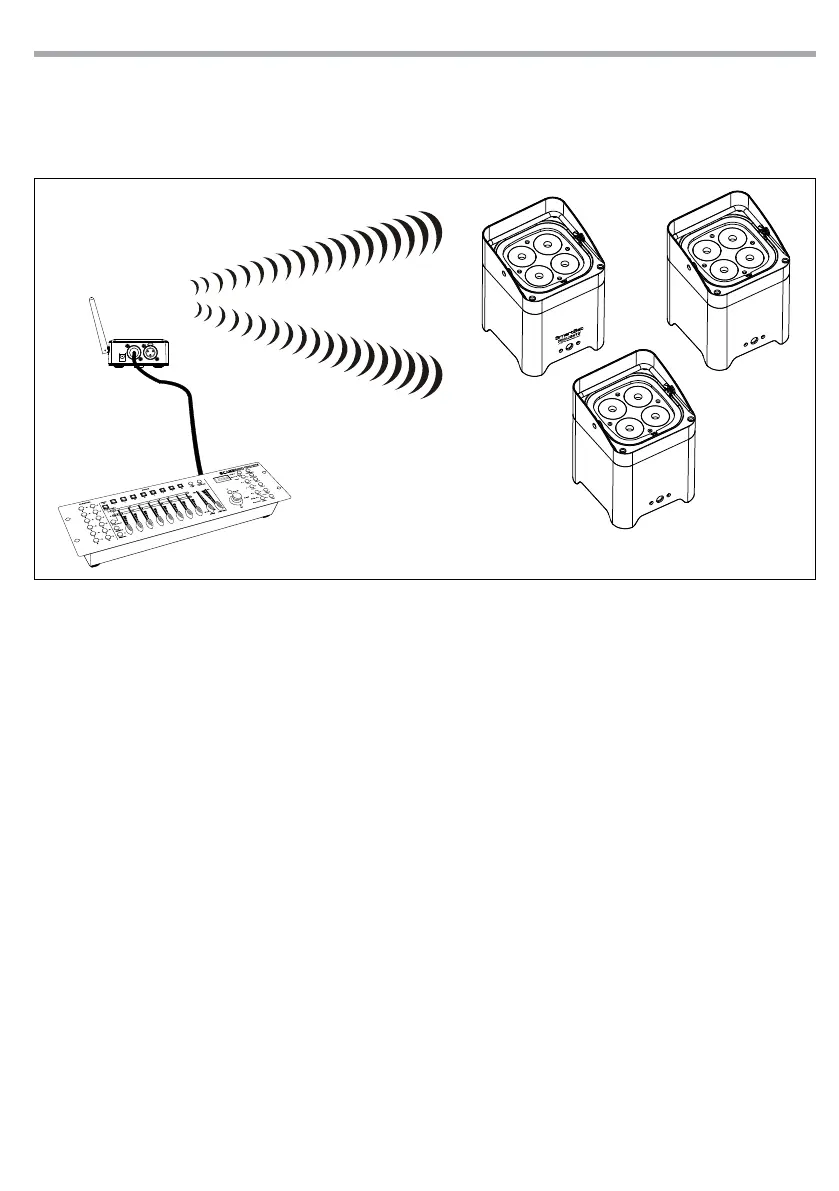
• Enter menu mode on the transmitter and set the input mode as DMX.
• Enter menu mode transmitter and manually set the channel for the data communication.
• Enter menu mode of the units and manually set the wireless channel for the reception of the data the
same channel selected for the transmission of data in WIFIBOX transmitter.
3.9 TRANSMITTER MODE WITH WIFI INPUT (SMARTCOLORS APP)
ATTENTION: Currently the devices that the app SmartColors can wirelessly manage are:
• Prolights SMARTBAT
• Prolights MOBIBLAST
• Prolights LION
Projector conguration (SMARTBAT/MOBIBLAST/LION)
• Connect the projector’s supplied main cable to a socket.
• Switch on the projector.
• Set the device in Slave mode.
• Set the channel for data wireless communication.
• Set the DMX channel mode.
• Set the DMX address.
Note:
• The channel for data wireless communication on projector must be the same set on the WIFIBOX.
• The DMX channel mode selected on projector must be the same set on the SmartColors app.
• The DMX address selected on projector must be the same set on the SmartColors app.
WIFIBOX conguration
• Pull up the WIFIBOX antenna (3).
Fig.4
WIFIBOX
TRANSMITTER



 To Next Page