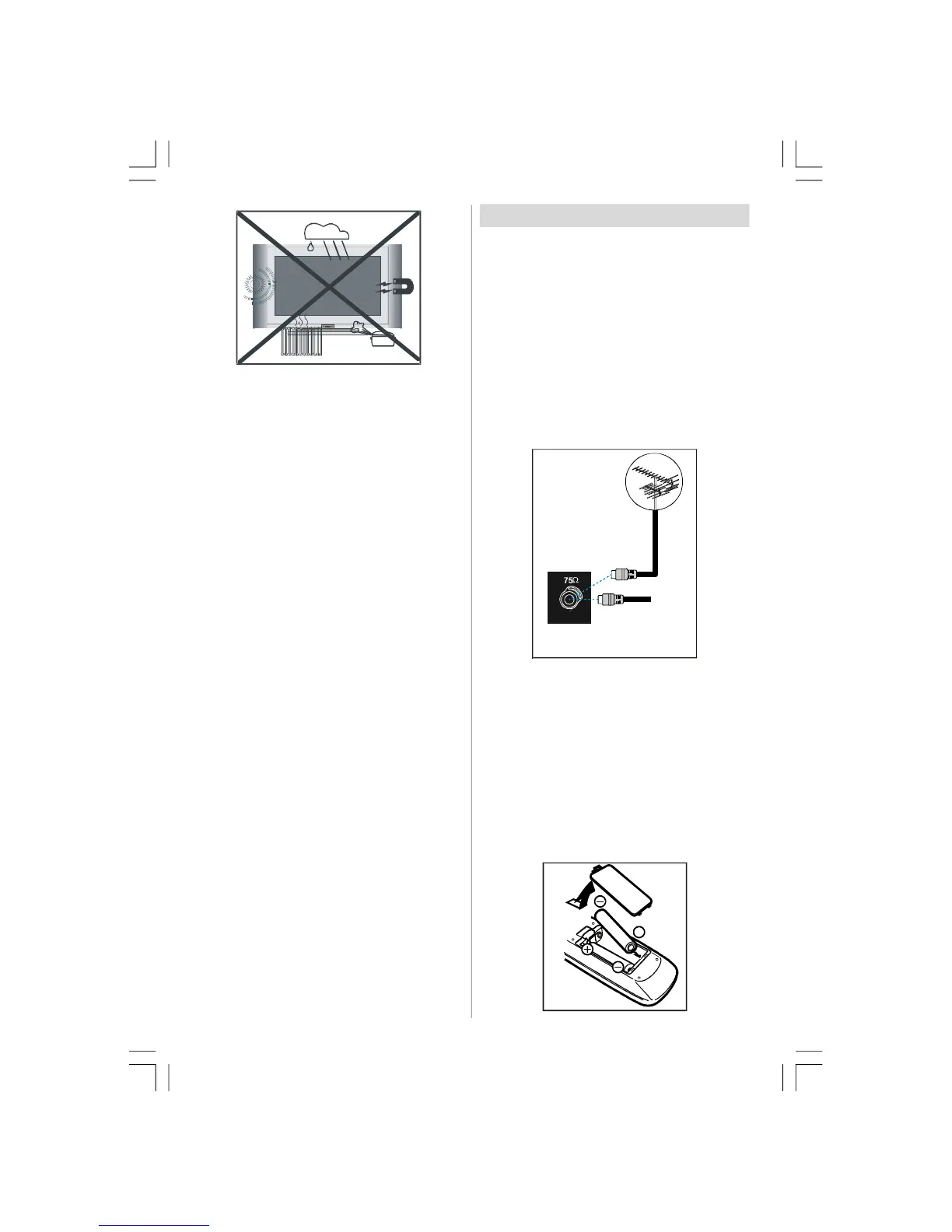
English - 20 -
8. Replacement Part
When replacement parts are required, be sure the
service technician has used replacement parts which
are specified by the manufacturer or have the same
specifications as the original one. Unauthorised sub-
stitutions may result in fire, electrical shock, or other
hazards.
9 . Servicing
Please refer all servicing to qualified personnel. Do
not remove the cover yourself as this may result in an
electric shock.
WARNING: When the device is not in use for a long
time, disconnect from power.
Instructions for waste disposal:
• Packaging and packaging aids are recyclable
and should principally be recycled. Packag-
ing materials, such as foil bag, must be kept
away from children.
• Battery, including those which is heavy metal-
free, should not be disposed of with house-
hold waste. Please dispose of used battery in
an environmentally sound manner. Find out
about the legal regulations which apply in
your area.
• Cold cathode fluoresant lamp in LCD PANEL
contains a small amount of mercury, please
follow local ordinates or regulations for dis-
posal.
• The mains plug is used to disconnect the TV
from the mains and therefore it shall remain
readily operable.
Warning: To prevent injury, this device must
be securely attached to the floor/wall in ac-
cordance with the installation instrutions.
“The LCD panel is very high technology product with
about a million thin film transistors, giving you fine
picture details. Occasionally, a few non-active pixels
may appear on the screen as a fixed point of blue,
green or red. Please note that this does not affect the
performance of your product.”
“DO NOT LEAVE YOUR TV AT STAND-BY OR OPER-
ATING WHEN YOU LEAVE YOUR HOUSE”
Before Switching On Your TV
Power Connection
IMPORTANT: The TV set is designed to operate on
230-240V AC, 50 Hz.
• After unpacking, allow the TV set to reach the ambi-
ent room temperature before you connect the set to
the mains.
Connections To The Aerial Input
Socket
• Connect the aerial or cable TV plug to the Aerial input
socket located at the rear of the TV and connect the
cable plug coming out from the TV out socket lo-
cated on the devices (VCR, DVB etc.) to this socket
as well.
VHF/UHF
REAR OF THE TV
CABLE TV
Inserting Batteries In The Remote
Control Handset
WARNING : Remote control is battery included. A plas-
tic protector is used to disconnect the batteries in
order to prevent the battery life from reducing. Please
remove the plastic protector before the first use.
• Remove the battery cover located on the back of the
handset by gently pulling backwards from the indi-
cated part.
• Insert two
AAA/R03 or equivalent type batteries
inside. Place the batteries in the right directions and
replace the battery cover.
02-ENG-32735W-1055UK-32 INCH MB32-(WO PIP)(SUBW)-50116142.p65 14.09.2007, 09:5520


 To Next Page