English - 21 -
Note: Remove the battery from remote control hand-
set when it is not to be used for a long period. Other-
wise it can be damaged due to any leakage of bat-
tery.
Switching The TV ON/OFF
To switch the TV on:
Your TV will switch on in two steps:
1- Connect the plug of the mains socket-outlet. Press
Stand-by button. Then the TV switches itself to
stand-by mode.
2- To switch on the TV from stand-by mode either:
You can press
button to switch the TV on. You
may also press a digit button on the remote control or
press the "
-P/CH" or "P/CH+" button on the TV or
press the
“P-” or “P+” button on the remote control,
so that last mode switched off is selected.
By either method the TV will switch on. When the TV
is operated for the first time, the following screen
appears:
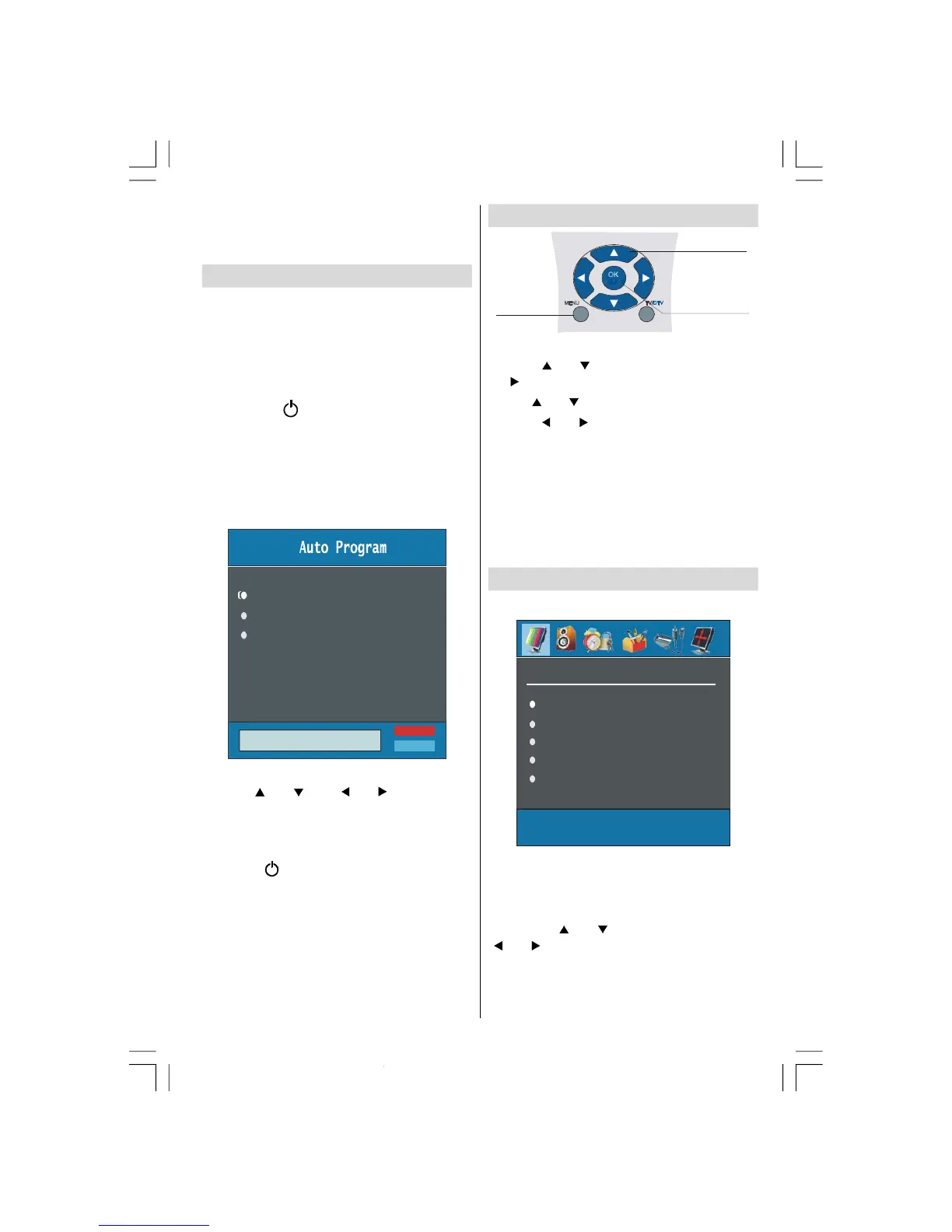
Country
Language
PLEASE CHECK ANTENNA CABLE
AUTO PROGRAMMING SYSTEM
TXT Language
Select your Country, Language and TXT Language
by using “
” or “ ” and “ ” or “ ” buttons.
For more information on this process, see “
Install
Menu
” section.
To switch the TV off:
• Press the “ (stand-by)” button on the remote con-
trol.
or stand-by button on the TV, so the TV will switch
to stand-by mode.
• To power down the TV completely, unplug the power
cord from the mains socket.
Navigating the Menu System
MENU TV/DTV
OK
For Displaying
Menu Options
For Navigation
1- Press “MENU” to display the menu.
2- Press “ ” or “ ” button to select an icon. Press
“
” for more options.
3- Use “ ” or “ ” button to highlight.
4- Press “ ” or “ ” buttons to change the settings.
Press
OK to set as default.
5- To exit the menu or return from sub-menu screen,
press “
MENU”.
These explanations are available for the navigation
of the whole Menu System. To select options that are
explained in the following parts, refer to “Navigating
The Menu System”.
Menu System
Picture Menu
Sharpness
Colour
In picture menu; if PC, YPbPr or HDMI mode is
selected, resolution information is displayed at the
bottom of the menu OSD.
Mode
By pressing “ ” or “ ” button, select Mode. Press
“
” or “ ” button to choose from one of these op-
tions:
Cinema, Dynamic and Natural.
02-ENG-32735W-1055UK-32 INCH MB32-(WO PIP)(SUBW)-50116142.p65 14.09.2007, 09:5521


 To Next Page