English - 23 -
balance
By pressing “ ” or “ ” button, select Balance. Press
“
” button to increase balance to the right. Press “
”
button to decrease balance to the left. Balance level
can be adjusted between -32 and +31.
Press the “MENU” button to return to the previous
menu.
Sound Mode
By pressing “ ” or “ ” select Sound Mode.Press
“
” or “ ” button, you can select Mono, Stereo, Dual
I or Dual I I mode, only if the selected channel supports
that mode.
AVL
By pressing “ ” or “ ” select AVLVL. Press “
”
button to set the AVL as on or off.
Effect
By pressing “ ” or “ ” select Effect. Press “ ” or
“
” button to set Effect as on or off.
Dynamic Bass
Dynamic Bass is used to increase bass effect
of the TV set.
By pressing “
” or “ ” button, select DynamicBass.
By pressing “
” or “ ” button set Dynamic bass to
Low, High or Off. It is not recommended to select High
if listening at high volume levels.
Subwoofer
By pressing “ ” or “ ” select Subwoofer.Press
“
” or “ ” button to set Subwoofer as on or off.
Store
• By pressing “ ” or “ ” button select Store.
• Press “
” or “ ” or “OK” button to store the adjust-
ments. “
Stored” will be displayed on the screen.
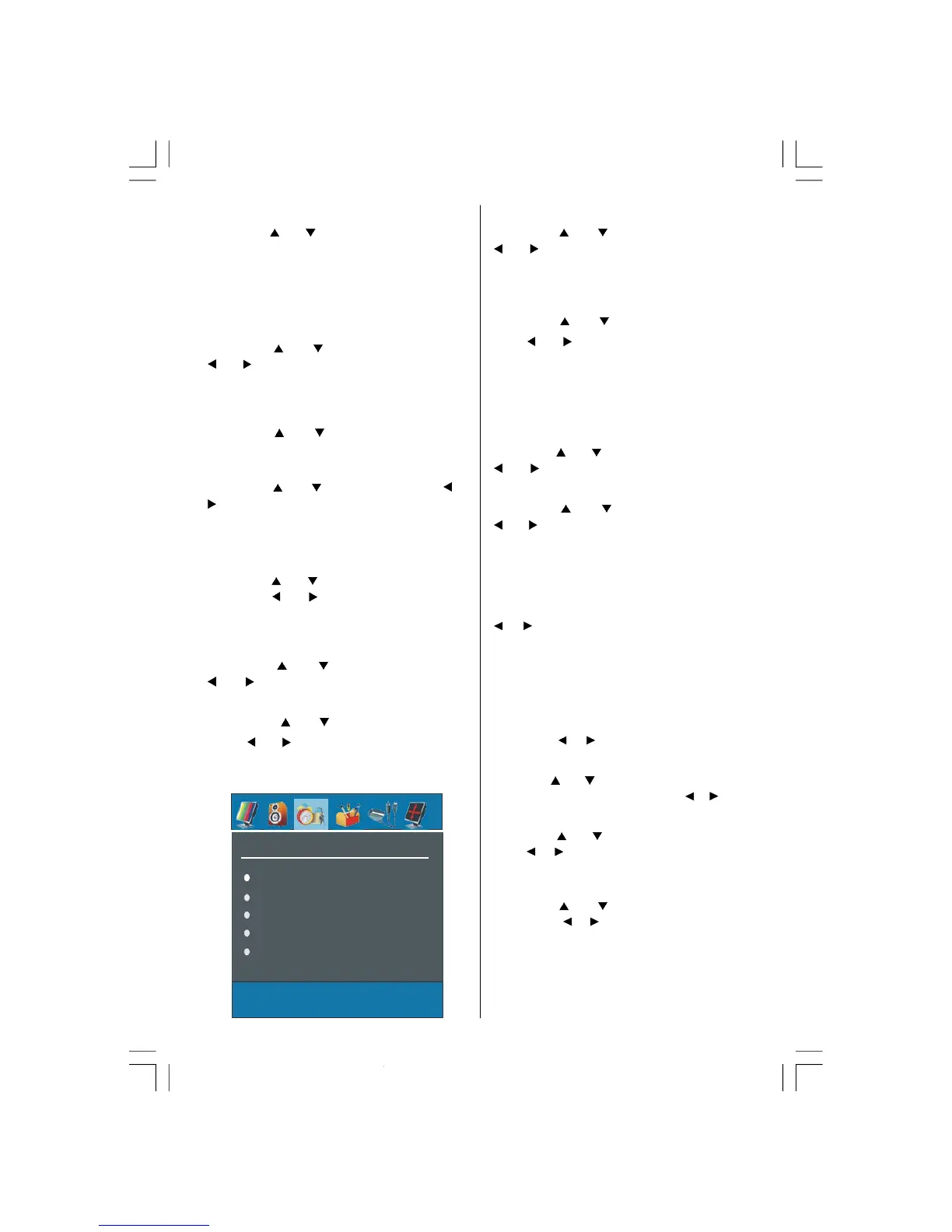
Features Menu
Sleep Timer
Child Lock
Language
Ext-2 Out
PC Audio In
Sleep Timer
By pressing “ ” or “ ” select “Sleep Timer”.Press
“
” or “ ” button to set the Sleep Timer..
The timer can be programmed between Off and 120
minutes in steps of 10 minutes.
Child Lock
By pressing “ ” or “ ” select Child Lock.
Press “
” or “ ” button to set the Child Lock on or
off.When on is selected, the TV can only be controlled
by the remote control handset. In this case the control
panel buttons will not work. Hence, if one of these but-
tons is pressed, “Child Lock is On” will be displayed
on the screen when the Menu screen is not visible.
Language
By pressing “ ” or “ ” button, select Language.Use
“
” or “ ” button to select the language.
EXT2 Out
By pressing “ ” or “ ” select EXT2 Output. Use
“
” or “ ” button, to set Ext-2 Out to TV, EXT-1-1, FAV,
YPbPr Audio or PC Audio
.
Note: When TV Source is set to HDMI, HDMI Audio
setting will be available among EXT-2 Out options.
PC Audio In
By pressing
select Pc Audio In.By pressing
“
” / “ ” button, you can change the PC Audio In to
TV, EXT-1, EXT-2, FAV, YPbPr Audio or PC Audio.
Blue Background
You can set the TV to automatically change to a blue
screen if the signal is weak or absent, or when there
is no input from an external device.
The Blue Background feature can be turned on or off
by pressing “
” / “ ” button.
Menu Background
By pressing “ ” or “ ” button, select Menu Background.
Transparency level is adjusted by pressing “
” / “ ” button.
Menu Timeout
By pressing “ ” or “ ” button, select Menu Timeout.
Press “
” / “ button to change menu timeout to 15
sec, 30 sec or 60 sec.
Teletext Language
By pressing “ ” or “ ” button, select Teletext Lan-
guage. Press “
” / “ ” button to change Teletext Lan-
guage to West, East, Turk/Gre,Cyrillic, or Arabic.
Default Zoom
By pressing
button, select Default Zoom. Youou
can set
Default Zoom to Panoramic, 4:3, 14:9
Zoom or 16:9
by pressing
button.
02-ENG-32735W-1055UK-32 INCH MB32-(WO PIP)(SUBW)-50116142.p65 14.09.2007, 09:5523



 To Next Page