English - 25 -
Whenever you press the “BLUE” button, A.P.S. func-
tion stops and Program Table appears on the screen.
If you wait until the end of A.P.S., Program Table is
displayed with the programmes found and located.
Program
By pressing “ ” or “ ” button, select Program. Press
“
” or “ ” button to select the program number. You can
also enter a number via digit buttons on the remote control.
There are 100 program storage between 0 and 99.
Band
Band can be selected either “C” or “S” by press “ ”
or “
” button.
Channel
Channel can be changed by “ ” or “ ” button or Digit
Buttons.
Colour System
By pressing “ ” or “ ” button, select Colour Sys-
tem. Press “
” or “ ” button to change the colour
system to PAL, SECAM, PAL60 or AUTO.
If Sound System is set to I, SECAM is not available for
the Colour System.
Note: In EXT mode, you can choose NTSC 3.58 and
NTSC 4.43 as well.
Sound System
By pressing “ ” or “ ” button, select Sound Sys-
tem. Press “
” or “ ” button to change the sound
system to
BG, DK, L, L’ or I.
Fine Tune
By pressing “ ” or “ ” button, select Fine Tune.
Press “
” or “ ” button to adjust the tuning.
Search
By pressing “ ” or “ ” button, select Search. Press
“
” or “ ” button to start program searching.Youou
can also enter the desired frequency via digit buttons
when search item is highlighted.
Store
By pressing “ ” or “ ” button, select Store. Press
“
” or “ ” or “OK” button to store the adjustments.
“
Stored...” will be displayed on the screen.
Install menu in AV modes
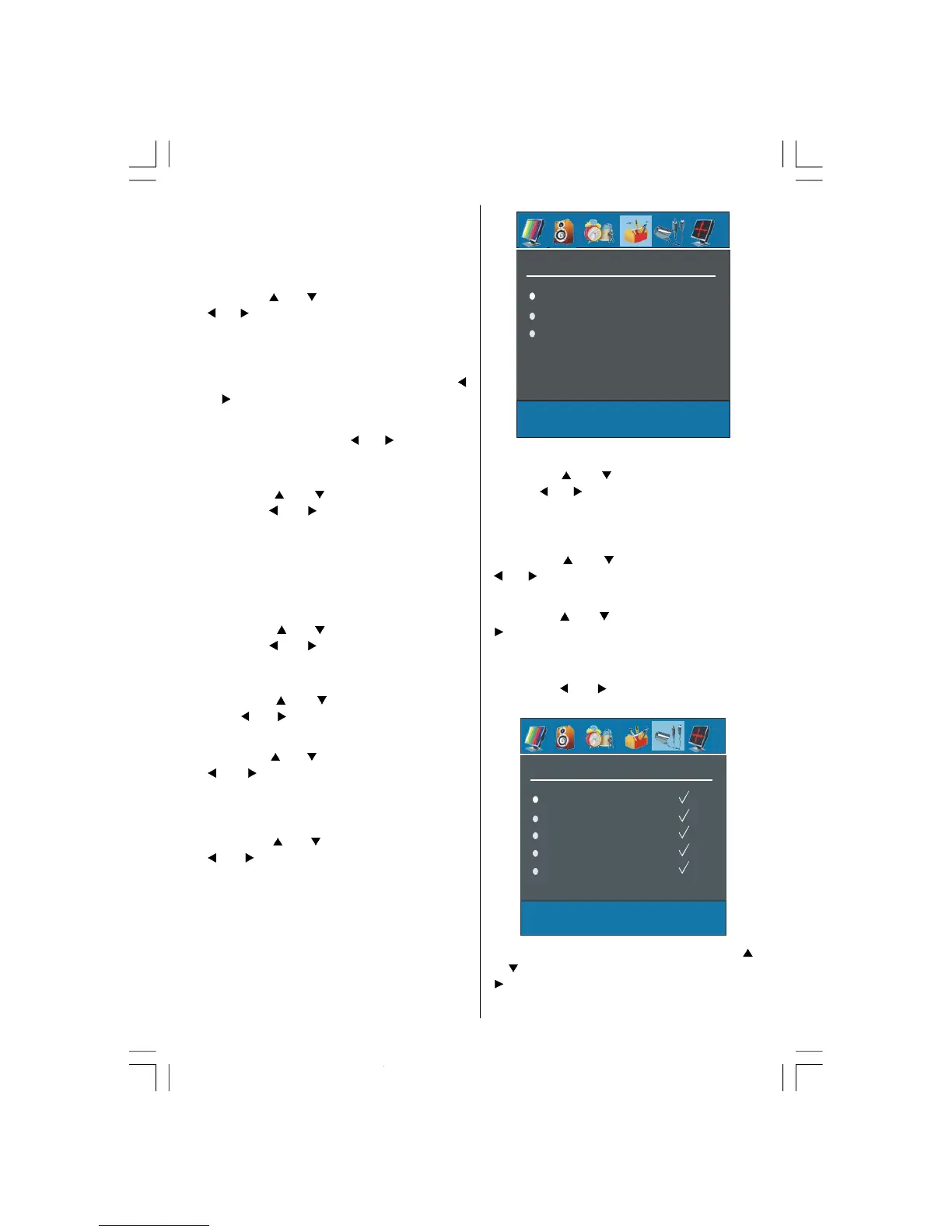
The following screen appears in the install menu:
Colour System
VCR
Store
Colour System
By pressing “ ” or “ ” select Colour System.By
pressing “
” or “ ” button, you can change the colour
system to
PAL, SECAM, PAL 60, NTSC 4,43, NTSC
3,58 or AUTO.
VCR
By pressing “ ” or “ ” select VCR. By pressing
“
” or “ ” button, you can set the VCR to ON or OFF..
Store
By pressing “ ” or “ ” button, select Store. Press
“
”or “OK” button to store the adjustments.
“
Stored...” will be displayed on the screen.
Source menu
By pressing “ ” or “ ” button, select the fifth icon.
Source menu appears on the screen.
SOURCE
TV
EXT-1
EXT-2
EXT-2 S
FAV
In source menu, highlight a source by pressing “ ”
or “
” button and switch to that mode by pressing
“
” or “OK” button. Source options are;
02-ENG-32735W-1055UK-32 INCH MB32-(WO PIP)(SUBW)-50116142.p65 14.09.2007, 09:5525



 To Next Page