18 ActivPanel User Guide
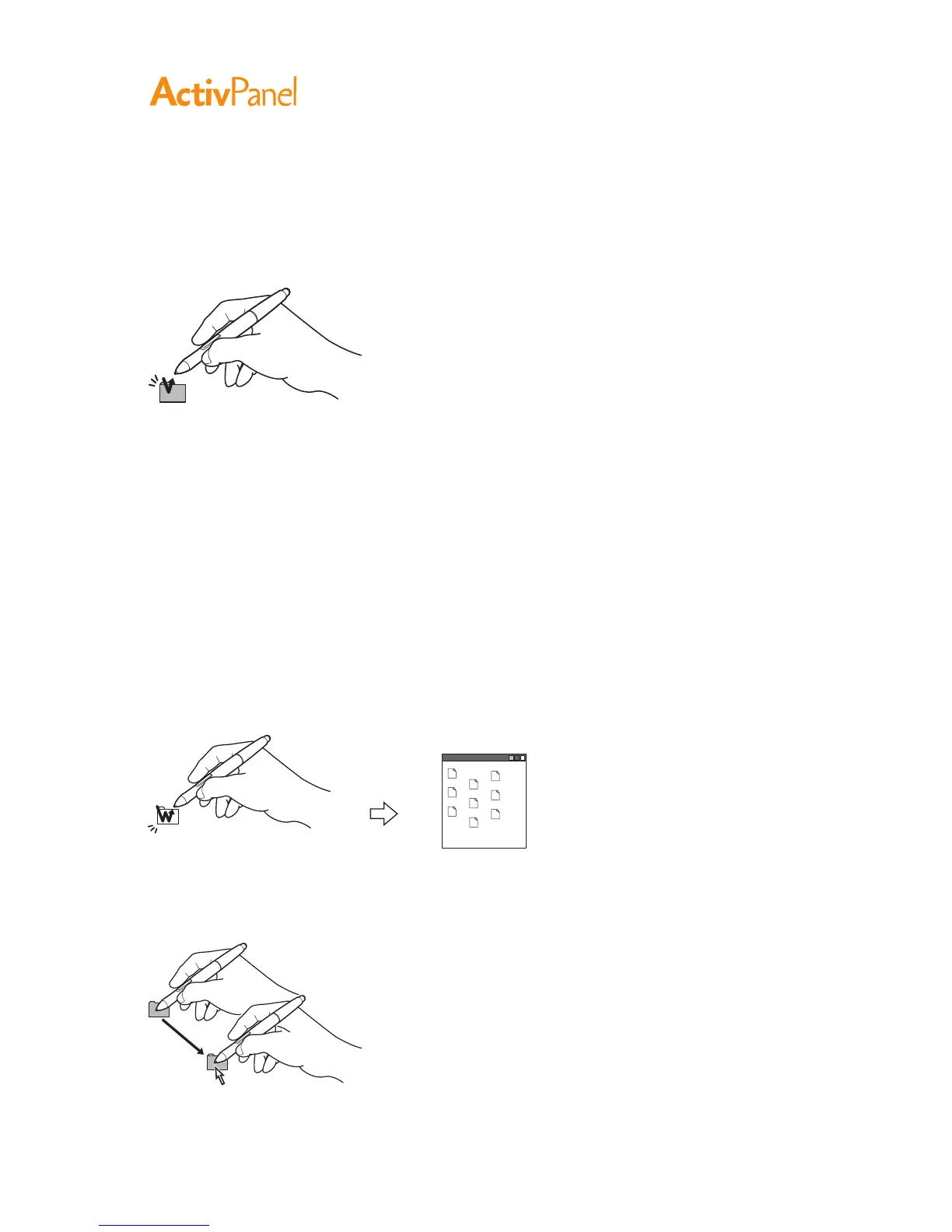
Clicking
Tap the display screen once with the pen tip, or touch the pen to the display screen with enough pressure
to register a click.
Windows tip:
To make navigating with the pen easier, configure Windows to select when the pen is over an icon and to
launch the icon with a single click. To turn on this feature, first open a folder.
For Windows 7 and Vista, from the Organize pull-down menu choose Folder and Search Options.
From the general tab select Single-Click to Open an Item (Point to Select).
For Windows XP, from the Tools pull-down menu choose Folder Options.... From the General tab
select Single-Click to Open an Item (Point to Select).
Press the upper side switch (when set to Double Click), or quickly tap the display screen twice in the
same place with the pen tip.
Double-clicking is easier when the pen is perpendicular to the pen display screen.
Dragging
Select an object, then slide the pen tip across the display screen to move the object.


 To Next Page
 Loading...









