Setup and Connections
9
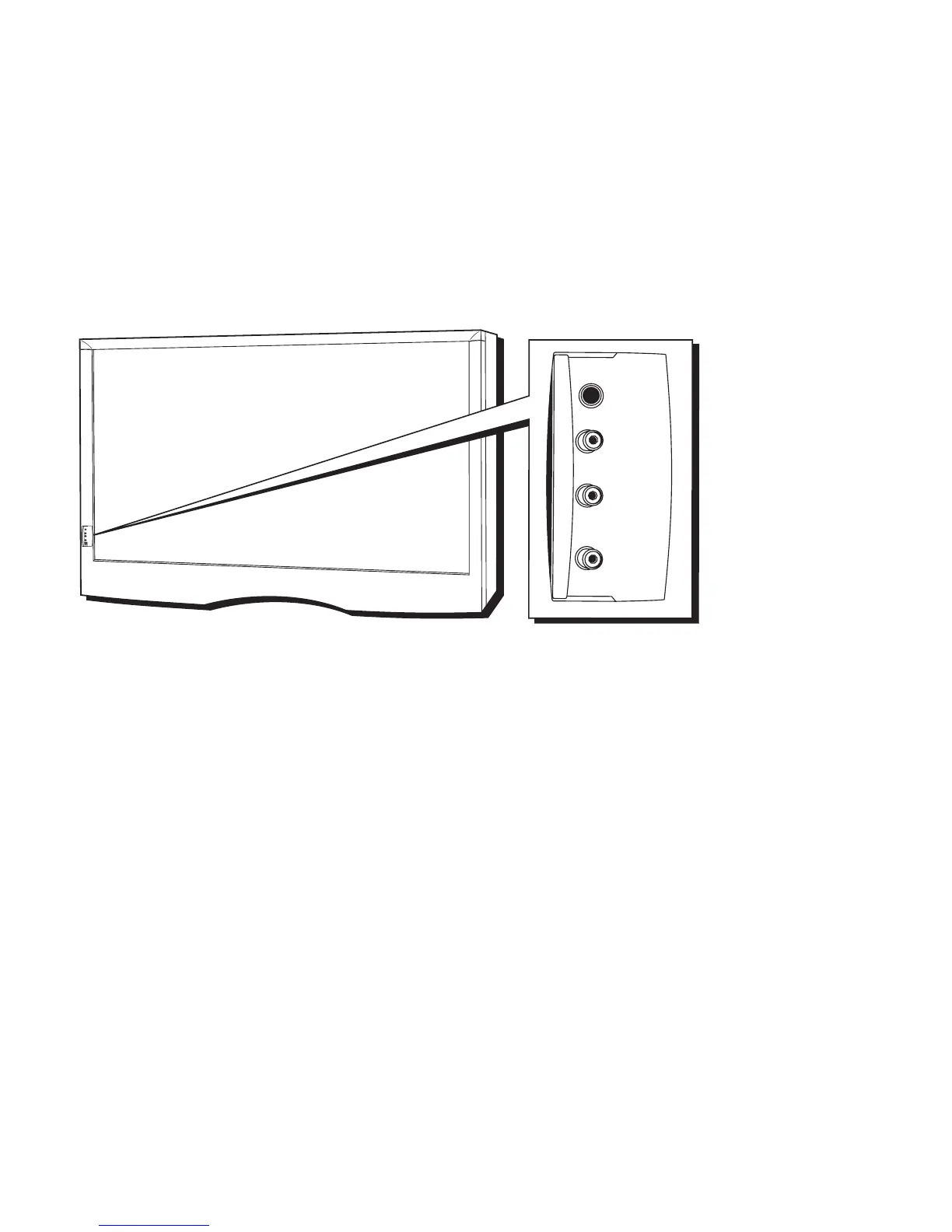
FRONT INPUTS
The monitor has front inputs for convenience; one set of audio/video inputs and a
headphone jack. These jacks let you connect a baseband NTSC (analog) component
such as a VCR, Internet access device, game, or camcorder. Look for a hinged door and
gently lift the cover open. Please note that the exact look of the jacks or the TV pictured
here may be different from yours.
PHONES Provides a connection for headphones.
VIDEO IN Provides video connection. The video connector is usually yellow.
AUDIO IN L Provides left audio connection. The left audio connector is
usually white. When connecting devices that use amonaural
cable, such as some camcorders, use the left input jack to get
sound from both speakers.
R Provides right audio connection. The right audio connector is
usually red.
P
H
O
N
E
S
V
I
D
E
O
I
N
L
(
M
O
N
O
)
A
U
D
I
O
I
N
R
U
S
B
PHONES
VIDEO IN
AUDIO IN
R
L













 To Next Page