Setup and Connections
14
LEFT RIGHT
TELEVISION
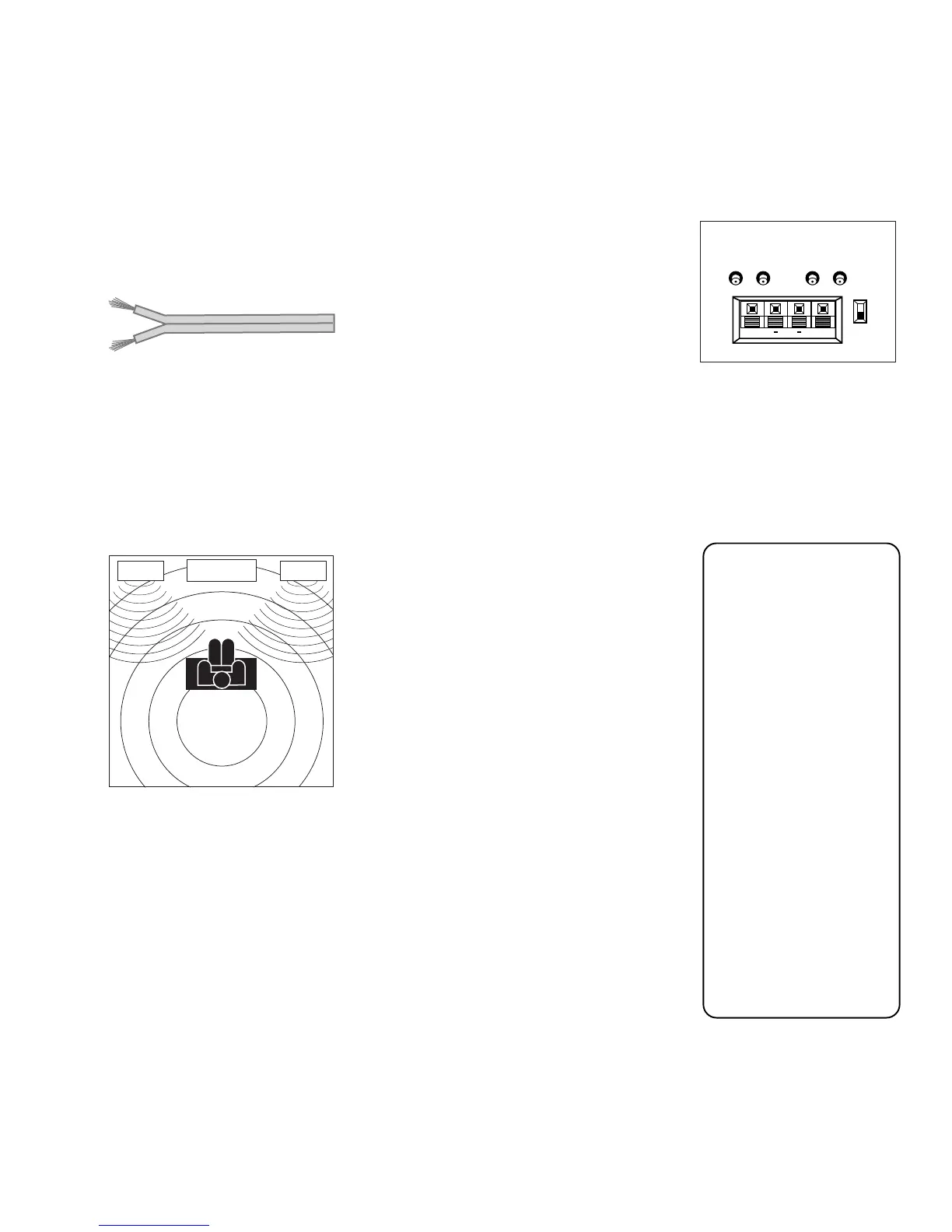
Arrange the speakers in your TV room to achieve maximum
sound quality.
CONNECTING SPEAKERS TO THE TV
You can connect up to two additional speakers to the TV: one to the RIGHT
terminal, and one to the LEFT terminal.
1. If necessary, remove the vinyl covering from the ends of the speaker wire and
twist the wire core.
2. Open the lever on the speaker terminal.
3. Insert the wire core into the hole. Be sure to connect the (+) to (+) and (-) to (-).
4. Close the lever. Pull gently on the wire to see that it’s connected securely.
To turn on or off the TV’s internal speakers, press MENU on the remote control and
choose
Audio
. Then choose
Speakers
from the menu.
When connecting the
speaker wire, make sure
you connect the positive
(+) terminal on the TV to
the positive (+) terminal
on the speaker. One side
of the speaker wire is
usually marked with a
white stripe to help you
match the terminals
correctly. If the (+) and
(-) terminals are not
matched properly, the
speakers will not be “in
phase,” causing
reduction in bass
frequencies.
Do not allow the wire
core to touch other
wires or terminals.
Damage to components
could result if the cores
of two wires touch.
Speaker wire
AUDIO OUTPUTS
FIXED
VARIABLE
LR L
R
EXT SPEAKERS
EXT
INT
L
R
++













 To Next Page