Using the Program Guides
36
THE OTHER GUIDES ICON
The
Other Guides
icon at the bottom of the TV and DIRECTV
®
programming guides lets
you sort the guides by different variables, such as by channels, data, channel lists, and
channel groups. You can access these guides by highlighting then selecting the
Other
Guides
icon at the bottom of the Detail Guide and Grid Guide.
• Channel Guide Displays a channel’s DIRECTV
®
or TV programming schedule in a
channel-by-channel format. You may also directly enter channel numbers and press
OK to go to another channel’s listing.
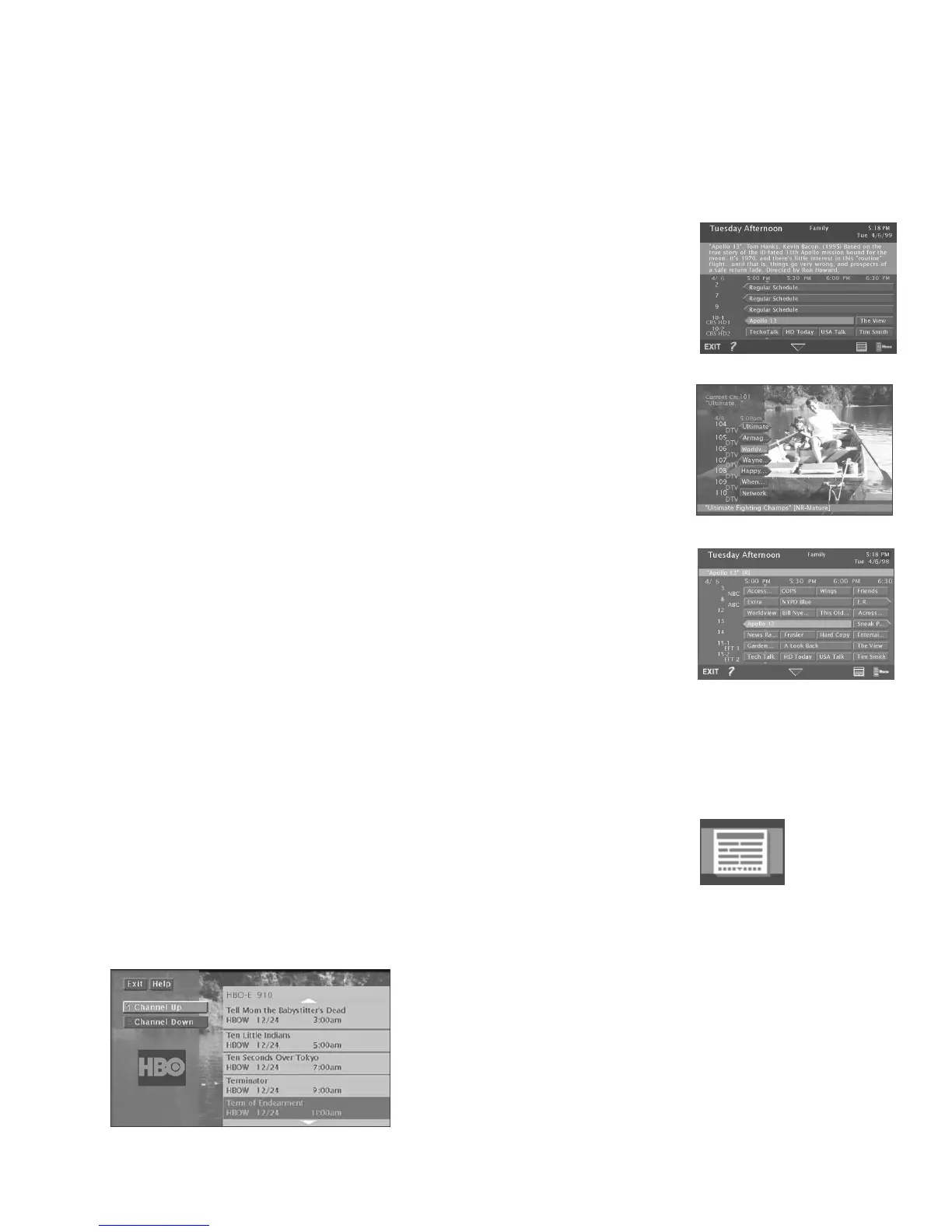
Channel Guide lets you see programs on a specific channel.
USING THE GUIDE BUTTON
Each press of the GUIDE button on the remote control takes you to an alternate type of
TV or DIRECTV
®
programming guide: Detail Guide, SurfGuide
™
(DIRECTV only), or Grid
Guide.
By default, the Detail Guide appears when you press GUIDE on the remote control. You
can change the default guide from the Detail Guide to the Grid Guide or the SurfGuide
feature (DIRECTV only) using the following steps:
1. Select
Preferences
from the main menu.
2. Select
Default Guide
.
3. Use the arrows and OK to choose the guide you want to appear first when you press
GUIDE. If SurfGuide is selected as the default guide, Grid Guide will appear when
you access the TV program guide since the SurfGuide feature isn’t available as a TV
program guide.
The Detail Guide
The Detail Guide shows five channels in a time-and-channel format, with program
information for the highlighted program (if available) at the top of the guide.
The SurfGuide
™
(DIRECTV only)
The SurfGuide feature displays seven DIRECTV
®
channels in a half-hour time-and-
channel format, if you subscribe to DIRECTV
®
programming. The full name of the
program and its rating are listed at the bottom of the screen. Press the right arrow button
to extend the SurfGuide to show two hours of programming.
The Grid Guide
The Grid Guide shows seven channels in a time-and-channel format, with the full title of
the highlighted program at the top of the guide.
Other Guides icon
The TV Detail Guide
The SurfGuide feature
The TV Grid Guide













 To Next Page