BASIC TV OPERATION
29
PIP PROBLEMS?
• If you are channel surfing and the PIP disappears, you may have tuned to a digital
channel. To view PIP and the main picture, make sure that both the main and PIP
channels are analog inputs, or signals. Continue changing the channel until you
find an analog (NTSC format) channel. The PIP window will reappear.
• If you press PIP and the PIP box is grayed, you may have movie or TV rating limits
set. These limits may block your access to the PIP channel. For information on
removing limits, see the section “Using the Profiles.”
• If the PIP window disappears when closed captioning is displayed or you press the
MUTE button on the remote control, you have a conflict in your settings. You
cannot view PIP when parental controls have blocked the current program or
closed captioning is displayed. In order to view PIP, either unlock parental controls
or change the closed captioning setting.
• You cannot view closed captioning in the PIP window.
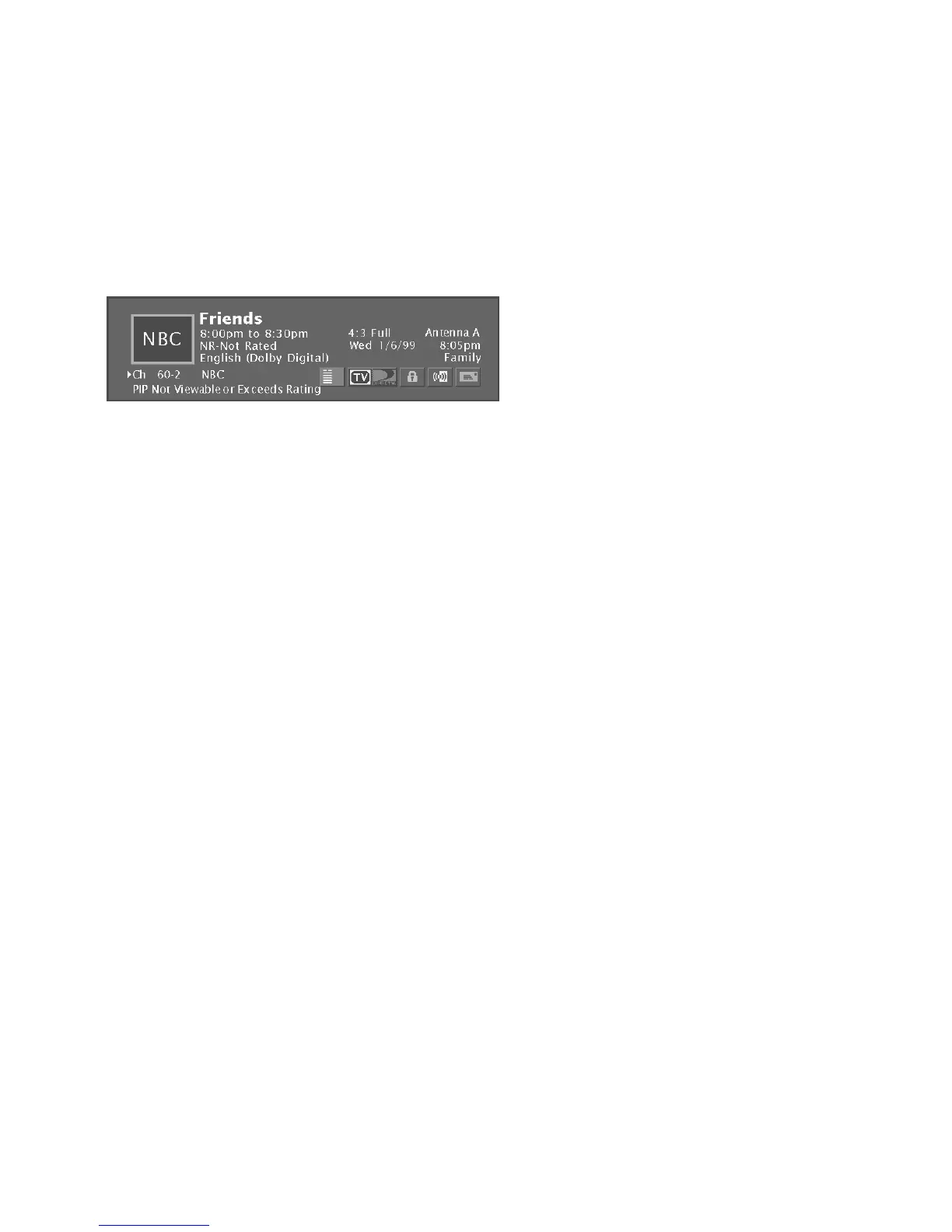
The message “PIP Not Viewable or Exceeds Rating” in the channel banner lets
you know that PIP is not available on this channel and you should tune to
another channel.













 To Next Page