System Options and Preferences
74
USING FETCH
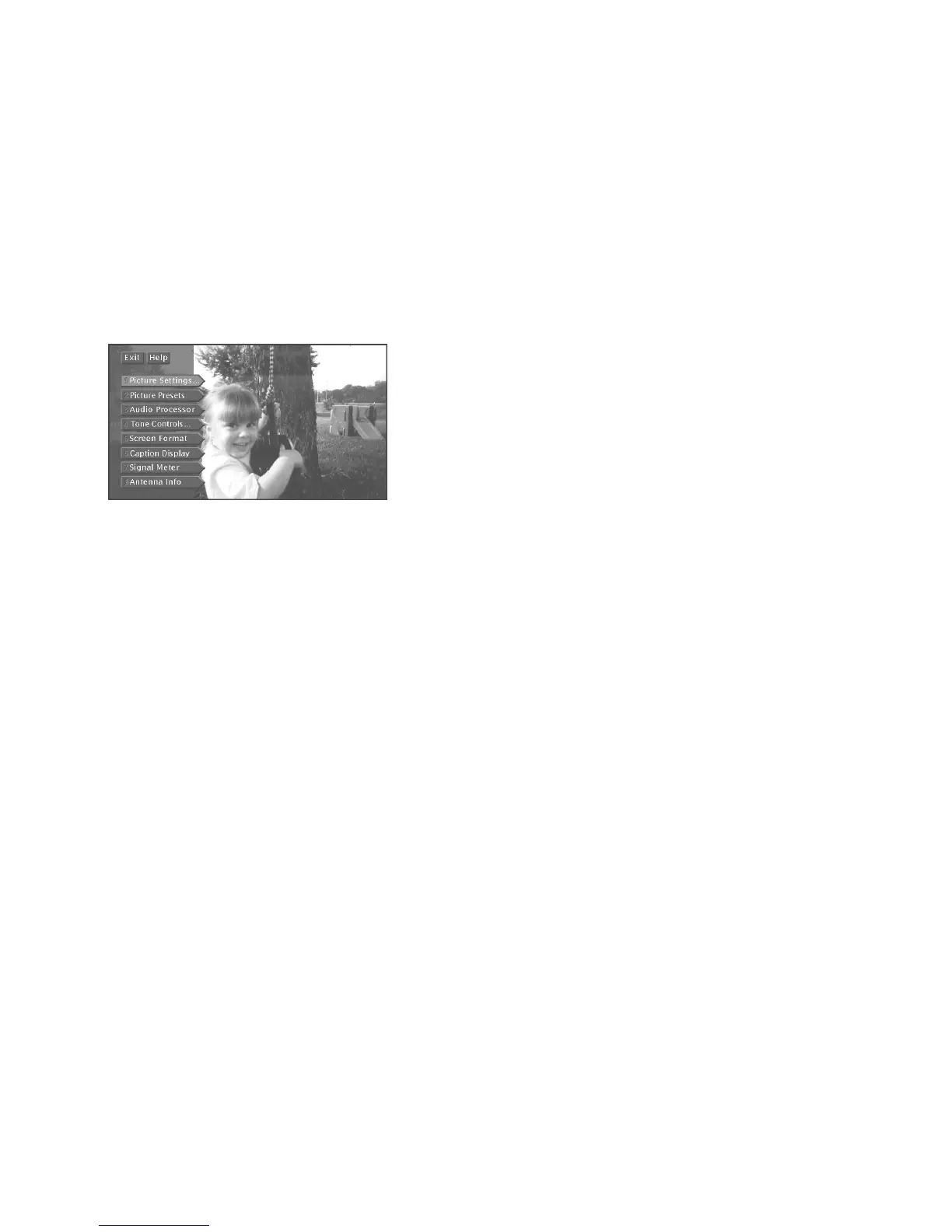
The Fetch menu is a list of eight convenient menu items. It serves as a shortcut to access
these menu items.
For instance, instead of going through four steps to access the Signal Meter (pressing
MENU, selecting
Assistance
, selecting
Dish Pointing
, then selecting
Signal Meter
), you
can press FETCH on the remote and select Signal Meter with only two button presses.
To view the Fetch menu, press FETCH on the remote control.
Using FETCH is a convenient way to access frequently used menu items.













 To Next Page