System Options and Preferences
66
MAILBOX
If you have ordered DIRECTV
®
programming, the mailbox shows you messages that
are sent—or “mailed”—from your program providers. For example, you may
receive a message calling your attention to a new service or special program
offering. If you have new or unread mail, the mail icon in the channel banner is
highlighted.
CHECKING YOUR MAIL
1. Select
Mailbox
from the System Options menu or the mail icon from the
channel banner to view your mail.
2. Highlight a message and press OK. The message opens for you to read.
2. Press OK again to close the message.
3. If you want to erase a message, highlight
Erase Message
and press OK. When
you exit the display screen, messages not erased are saved in memory.
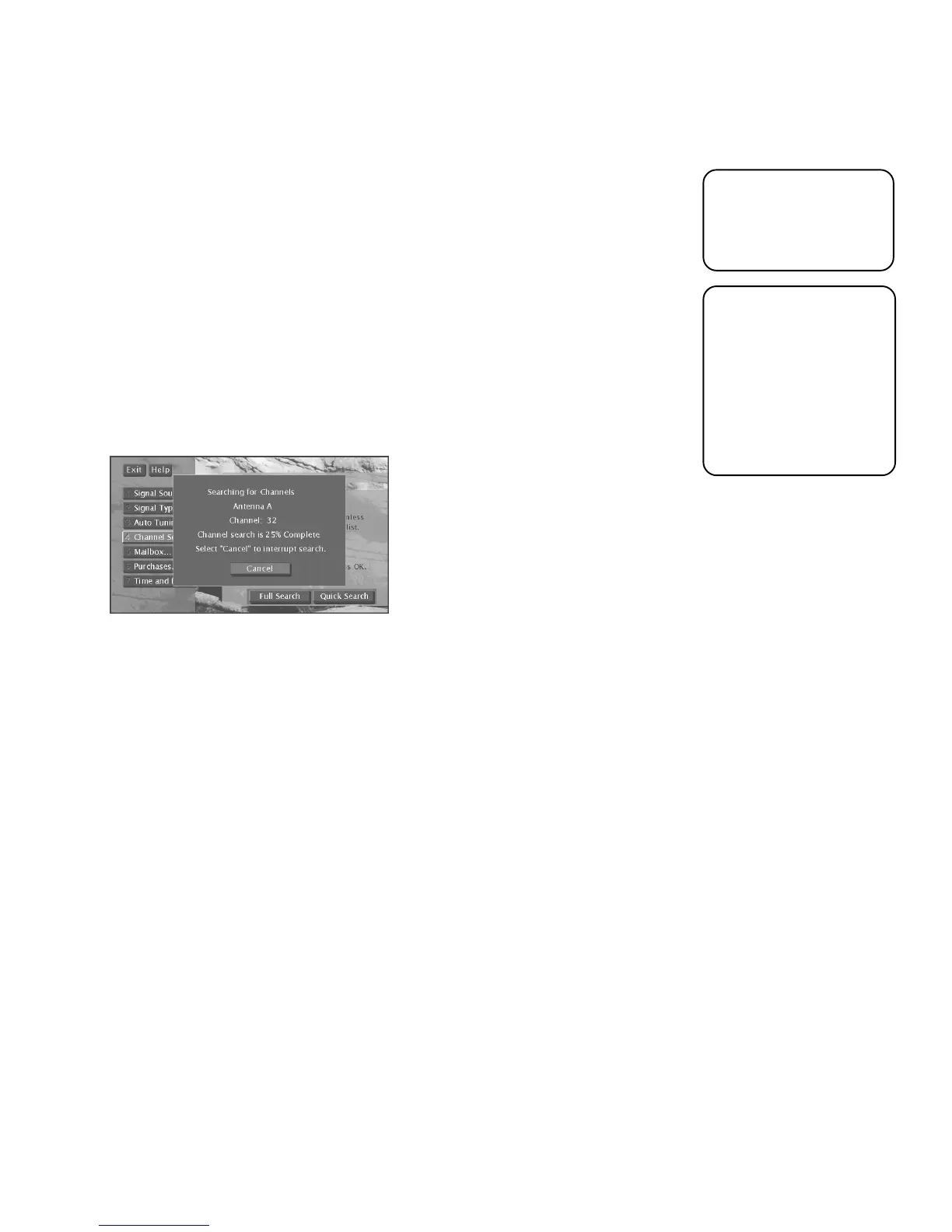
CHANNEL SEARCH
Engaging in a channel search tells the TV to search automatically for all the
terrestrial TV channels available through the antenna inputs. When the TV finds an
active channel, it places it in the channel list. Inactive channels (weak stations or
channels with no signal at all) will not be placed the channel list.
The Channel Search screen lets you choose to do either a Full Search or a Quick
Search. A Full Search searches both Antenna A and B, automatically detects
whether you are using cable or an off-air antenna, and may take many minutes.
Quick Search searches only for channels on the antenna you’re currently using and
uses the current Air or Cable setting. Quick Search is also completed faster than a
Full Search and is needed after you adjust a terrestrial antenna for optimum
reception.
Running Channel Search collects all available TV channels in a channel list.
You can also edit the TV
channel list and remove
unwanted channels by
using the Profiles menu.
Another way to add TV
channels is to directly
tune to them using the
digit buttons on the
remote control. If the
system can obtain that
channel’s signal, it will
be added into the
channel list.













 To Next Page