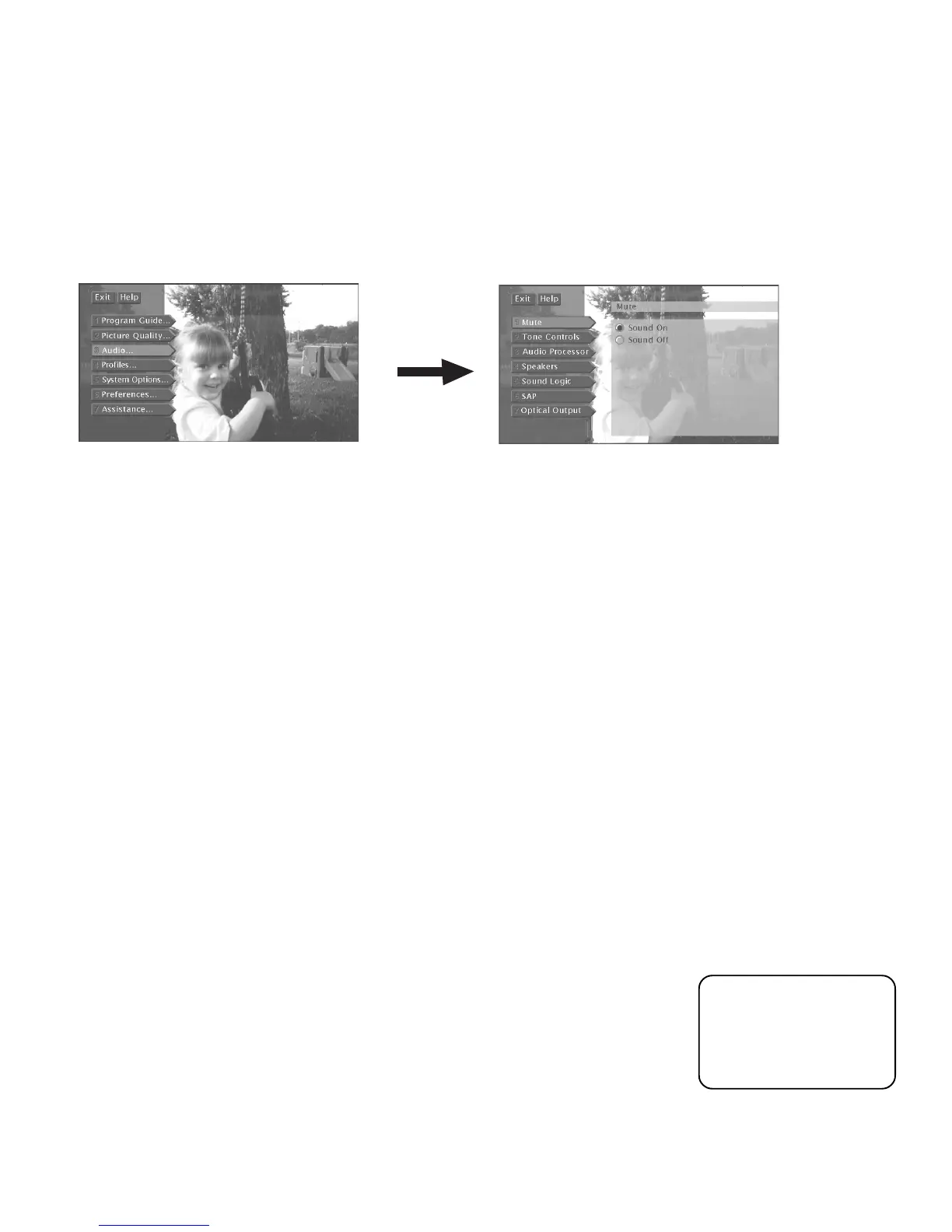
Adjusting TV Controls
46
MUTE
Turn Mute on (select
Sound Off
) to set the TV’s volume to its minimum level. The
same can be accomplished by pressing MUTE on the remote control.
TONE CONTROLS
Lets you adjust the Bass, Treble and Balance. Use the right and left arrow buttons
on your remote to adjust the sliders. Increasing the bass and treble output from the
TV’s internal speakers increases the low and high tones, respectively. Adjusting the
balance shifts the audio output between the left and right internal speakers.
AUDIO PROCESSOR
Displays a choice list of available audio modes, which control the way the sound
comes through your speakers.
To make settings:
1. Press MENU to access the main menu.
2. Select
Audio
, and then select
Audio Processor
. Depending on your speaker
setup, any combination of the following options will appear:
•
Mono
Plays the sound in monophonic audio only. This should only be
used when receiving broadcasts where distance from the broadcasters
makes the stereo signal weak. The channel banner displays the word Mono
when you tune to a program that is broadcast in mono.
•
Stereo
Splits the incoming stereo audio signal into left and right front
channels. Most TV programs and recorded materials have stereo audio.
The channel banner displays the word Stereo when you tune to a program
that is broadcast in stereo.
AUDIO CONTROLS
The Audio menu lets you adjust the controls that involve the TV’s audio outputs.
To access the Audio menu, press MENU on the remote, then select
Audio
from the
main menu.
For information on
connecting external
speakers to your HDTV,
see the section “Setup
and Connections.”













 To Next Page