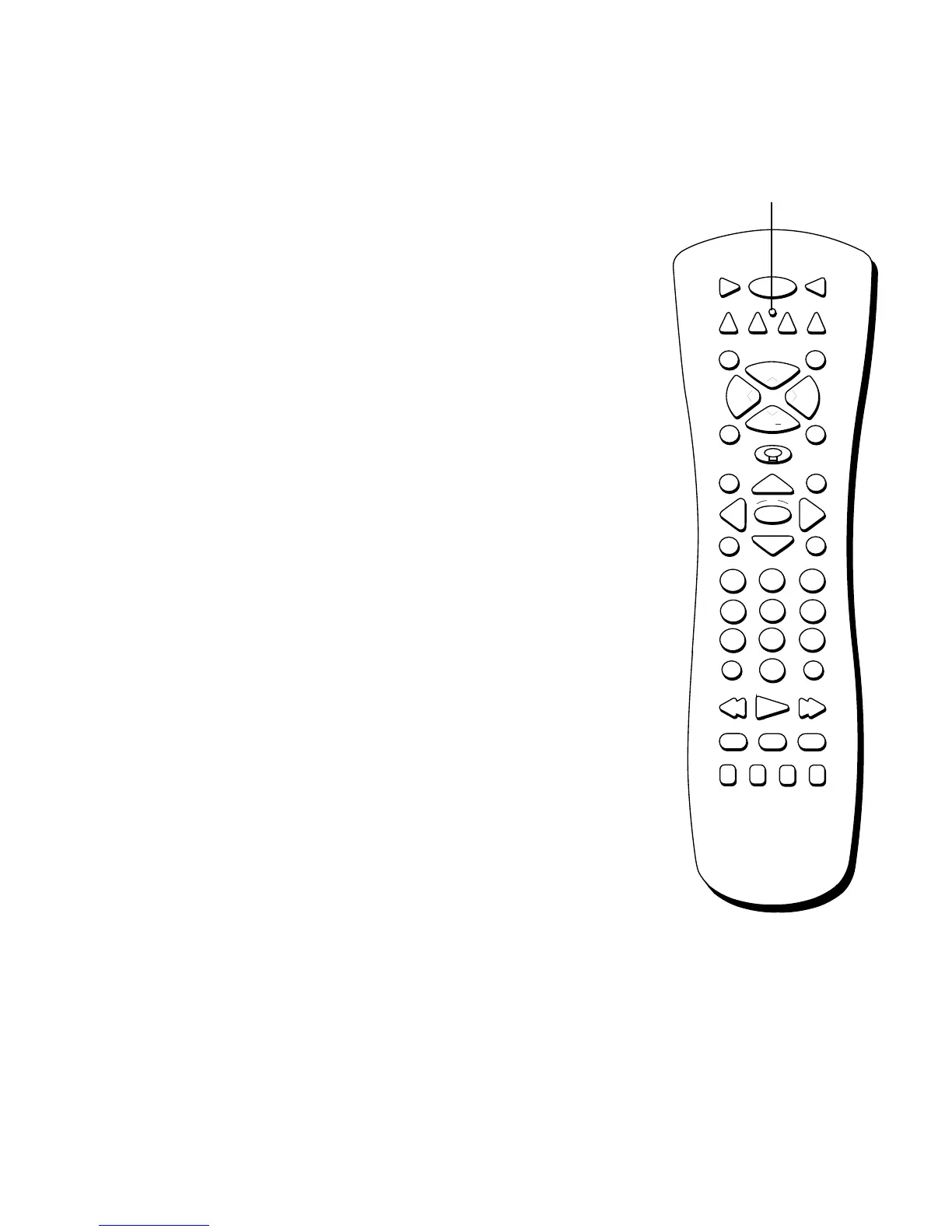
Using the Remote
18
REMOTE CONTROL BUTTONS
ON•OFF When the remote control is in TV or DIRECTV mode, ON•OFF turns
the TV on or off. If in another component mode, (VCR, DVD, etc.) and
programmed, the remote will turn the component on and off. When pressed twice
within two seconds, all components that are on will be turned off (this feature only
works with most RCA, GE, and PROSCAN products).
VCR1 Places the remote control in VCR mode and if auto tuning is enabled, it
will turn on the TV and tune to the correct video input channel for viewing VCR1.
TV Turns on the TV and tunes to the last-viewed TV channel. Also places the
remote control in TV mode. Placing the remote in TV mode enables you to access
the TV’s menu system as well as tune to analog, digital, or cable TV channels.
DVD Places the remote control in DVD mode and if auto tuning is enabled, it will
turn on the TV and tune to the correct video input channel for viewing your RCA,
GE, or PROSCAN DVD player.
VCR2 Places the remote control in VCR2 mode and if auto tuning is enabled, it
will turn on the TV and tune to the correct video input channel for viewing VCR2.
(LED) Light that indicates you’re in programming mode when programming the
remote control. Also displays when a valid remote control button is pressed.
AUX Places the remote in auxiliary mode in order to control the component (such
as a laserdisc player) that you have programmed it to control. Acts as a “wildcard”
button, as it can be programmed to control another VCR, cable box, satellite
receiver, or an RCA, GE, or PROSCAN audio component.
DIRECTV Places the remote control in DIRECTV mode, turns on the TV, and tunes
to the last-viewed DIRECTV
®
channel. If you subscribe to DIRECTV
®
programming,
you must be in DIRECTV mode to view DIRECTV
®
channels. Placing the remote in
DIRECTV mode enables you to access the TV’s menu system as well as tune to
DIRECTV
®
channels.
MUTE Reduces the TV’s volume to its minimum level. Press again to restore
volume.
SKIP Press once before changing channels and the TV will return to the original
channel after 30 seconds. Press repeatedly to add more time. If no other displays
are present, pressing CLEAR will cancel the commercial skip timer.
CH +/- Scrolls up or down through the current channel list. Press once to change
the channel up or down; press and hold to continue changing channels. If you are
in TV mode and press CH+/-, you scroll through TV channels. If you subscribe to
DIRECTV
®
programming and are in DIRECTV mode, you scroll through DIRECTV
®
channels. In DVD mode, CH +/- will skip chapters on a disc played by RCA, GE, or
PROSCAN DVD players.
VOL UP/DOWN Adjusts the TV’s audio volume.
FETCH Brings up the Fetch menu, which is a list of most commonly accessed
menu items.
123
456
789
0
ON•OFF
TVVCR1
DVD
MUTE SKIP
GO BACKFETCH
GUIDE INFO
MENU CLEAR
INPUT
REVERSE PLAY FORWARD
RECORD
PIP SWAP CH CTRL WHO
STOP PAUSE
ANTENNA
AUX
DIRECTV
OK
CH
+
CH
VOL
VOL
VCR2
LED













 To Next Page