Using the Profiles
50
ABOUT PROFILES
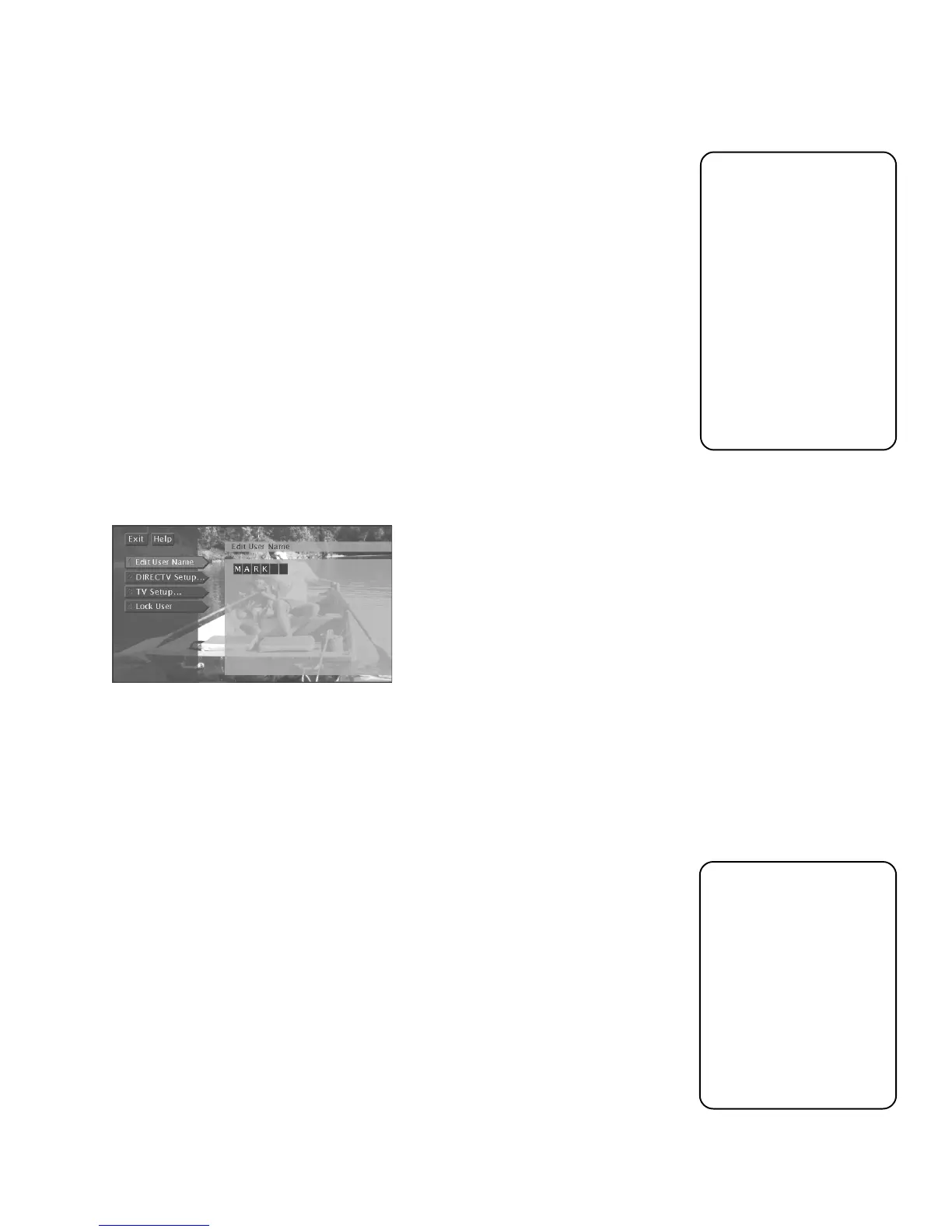
When you select
Profiles
from the main menu, you can create four different profiles
in addition to the default “Family” profile. You can set up specific channels, rating
limits, and spending limits for each profile. After you’ve set up these profiles, exit
the menu system. Then, press the WHO button on the remote control to scroll
through your profiles and press OK to access a certain one.
But first, personalize a profile by entering a name.
1. Select
Profiles
from the main menu.
2. Select a profile to edit:
User 1
,
User 2
,
User 3
, or
User 4
.
3. Select
Edit User Name
from the next menu.
4. Use the up, down, and right arrows on the remote control to find and select a
letter.
5. Press OK.
You can personalize each profile.
To continue editing the profile, select
DIRECTV Setup
(if you have ordered
DIRECTV
®
programming) or
TV Setup
. The following sections describe how to set
up these features.
THE DIRECTV SETUP
The DIRECTV Setup menu item is only accessible if you subscribe to DIRECTV
®
programming. Through this menu you can establish DIRECTV channel lists, set
spending limits, and set rating limits for DIRECTV
®
programs.
EDITING CHANNELS IN A DIRECTV LIST
You should create a DIRECTV channel list to establish which DIRECTV channels
the selected profile can access. To create the DIRECTV channel list:
1. Highlight and select a user name, then select
DIRECTV Setup
.
2. Highlight
Edit Channels
and press OK.
Use the MENU button
on the remote control to
bring up the main menu,
use the arrows to
highlight an option, and
press OK to select it.
If the main menu does
not appear, the remote
control might not be in
TV or DIRECTV mode.
Try pressing the TV or
DIRECTV button and
then MENU.
You can also set up
profiles as categories
instead of as users. For
example, name a profile
“Sports” and include
only sports channels in
the profile. Or, name it
“Movies,” include only
movie channels, and set
a rating and spending
limit for yourself or your
family.













 To Next Page