System Options and Preferences
68
You need to connect
your phone line to your
television to be able to
order PPV programs
using the on-screen
menus.
To purchase a movie or event, you can take one of two actions:
• Highlight a PPV program from the DIRECTV
®
programming guide and press INFO.
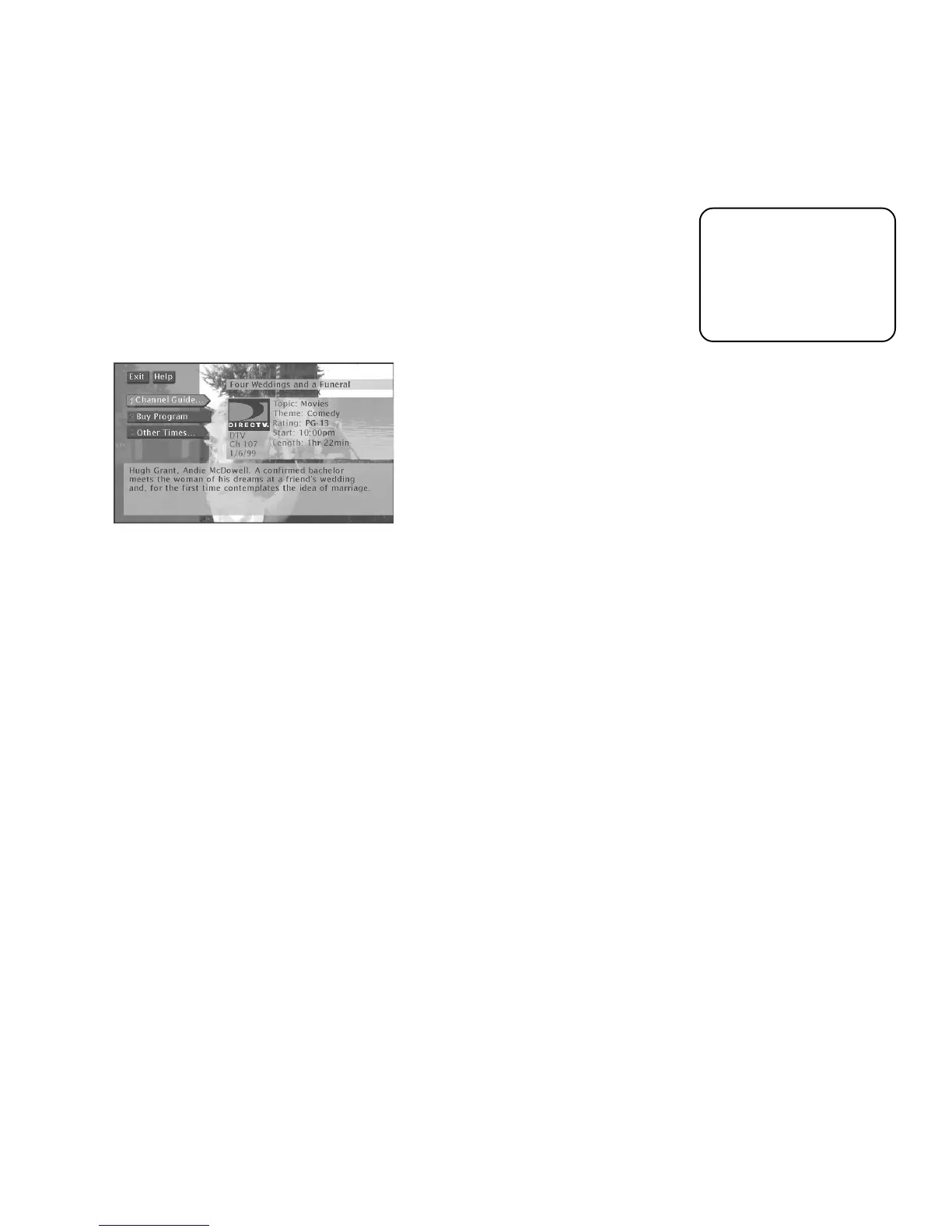
The Program Details screen will appear and give you more information about the
program. From this screen you can also purchase the program.
-or-
• Tune to a PPV by channel surfing within DIRECTV
®
channels and finding a PPV
channel. When you find it, press the INFO button find more information and
details about how to purchase it.
From the Program Details screen, you can select:
•
Channel Guide
to see a program lineup for that channel
•
Buy Program
to purchase the program
•
Other Times
to see what other times the program is available
The options available to you may vary according to the type of program you select and
whether you press INFO from a Pay Per View channel or from the program guide.













 To Next Page