18
User Manual
Copy Program - Press the UP button to Copy the current day’s program to the next day. Press
Mode again to continue copying the following day.
Press and hold the MODE and WARMER buttons to exit Time Period Programming at any time.
Press the MODE button to cycle through OFF, then the available modes (Setup Step 28) until
Program ON is displayed. Note that this sequence may be restricted due to settings on the
ProStat+ website. The thermostat can be configured to be non-programmable which will prevent
Program ON from appearing in the MODE sequence. The thermostat can also be configured to
force the program to always be running so the MODE button will have no effect.
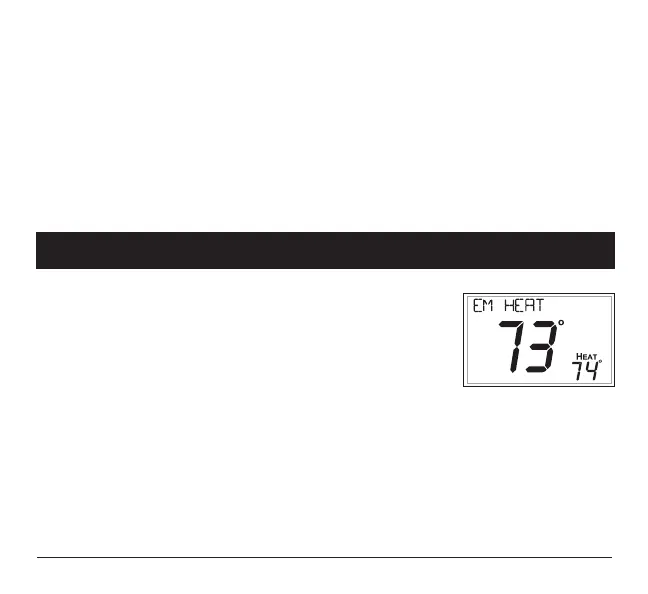
Emergency Heat
Only available if you have a Heat Pump installed. To initiate the
Emergency Heat feature, press the FAN button. While holding the FAN
button press the UP button for two seconds. The display will read ‘EM
HEAT’ (Emergency Heat).
During Emergency Heat operation the thermostat will turn on the fan and the Aux strip heat when
there is a demand for heat. Also during Emergency Heat, heatpump operation will be unavailable.
Exit Emergency Heat
Follow the same steps as entering Emergency Heat by pressing the FAN and UP buttons, for two
seconds. During Emergency Heat, only OFF and HEAT modes are available by pressing the
MODE button.
4 Advanced Features & Operation



 To Next Page