10
User Manual
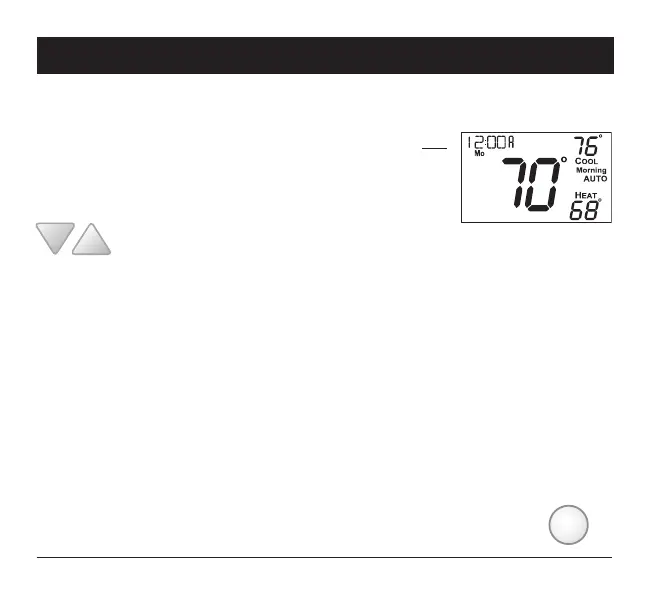
Selecting Your Desired Temperature (adjusting the setpoints)
Using the Fan Button
Fan indicates constant fan operation. You may turn the fan on even if the thermostat
is in the OFF mode. Pressing the FAN button toggles this feature on or off.
Auto-Changeover Mode
Pressing the WARMER or COOLER buttons in Auto mode will adjust both
the heat and cool setpoints simultaneously. To adjust the heat and cool
setpoints individually, choose HEAT mode to adjust the heat setpoint,
and COOL mode to adjust the cool setpoint, then return to AUTO mode.
Adjust the desired set
temperature with these buttons
FAN
2 Basic Operation
Heat or Cool Mode
Pressing the UP or DOWN buttons in Heat or Cool mode will adjust only the heat or cool set
temperature.
Turning on the Time Period Program
Pressing the MODE button should cycle through OFF, then the available modes (setup step #28)
then Program ON. Note that this sequence may be restricted due to settings on the ProStat+ Web
Portal. The thermostat can be configured to be non-programmable which will keep Program ON
from appearing in the MODE sequence. The thermostat can also be configured to force the program
to always be running so the MODE button will have no effect.



 To Next Page