Microbolometer Calibration
☐
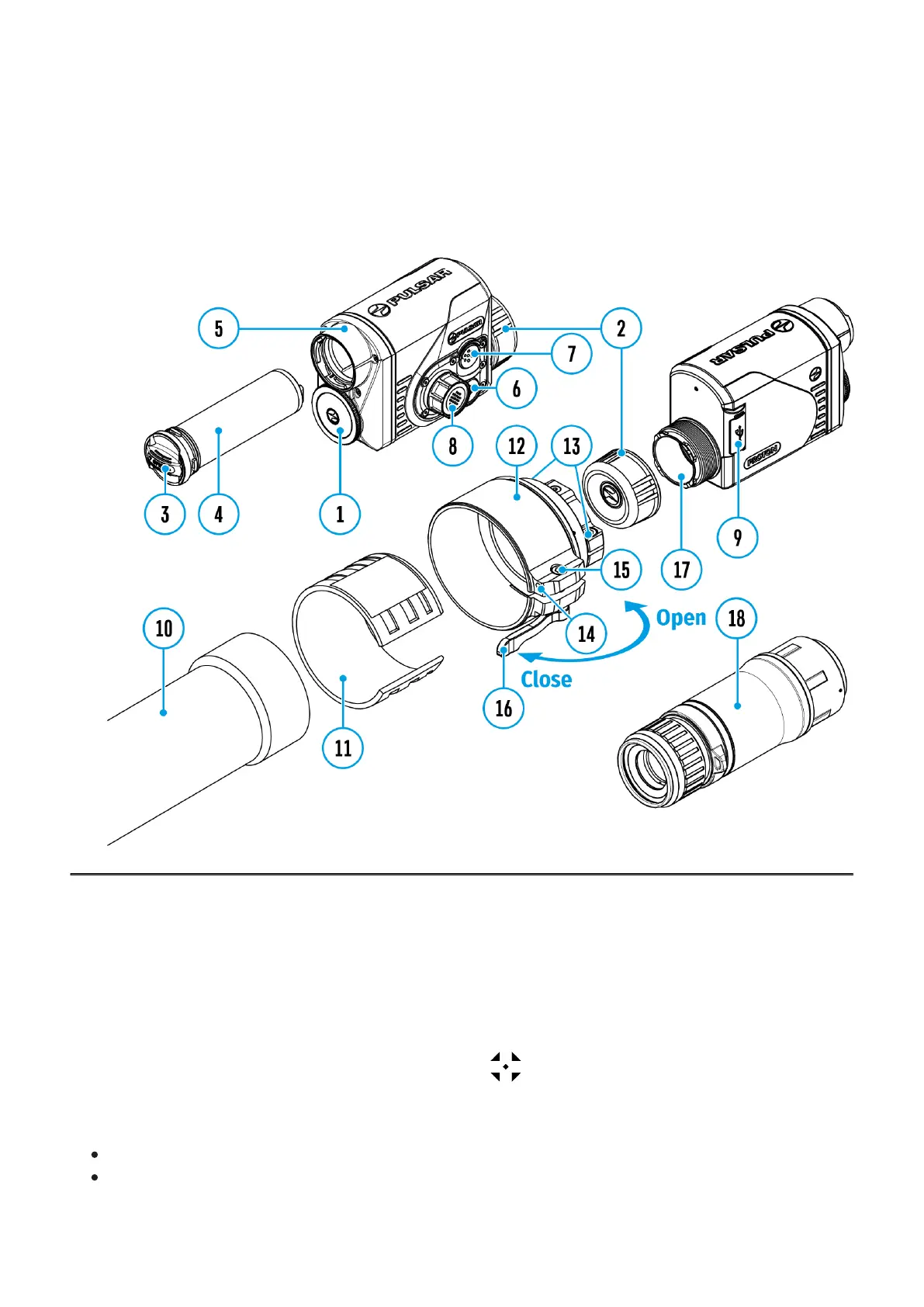
Show device diagram
Calibration enables the microbolometer temperature background to be equalized and defects
in the image (such as vertical lines, phantom images etc.) to be eliminated.
During calibration, the image on the display freezes briefly for up to 1 second.
There are three calibration modes: manual (M), semi-automatic (SA) and automatic (A).
Select the required mode in the Calibration Mode section of the menu.
M mode (manual)
Secure the lens cover (1) and briefly press the ON/OFF (6) button.
After completing the calibration process, remove the lens cap.


 To Next Page
 Loading...