Bluetooth
☐
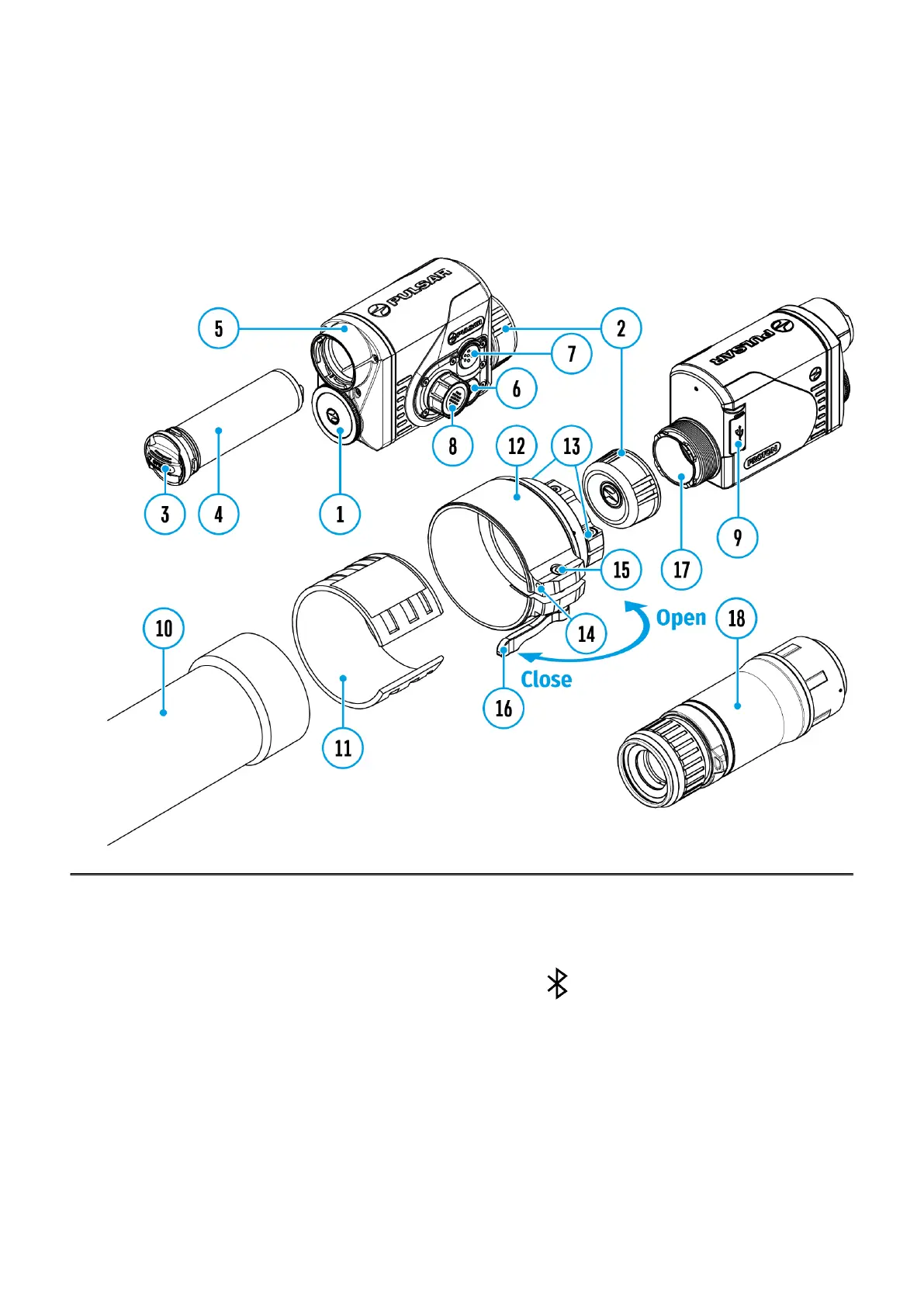
Show device diagram
Turn on/off Bluetooth
1.
Press and hold the controller button (8) to enter the main menu.
2.
Rotate the controller ring(8) to select the Bluetooth menu item.
3.
A short press of the controller button (8) opens the submenu.
4.
Turn Bluetooth on/off with a short press of the controller button (8).
5.
Press and hold down the controller button (8) to exit the submenu.
The process of connecting the wireless remote control is described in the Remote Control
Activation section.


 To Next Page