Video Recording and
Photography
☐
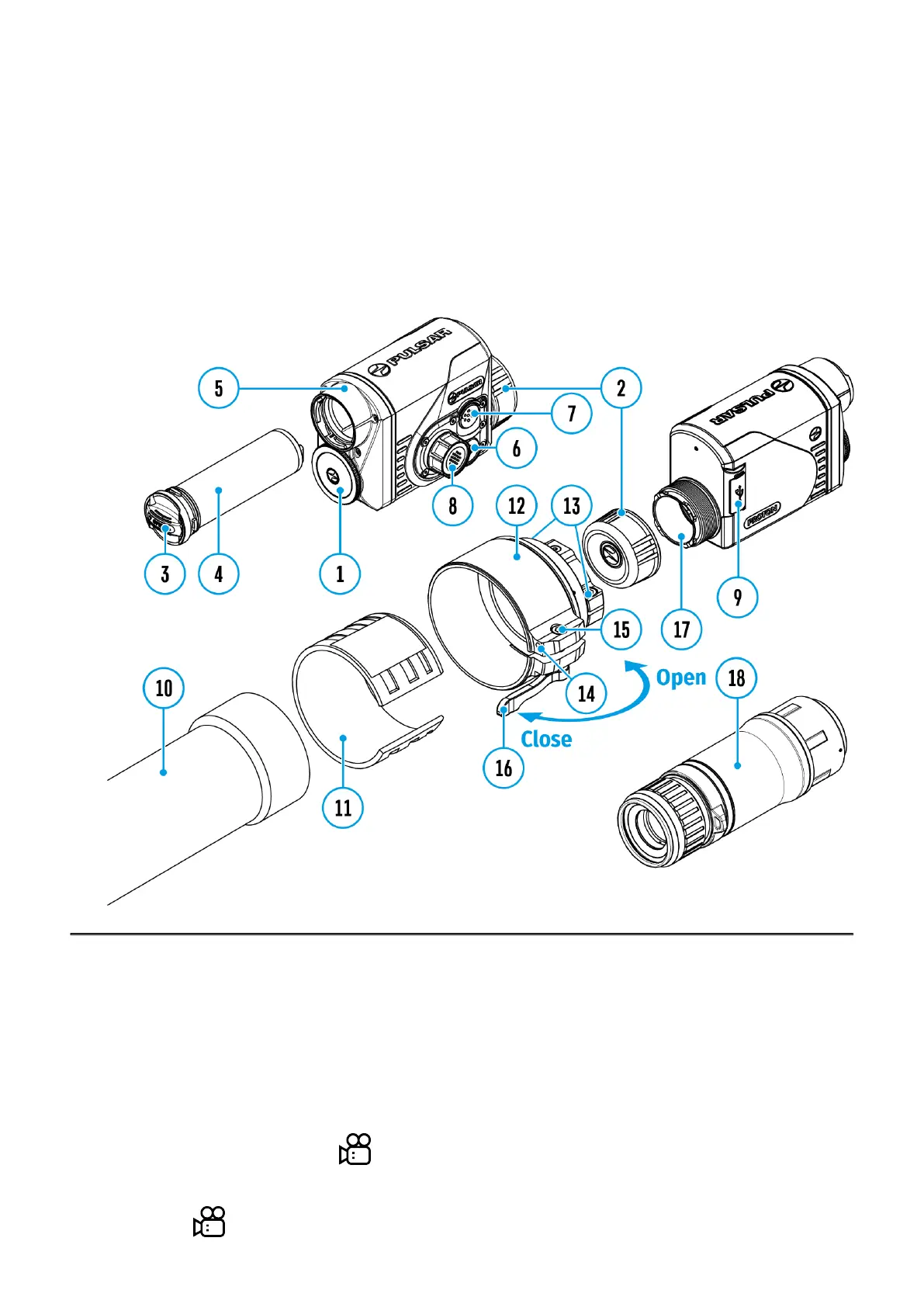
Show device diagram
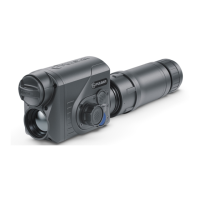
The Proton XQ30 thermal imagers are equipped with the option to record video and still
images (photography) of the observed image by saving them on the built-in memory card.
It is recommended to set the date and time (see the General Settings section) before using
the photo and video functions.
The built-in recorder operates in two modes:
Video mode. Video Recording
1.
Switch to Video mode by pressing and holding the REC (7) button.
2.
The icon and the remaining recording time in HH:MM (Hours:Minutes) format are


 To Next Page
 Loading...