PRO-VISION® Video Systems
33 provisionusa.com
23. Route the camera cable through the mounting hole in the center of the bracket (if applicable) and
install a grommet or put adhesive around the cable to provide a seal with the hole.
24. Route and install the extension cable(s) to the cameras final mounting location and connect it to
the camera. Leave enough slack to allow removal of the camera. (Typically 4-6”)
25. Install the four (4) side mounting screws into the side of the camera through the bracket using a
lock washer and washer on each. Do not tighten the screws until the final aim is set.
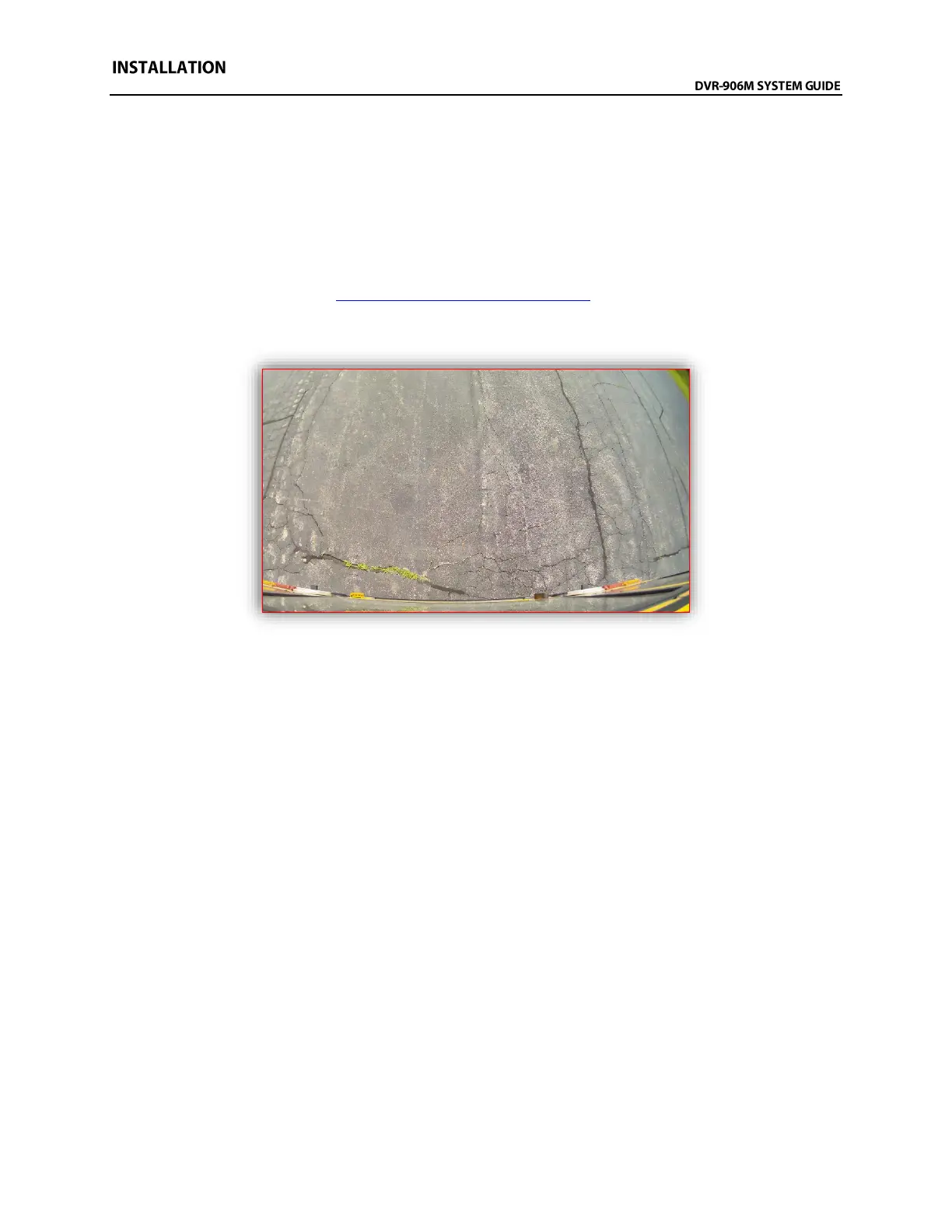
26. Power on the DVR unit and connect to the Wi-Fi to view the live camera image to properly aim it
on the view page. (See Viewing Cameras on a Smart Device for connection details)
27. After the camera is aimed, tighten the four (4) mounting screws on the sides of the camera.
Example view from the rear of a Thomas C2 School Bus



 To Next Page