4.2 Operation
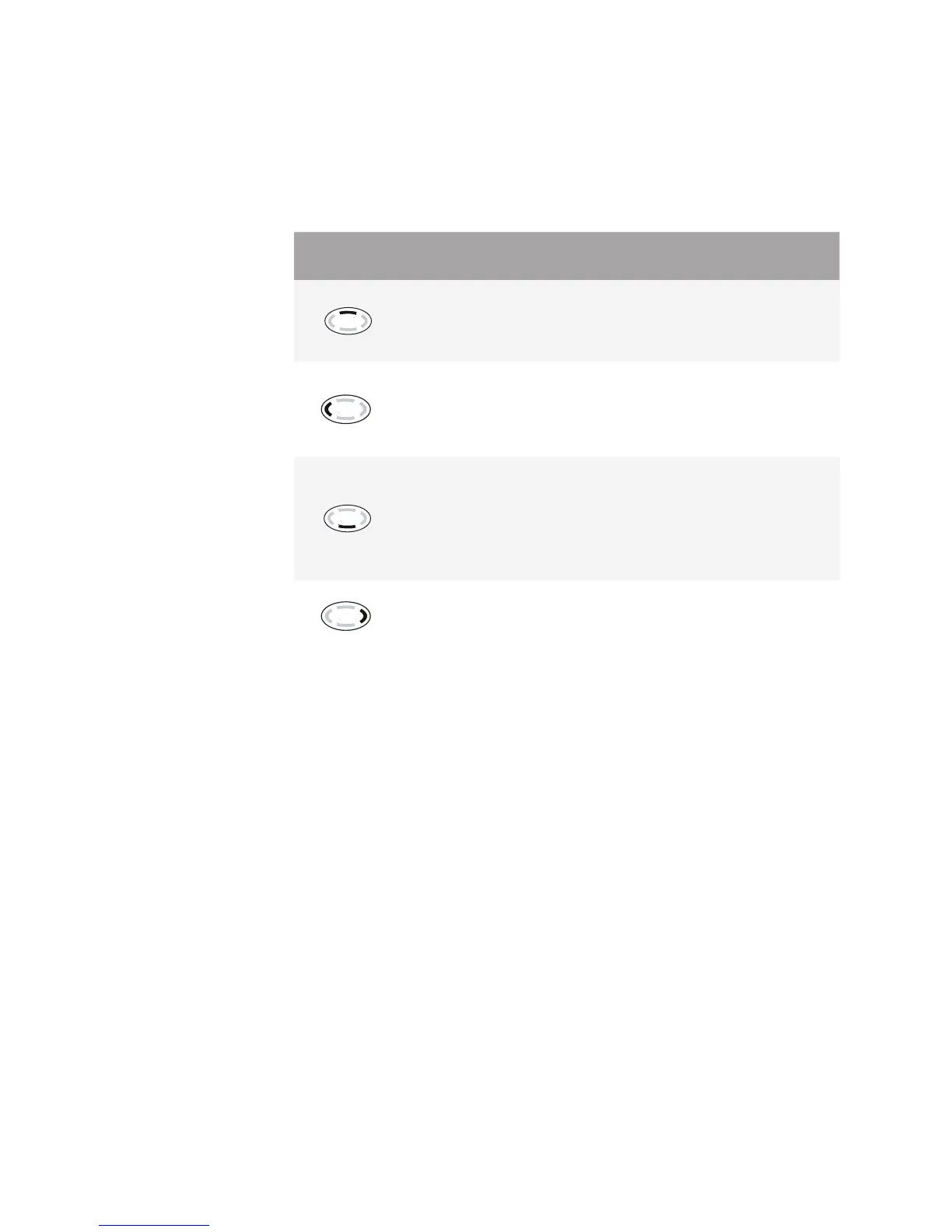
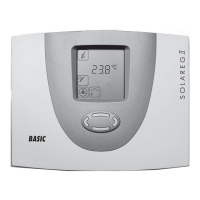
The SOLAREG II can be operated simply and easily by using the four control but-
tons. You can use the control buttons to:
Access display values ■
Make changes to unit settings ■
The icons on the display let you navigate easily through the various control func-
tions.
The control buttons have the following functions:
Control but-
tons
Function Description
"Up"
„+“
Go to menu item above ■
Value modication: increments displayed
value by 1; if the button is pressed and
held, the value increments continuously
"Page left"
"Exit"
"Cancel"
Page left in main menu ■
Exit a menu ■
Exit a menu item ■
Cancel a value change without saving it ■
"Access"
"Down"
„-“
Access a main menu, ■
Go to menu item below
Value modication: decrements dis- ■
played value by 1; if the button is pressed
and held, the value decrements continu-
ously
"Page right"
"Select"
"Conrm"
Page right in main menu ■
Select a menu item ■
Conrm a value change and save it ■


 To Next Page