VIBXPERT II - Short instructions - 04.2012
22
Measuring a route with VIBCODE
Operation: Measurement
Switch on VIBXPERT.
• seesection‘Basicfunctions’,p.12.
Start ‘Route’ mode.
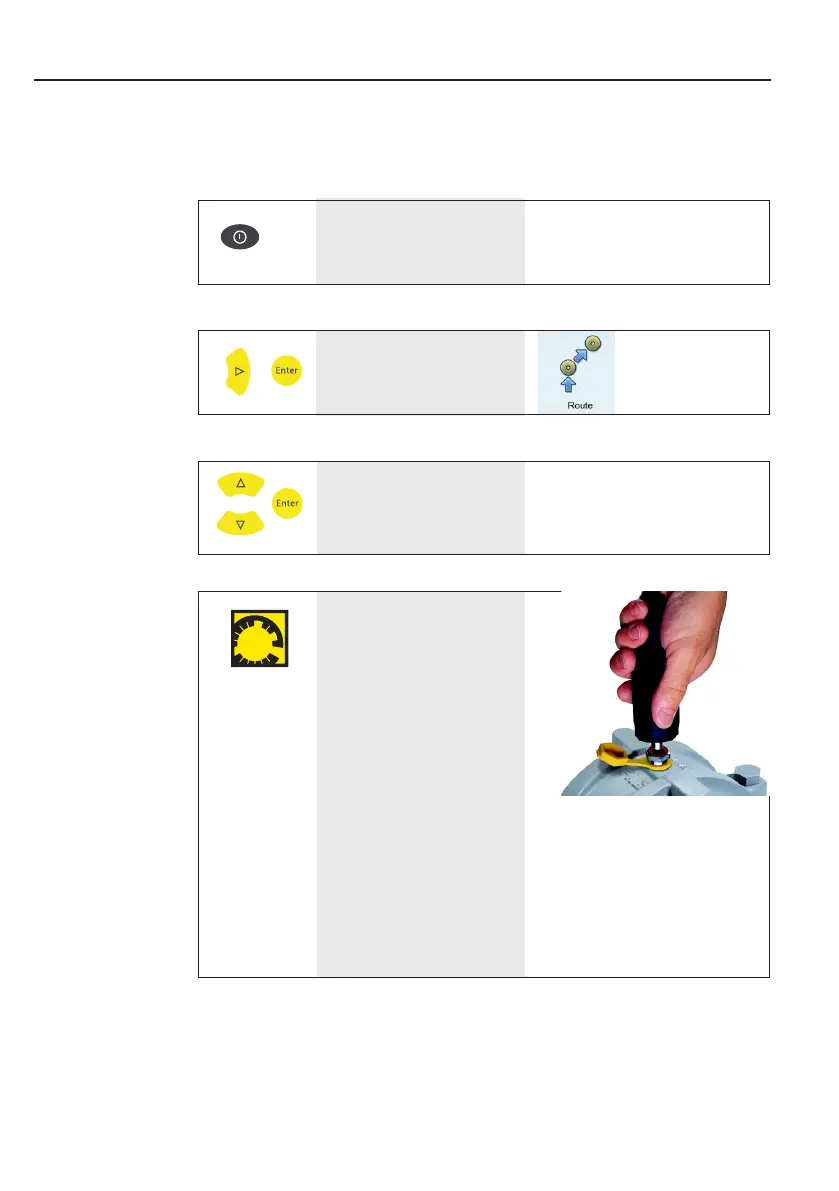
Connect the VIBCODE
transducer to the VIBCODE
measurement location.
• Measurementsstartautomati-
cally, if the location is found in the
route.
• Ifthemeas.locationisinthe
VIBCODE pool:
First measurement starts automati-
cally, all other measurements must
be triggered manually with the
‘Enter’ key.
Select route.



 To Next Page
 Loading...


