104 PowerScan
®
Scanner
EAN Data Format
Settings
These settings affect EAN data format.
SET ------------------------------------------
EAN-13
Send Check Digit ---------
Don’t Send Check Digit ---------
Send NSD
a
---------
Don’t Send NSD
a
---------
a. NSD = Number System Digit. The NSD character is the character that
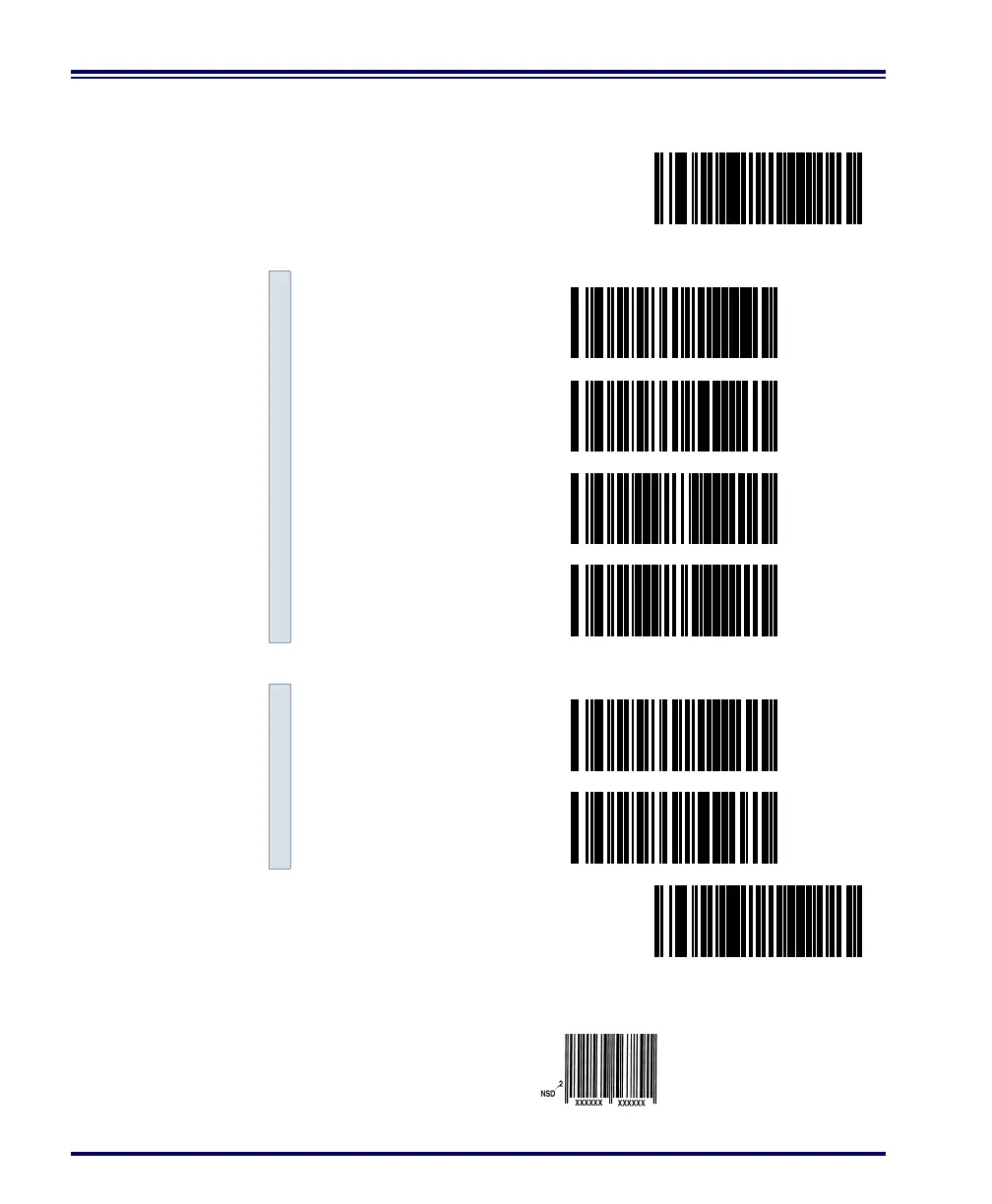
precedes the EAN bar code, as in this example.
EAN-8
Send Check Digit ---------
Don’t Send Check Digit ---------
END ------------------------------------------
Example: EAN
with NSD



 To Next Page