142 PowerScan
®
Scanner
Multiple Read
Mode
When enabled, Multiple Read Mode allows the reading of multiple
labels with one trigger pull.
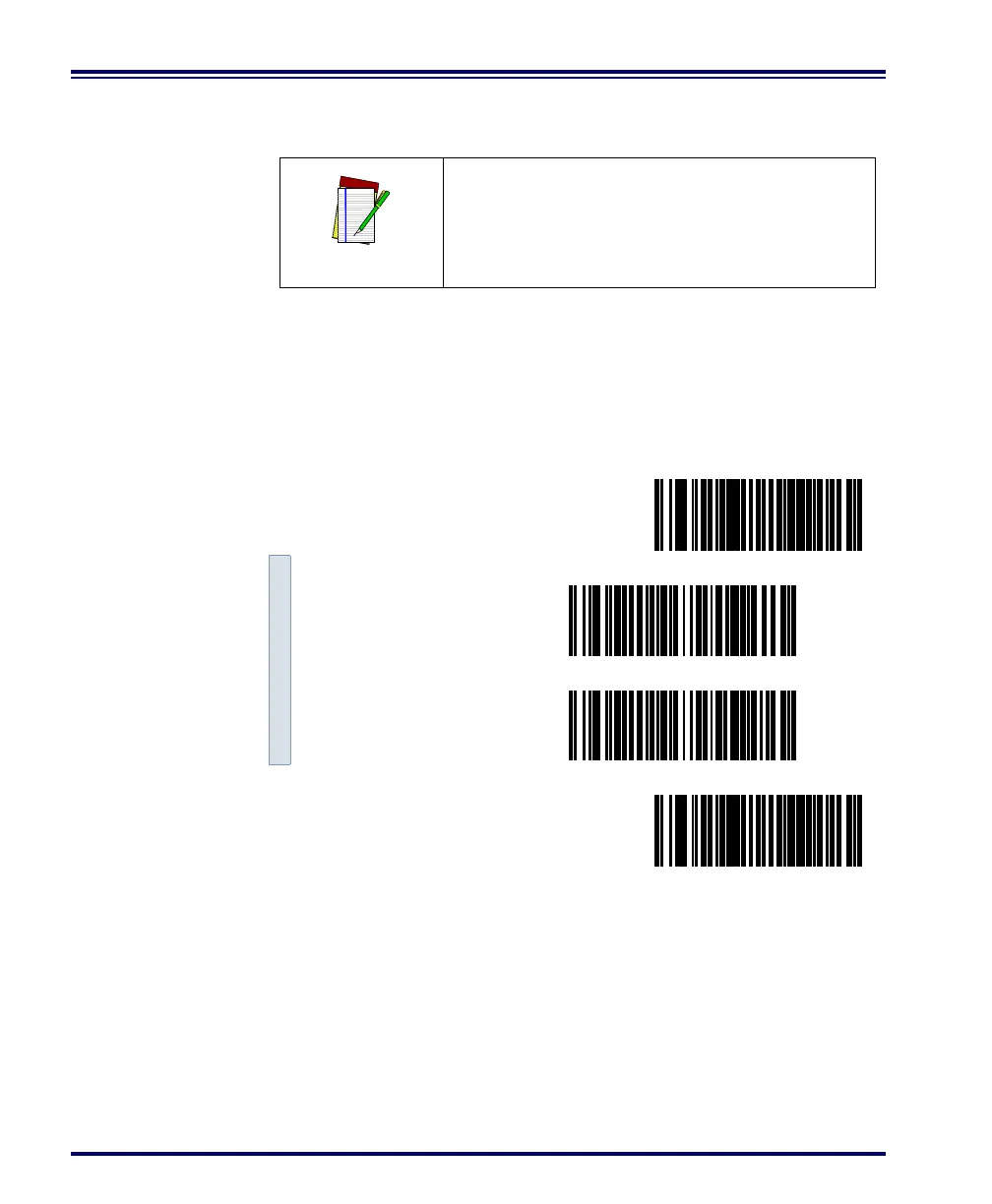
Scan these bar codes to set the Multiple Read Mode options.
1. Scan the SET bar code.
2. Scan the bar code to enable/disable the option.
3. Scan the END bar code.
NOTE
For hands-free scanning use the AutoSense
®
feature described on page 138.
SET ------------------------------------------
Enable ---------
Disable ---------
END ------------------------------------------



 To Next Page