Programming Guide 141
Half-Angle When enabled, the Half-Angle feature causes the scanner to scan with
a scan angle that is approximately half the standard setting. Disabling
the feature returns the scanner to the standard scan width.
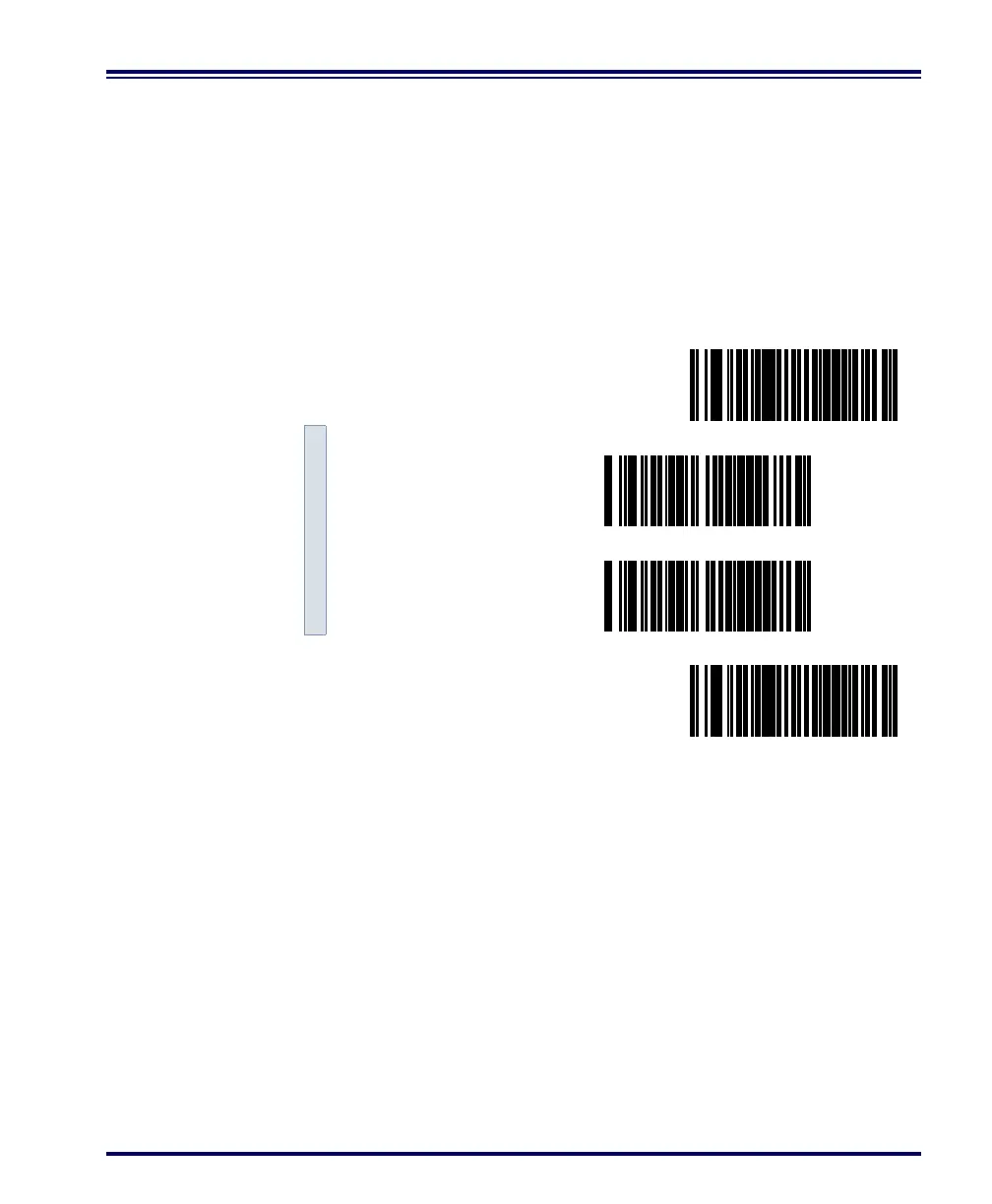
Scan these bar codes to set the Half Angle options.
1. Scan the SET bar code.
2. Scan the bar code to enable/disable the option.
3. Scan the END bar code.
SET ------------------------------------------
Enable ---------
Disable ---------
END ------------------------------------------



 To Next Page