18 PowerScan
®
Scanner
Wand
Emulation Pre/
Post-Noise
Settings
The number of noise transitions generated prior to or following label
transitions are independently configurable options. To set either pre- or
post-noise transitions, enter Programming Mode by scanning the SET
bar code, then follow these steps:
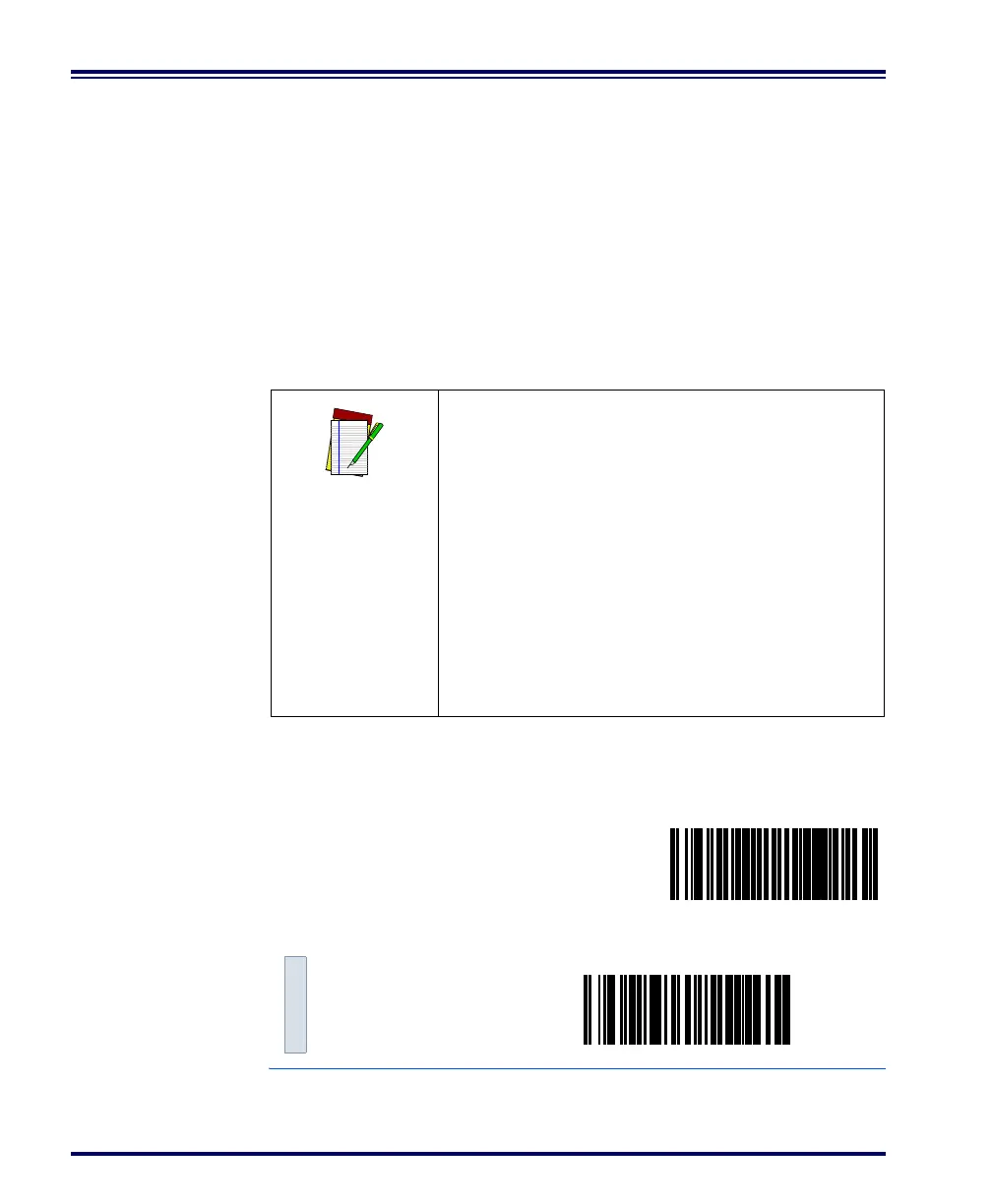
1. Scan Don’t Transmit Pre-Noise or Don’t Transmit Post-Noise,
followed by the END bar code to disable noise transitions, or...
2. Scan the Set Pre- or Post -Noise Transitions bar code followed
by the digits from Appendix C: Keypad that represent the
desired number of noise transitions. Select from one to twenty
1
noise transitions for either pre- or post-noise. Complete the
programming sequence by scanning the END bar code.
Pre-Noise
Settings
1. Scanners with a date code of February of 2001 or before MUST select the digits zero-one (01).
See the note on this page for details.
NOTE
Settings for this feature have been enhanced
since the product was originally released, add-
ing the option to select a specific quantity of
noise transitions. If your scanner has a date
code of February, 2001 or before, pre-noise/
post-noise transitions are enabled by following
Step 2 above, EXCEPT the single digit selected
from Appendix C: Keypad MUST be one (1).
This will either set the pre-noise transitions to
one or the post-noise transitions to three
depending on which feature is being pro-
grammed. The feature is disabled in the same
manner as Step 1 above.
SET -------------------------------------------
Pre-Noise
Don’t Transmit
Pre-Noise ---------



 To Next Page