22 PowerScan
®
Scanner
Data Format
Settings
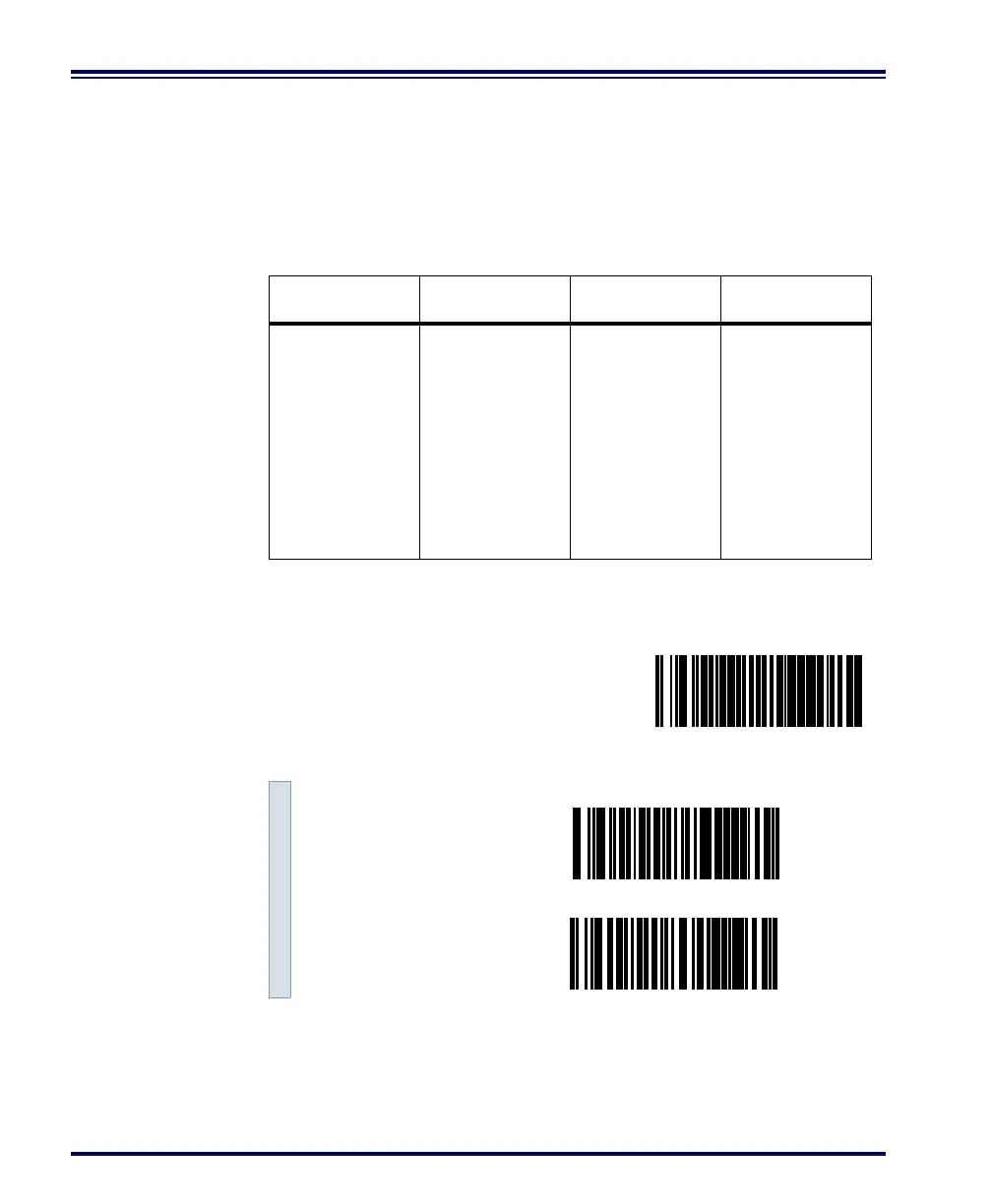
The bar codes on this page can be used to select the data format config-
uration needed to communicate with your system. Refer to Table 1,
RS-232 Data Format below for acceptable combinations of these setting.
Data Format
Table
There are many possible data format configurations for an RS-232
interface. Check your host system manual to find out your system's
communications requirements.
Table 1. RS-232 Data Format
Use these bar codes to set the Data Format options desired.
Data Bit Parity Bit Stop Bit(s) Start Bit
Seven 021
Seven 111
Seven 121
Eight 0 0 1
Eight 0 2 1
Eight 1 1 1
SET -------------------------------------------
Data Bit
Seven ---------
Eight ---------



 To Next Page